

Types of Bounces
Hard Bounce
A hard bounce means the email permanently could not be delivered. Common causes include:- The email address doesn’t exist
- The domain name doesn’t exist
- The recipient’s mail server has permanently rejected the email
Soft Bounce
A soft bounce means the email temporarily could not be delivered. Common causes include:- The recipient’s mailbox is full
- The recipient’s mail server is temporarily unavailable
- The email message is too large
- The recipient’s server is rate-limiting incoming mail
How Flowforth Shows Bounces
On the sent email’s detail page:- The Bounce Rate metric card shows the percentage of recipients who bounced
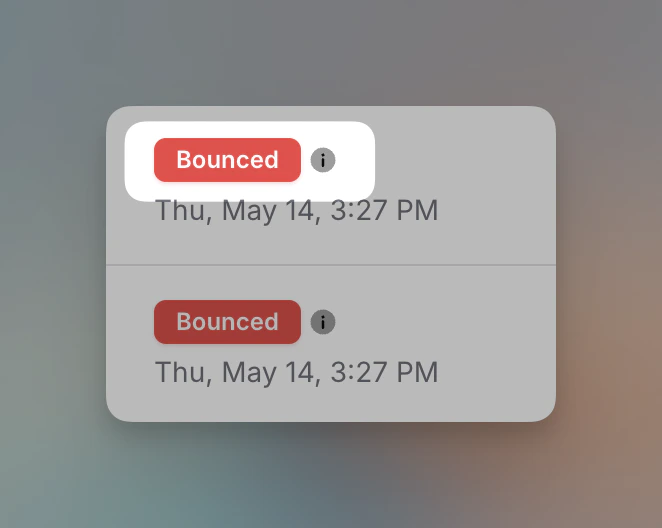
- On the Recipients tab, bounced recipients are marked with a Bounced status
- Click the info icon next to the Bounced badge to see more details about why the email bounced
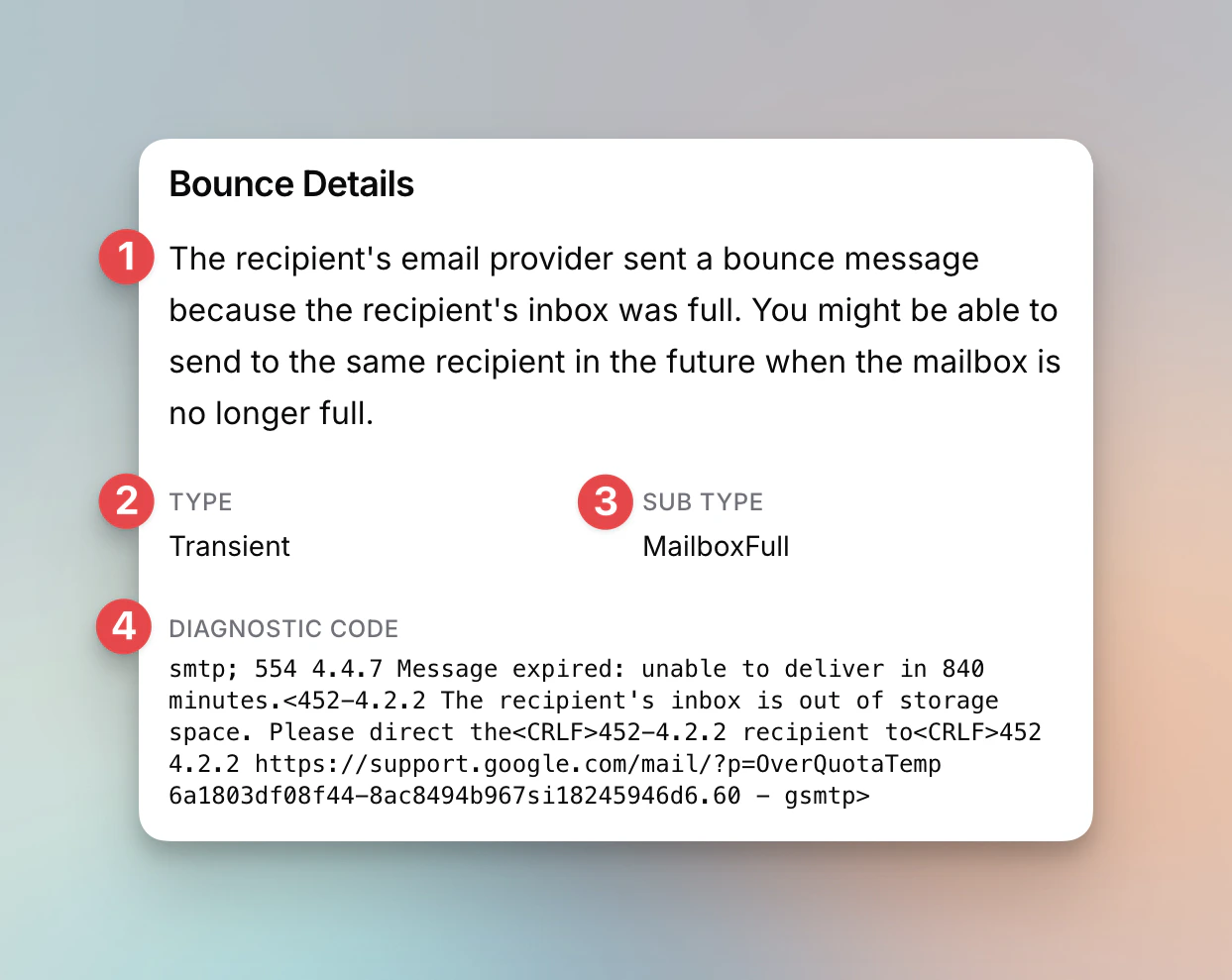
- Description - A plain-language explanation of why the email bounced and whether you can try sending again
- Type - Permanent (hard bounce, the address will never work), Transient (soft bounce, a temporary issue that may resolve), or occasionally Undetermined (the recipient’s server didn’t give a clear reason)
- Sub Type - The specific reason for the bounce (e.g., MailboxFull, NoEmail, Suppressed)
- Diagnostic Code - The raw SMTP response from the recipient’s mail server. This is technical but can be helpful if you need to share details with support.
Automatic List Cleaning
Flowforth automatically protects your sender reputation by marking problem addresses as Cleaned and excluding them from future sends:- A hard (Permanent) bounce cleans the address immediately.
- A soft (Transient or Undetermined) bounce doesn’t clean the address right away — but if the same address bounces 3 times within a year, it’s cleaned.
- An address that reports your messages as spam 3 or more times is also cleaned.
What to Do About Bounces
- Review hard bounces. These addresses will likely never receive your emails. Check if the address is correct in Planning Center, or remove it if it’s invalid.
- Monitor soft bounces. A one-time soft bounce is usually fine. If the same address bounces on multiple sends, the mailbox may be abandoned or permanently full.
- Keep your lists clean. Regularly sending to bounced addresses hurts your sender reputation and can affect deliverability for your entire organization.
Bounce Rate Guidelines
Need help investigating bounces? Contact support@flowforth.co.