

What You Can Build
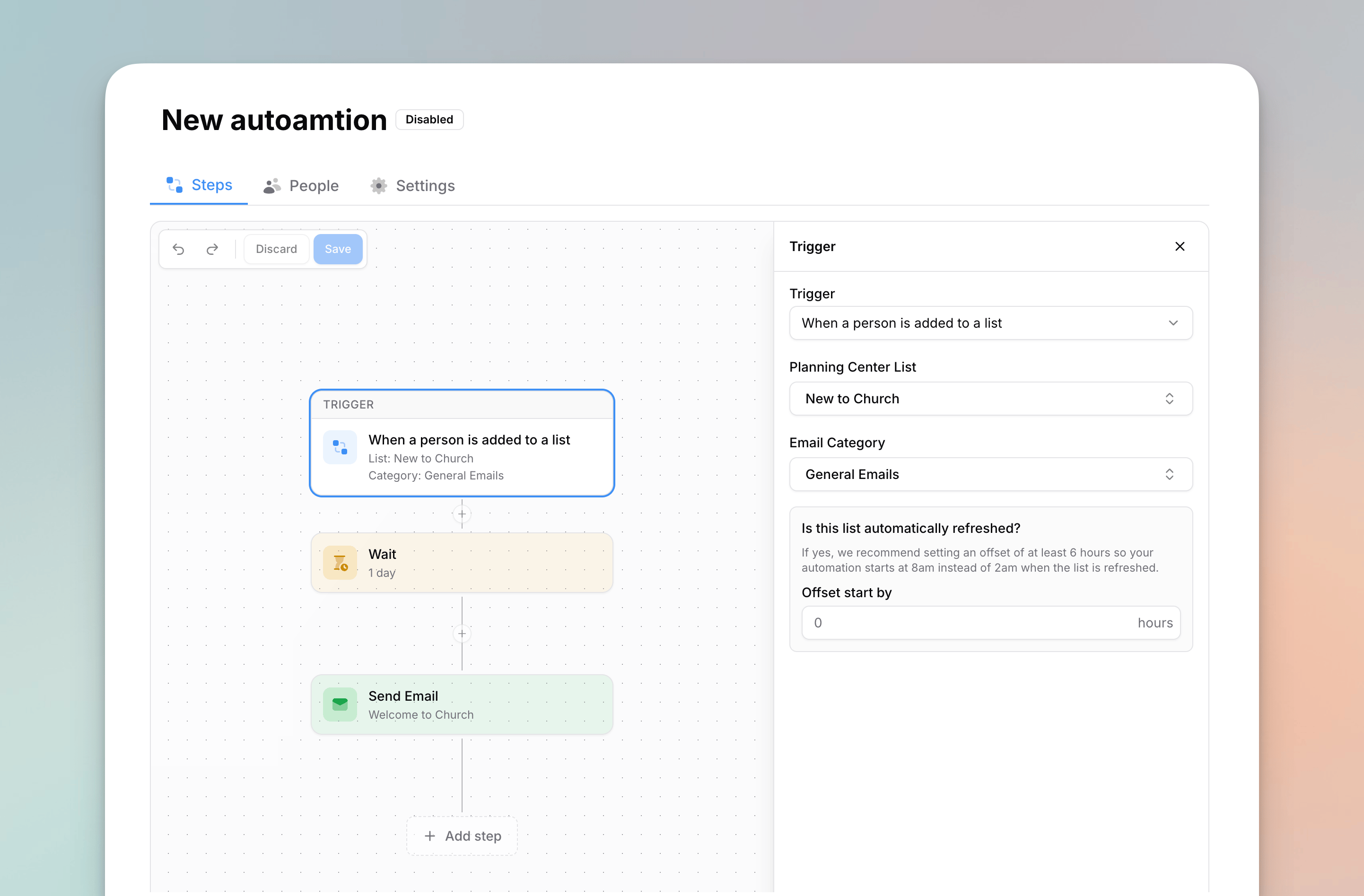
Automations are flexible enough to cover almost any follow-up or recurring email you’d otherwise send by hand:- Welcome series — when someone joins your “New People” list, send a warm welcome now, then a follow-up a few days later.
- Signup follow-ups — when someone submits a Planning Center form, kick off an email sequence.
- Service attendance — email a list every week or month, like a Sunday note asking volunteers or members to confirm they attended a service.
- Email devotionals — drip a multi-day or multi-week devotional series, sending one reading at a time with a wait between each.
- Branching journeys — send different content to people based on whether they’re already in another list, using If / Else conditions.
- One-off campaigns — build a flow and run it manually for exactly the people you choose.
How Automations Work
Every automation is made of two parts:- A trigger — what starts the automation. This can be a person joining or leaving a list, submitting a form, a weekly or monthly schedule, or a manual run. Learn more in Triggers.
- Steps — what happens once someone enters. You build these on a visual canvas in the automation builder: send emails, wait, send Church Center notifications, branch with conditions, and more.
Automations are available to email Managers and account owners. Members with the email designer role don’t have access to automations.