

Folders for Automations
- Automations can now be organized into folders. On Emails › Automations, click New Folder, give it a name and an optional color, and your folders show at the top of the table.
- Move an automation from its ⋯ menu with Move to Folder, or select several and click Move in the action bar. You can create a folder right from the move dialog.
- New automations created inside a folder land in it, and duplicating an automation keeps the copy in the same folder. Deleting a folder moves its automations back to the main list, so nothing is deleted. Learn more in Automation Folders.
Improvements
- Typing a comma, period, or other punctuation right after a merge tag no longer leaves a space before it. Learn more in Merge Tags.
Leave People Out of a Send
- Emails can now leave people out. On the pre-send page, click Exclude next to Recipients in the To section to open a Don’t send to field, and pick the lists, people, groups, or registrations to leave out. Anyone in them is skipped at send time, even if one of your recipients also includes them.
- Once anything is excluded, the field becomes a highlighted panel with a count so it can’t be missed. The same list, person, group, or registration can’t be both a recipient and excluded — each picker marks what the other already holds.
- The send confirmation lists exclusions under To as Except anyone in, and a sent email’s Audience card shows them in an Except row.
- Duplicating an email carries its exclusions over, so the copy doesn’t reach people the original left out.
- If Flowforth can’t confirm who to leave out — for example, an excluded list was deleted in Planning Center — the email isn’t sent, and the error tells you what to fix. An email with exclusions can’t also post a Church Center announcement, since the announcement would reach the people you left out.
- Exclusions can be changed on drafts and failed sends. They don’t apply to CSV uploads or follow-ups. Learn more in Leaving People Out.
Fixes
- The Web tab in the email preview fills the whole preview window again, instead of only the top half.
Connect Claude and ChatGPT
- Flowforth now connects to Claude and ChatGPT. Ask about your emails, results, and audience in plain language, preview emails, check their links, and set up drafts — the assistant acts as you and only sees what your Flowforth permissions allow. Flowforth is listed in Claude’s connector directory; ChatGPT connects through its developer mode.
- See and disconnect the apps connected to your account under Connected apps in Settings.
- Organization owners control how Claude and ChatGPT can work with their organization. Open Settings › Integrations and click AI tools.
- Allow AI tools turns them on or off for everyone. Allow edits decides whether they can create and change drafts, templates, folders, and categories, or only read. Show people’s details decides whether they see people’s names, email addresses, and subscription status, or only counts — it’s off by default.
- The page also has a Connect row for each of Claude and ChatGPT and shows which of your own accounts are connected. Every member can see the settings, but only owners can change them.
- The Flowforth approval screen tells you when an owner has turned AI tools off. AI tools never send or schedule email. Learn more in AI Assistants, Claude Connector, and ChatGPT Connector.
Improvements
- Columns can now stack right on top on phones. The Mobile setting on a columns block is a dropdown with Left on top, Right on top, and Keep Columns — handy for keeping an image above its text when the image is on the right. Desktop layout is unchanged. Learn more in Columns and Layouts.
- The Publishing and Church Center sections on the pre-send page let you pick an email category right there when none is set, instead of sending you back up to To. Picking one turns the section on straight away.
Fixes
- Lists, groups, and registrations with more than 20,000 people can be sent to again. Sends to them were failing.
- Headings, lists, paragraphs, and links inside an HTML block now look the same in the sent email and preview as they do in the editor. An unstyled heading, for example, was showing up large and bold in the email.
- The Links tab in the email preview scrolls instead of running past the bottom of the window when an email has a lot of links.
- Settings no longer shows “No organization selected” when opened in a fresh tab on iPhone.
Improvements
- Domains on Wix can now be verified. Wix added support for MX records on subdomains, so the
sendMX record Flowforth needs can be added there like any other provider. The “Wix nameservers aren’t supported” warning is gone from the domain page, and Learn How to Add DNS Records now opens a step-by-step Wix guide. Learn more in Adding DNS Records in Wix.
Improvements
- The description on a Publishing announcement can now be up to 500 characters, up from 300.
- The person picker in an email’s To section only offers people who have an email address, since anyone without one can’t be sent to.
- Rows under Connected apps in Settings are simpler: each shows the app, when you connected it, what it can do, and Disconnect.
Fixes
- Clearing the subtitle in your email footer no longer leaves a blank gap under the logo in sent emails.
- The Editorial footer no longer adds extra space under the logo when there’s no organization name below it.
Card Style Is Now a Layout Picker
- The Card Style switch in Email Style › General is now a Layout picker with two options, each with a small preview of what you get: Seamless puts your content directly on one background color, and Card sets it on a card framed by a second background color. Nothing about your existing emails changes — emails that had Card Style on use the Card layout. Learn more in Email Styles.
Improvements
- Buttons can now link straight to
@unsubscribeor@manage-preferences— type either one as the button’s link.
Fixes
- Several fixes for Outlook for Windows: button labels sit where you aligned them instead of flush left, images no longer show white bars, and social and footer icons no longer go missing or look squished.
Block Visibility Moves Out of Block Style
- A block’s visibility condition now has its own row directly under Block Style in the editor sidebar, instead of living at the bottom of that panel. The row reads Visible to everyone until you set a condition, then shows the orange filter badge and Only people on the list you picked. Click the row to change it.
- Public page visibility lets you decide what a conditioned block does on your category’s public page and RSS feed. Automatic keeps the old rule (a block limited to a list is hidden publicly, a block hidden from a list is shown), while Always show and Always hide pin it either way. It only appears when the email’s category has a public page. Recipients are never affected. Learn more in Block Style.
- The Block Settings panel is called Block Style again.
Improvements
- Sent emails from before we started recording each send’s tracking settings now show their real Opened and Clicked numbers — along with the engagement chart, Links table, click overlay, comparison, and the click-based counts on Groups and Registrations — with a quiet note that the tracking state wasn’t recorded, instead of a dash. Emails sent with tracking genuinely off are unchanged, and follow-ups still need a confirmed tracking setting. Learn more in Email Metrics.
- The templates page can now show your templates as a grid of preview cards. Switch between list and grid from the new Display button in the search bar, which also holds the sort options.
- On a category’s settings, the Public Page section now sits above Email Preferences Page.
- A follow-up’s audience no longer shows an empty Planning Center tab in the To section, and its audience chip no longer leaves a stray dot when a long subject wraps.
Fixes
- CSV merge tags work on follow-ups. They were printing their fallback instead of each person’s value.
Improvements
- The asset library’s search and filters work like the rest of the app’s tables, with filters added from a picker and shown as badges. Filter by File type, Uploaded by, and a new Sent status to find the files you’ve used in a sent email, or haven’t.
- The recent emails table on a category’s page can now show archived emails — add the Archived filter. Learn more in Archiving.
Redesigned Public Email Archives
- Your category’s public email archive has a new look: a larger header with the category name, its description, and the Subscribe button, followed by your emails.
- Emails show as a list by default — a thumbnail beside the subject, a short preview, and the sent date — or switch to a grid of cards. Visitors’ choice is remembered.
- A Load More button replaces endless scrolling. The
/emailsindex that lists all your public categories got the same new look. Learn more in Public Category Pages. - Archiving a sent email now also takes it off the category’s public page, its public link, the
/latestlink, and the RSS feed, and Flowforth asks you to confirm first. Unarchive it to put it back. Learn more in Archiving.
Fixes
- Opening a folder on the Emails page no longer crashes the list.
- A sent email’s page only shows Who wasn’t sent to when someone actually wasn’t sent to.
Improvements
- The Unsubscribes tab on your home dashboard now connects to the reasons behind it. Manage reasons sits in the header of the Reasons card and opens the settings where you edit the list.
- If your organization hasn’t set up any reasons, the tab says so above the tiles and offers a Set up reasons button, instead of an empty Reasons card that reads as though nobody answered. Learn more in Home Dashboard.
- The first time you finish an import you started by clicking Import Content from Planning Center in the editor sidebar, a tip appears on the button showing that it can also be dragged into your email to drop the content exactly where you want it. It shows once per person, and Got it dismisses it. Learn more in Importing Content from Planning Center.
Unsubscribe Reasons on the Person Page
- A person’s Details tab is rebuilt around two sections. Email Addresses lists every address from Planning Center, plus the Flowforth-only address you can Add or Edit from its row.
- Subscription shows where that person stands: their Status, and — for someone who has unsubscribed — Unsubscribed from all emails with the email it happened on (click the subject to open the send) and the date.
- The reason they picked and the comment they left sit right under it, for anyone with email access. Category unsubscribes each get their own row with the email, the date, and a Resubscribe button.
- Click the status badge beside a person’s name to jump straight to the Details tab. Learn more in Person Detail Page.
Unsubscribe Reporting Moves to Home
- The Analytics tab on the unsubscribe page editor is gone. All of it now lives on your home dashboard, on a new Unsubscribes tab beside Overview, where it follows the time period filter at the top of the page. The editor keeps Design and Settings, and View analytics in its header takes you to the new tab.
- Three tiles lead the tab: Unsubscribes, Responses with the share of them that left a reason, and Top reason.
- Unsubscribes over time charts people who unsubscribed from all emails, counted on the day they unsubscribed. Reasons gives each reason its share of the responses, with Other last.
- The Responses table lists every reason and comment, newest first — search it, click a row to read the whole comment, and keep scrolling for more.
- Export sits beside that search and offers two files: Export responses (CSV) — date, name, email address, Planning Center ID, links to their Planning Center and Flowforth profiles, reason, comment, and email subject — and Export reason totals (CSV).
- The Unsubscribe Rate card’s count on Overview links into the tab. Seeing any of it takes people access as well as email access, because every response names a person. Learn more in Home Dashboard.
People Feed Exports
- The feed’s CSV now splits what someone told you into a Reason column and a Feedback column — the choice they picked, and what they typed — so you can sort or pivot on the reason in a spreadsheet.
- Every row also carries the person’s Planning Center ID, a link to their Planning Center profile, and a link to their Flowforth profile, so you can find them again outside the file.
- The Feed page and its export now need people access and email access, since every row is email activity about a person. Learn more in People Feed.
Improvements
- Cleaned and suppressed entries say why in plain language everywhere a reason shows — in the feed, on a person’s page, and in exports: Suppressed after a hard bounce, Suppressed after a spam complaint, On the suppression list, and Removed from the suppression list.
- Day headings in the People Feed show that day’s event count, held back until the whole day has loaded so the number is never an undercount.
- Comments in the Responses table wrap instead of being clipped to one line, and clicking a row opens the full response — person, reason, and comment end to end.
- Recent Email Activity on the home dashboard is hidden from members without people access.
Merge Tags from Your CSV
- When an email’s audience is a CSV Upload, any column beyond email, first name, and last name can now be mapped to a per-recipient merge tag — and those tags work in the subject line as well as the body.
- Map them on the pre-send page, in the To section’s CSV Upload tab: Map another column as a merge tag adds a row where you pick the CSV column and name the tag. The tag id is slugged from your column header — “Pledge Amount” becomes
@pledge-amount— and you can rename it to anything using lowercase letters, numbers, and hyphens. - Add fallback on a row sets what prints when that person’s cell is empty. Leave the fallback blank and an empty cell renders as nothing. Previews and test emails show the fallback, or
[Column Name]if there isn’t one. - Your tags show up where the built-in ones do: the text block sidebar’s Merge Tags → Custom Merge Tags list (as
@tag-idwithCSV: Column Namebeneath it), and the HTML editor’s Merge Tags popover under From your CSV. - After you save, the mapping becomes a read-only summary — to change it, remove the file and upload it again. Switching the audience back to Planning Center warns you that the CSV and its merge tags will be removed. Learn more in Using Merge Tags.
Improvements
- The Show on public page switch sits at the top of the Share menu for every email — draft, scheduled, sending, and sent — on desktop and in the mobile three-dot menu, so there’s one place to look no matter where the email is in its life. It’s on by default, and it only appears when the email’s category has a public page.
- Turning Show on public page off now hides the rest of the menu with it: Visible before sent, View Email in Browser, and Copy Link disappear while an email is hidden, because hiding also stops the direct link from working. Learn more in Public Category Pages.
Fixes
- The month and year dropdowns at the top of the calendar are clickable again. An invisible layer was swallowing the clicks, so you could only move month by month with the arrows. This affects date range filters on tables, the People Feed date filter, feed exports, and the automation retry dialog.
- In the text block toolbar’s link popover, choosing the Email link type and then clicking into Subject (optional) or the message box no longer wipes what you’d already typed. The popover now also closes once you apply or remove a link, and Remove subject & message leaves it open.
- The free QR code generator on flowforth.co — the public tool, not the QR codes in your account — now downloads a 1200 × 1200 PNG, big enough to print. Exports were coming out around 276 × 276.
- Several merge tag bugs are fixed: a tag whose name starts another tag’s name (
@amountalongside@amount-given) no longer garbles the plain-text version of your email, a retried send to more than 1,000 recipients keeps everyone’s merge values instead of falling back after the first 1,000, and previews, browser views, and owner copies no longer show raw@tagtext where a value belongs. - The search box on the Emails page reads Search emails… while the page is loading instead of changing its wording once the page is ready.
Refresh from Canva
- Canva emails now remember the design they came from. On the email’s page, the Content section header gets a Refresh from Canva split button, with a Canva-logo half that opens the design in Canva.
- Refreshing asks you to confirm — it replaces the email’s content with the current version of the design, so anything you changed in the HTML editor afterwards is lost — then re-runs the import. Images you didn’t touch in Canva keep their existing URLs.
- Only draft and failed emails can be refreshed, and only the person who imported the email can refresh it. Replicating a Canva email carries the link over, and whoever replicated it becomes the importer of the copy. Learn more in Canva Emails.
- Fixed the same day: the button could sit on Refreshing… after the import had already finished — switching to your Canva tab and back was enough to cause it. It now always settles, and after three minutes it tells you to reload the page to see whether the refresh went through.
Improvements
- Domains on Wix nameservers now get a warning on the domain’s page instead of a mystery. Wix doesn’t allow MX records on subdomains, so the MX record your sending subdomain needs can’t be added there. The warning lays out your two options — move your DNS somewhere else, or use a Flowforth sending domain. Learn more in Using a Wix Domain with Flowforth.
- Images in your emails are delivered much lighter, so emails load faster for your recipients, especially on a phone with a weak signal. Chart blocks are lighter too. Nothing changes about what you upload, what you see in the editor, or how any of it looks.
- GIF uploads are now capped at 10 MB; every other file type keeps its 50 MB limit. A big GIF loads slowly in an email client, so trim the length or use a video block instead. Learn more in Asset Library.
- Uploading a large PNG no longer freezes the page while it’s processed.
Unsubscribe Reasons
- You can now ask people why they’re unsubscribing. Write your reasons in Settings → Branding → Unsubscribe Page → Edit, on the Settings tab under Unsubscribe Reasons — add them, rename them in place, drag to reorder, and archive the ones you’ve stopped using.
- You can have up to 20 active reasons at a time, and an Other option is always shown alongside them. Leave the list empty and the question is skipped entirely.
- For the subscriber it’s optional and adds no extra clicks. Your reasons appear as buttons under Mind telling us why? (optional) just above Confirm Unsubscribe; confirming both unsubscribes them and records whatever they picked, and the reason can never delay or block the unsubscribe. The confirmation screen then offers a comment box — also optional — for anything else they want to say.
- Responses land on the new Analytics tab (since moved to the Home dashboard’s Unsubscribes tab), with a time period filter that defaults to the last 30 days and three cards: Unsubscribes Over Time, Reasons (a count per reason), and Responses, a table of date, person, reason, and comment that you can search by email address.
- Editing the reasons is limited to owners and admins; anyone with email access can view the page and its analytics. Learn more in Unsubscribe Page.
People Feed: Reasons and Export
- Unsubscribe events in the People Feed now show the reason someone gave and the comment they left, quoted beneath the row — for example, “Too many emails — got 3 today”.
- A new Export button downloads the feed as a CSV. Choose Last 30 days, Last 90 days, Last 6 months, Last 12 months, or a Custom range; a date range is required and can cover at most one year at a time. Whatever event type filter you have set on the page applies to the export, and each file holds up to 10,000 rows. Learn more in People Feed.
Improvements
- Check for New Lists is its own button in the top right of People → Lists — it reads Syncing… while it runs — and anyone can use it. The Actions menu holds the bulk visibility options and is shown to owners and admins.
- Editing the unsubscribe page requires email access. Members without it see the Unsubscribe Page row in Branding disabled, with a note to ask an admin for the permission.
Print Email, With Options
- Print Email opens a Print email dialog with a live preview of the printed pages. It’s in the ⋯ menu on a sent email, on a draft, and on a scheduled email.
- Paper sets Paper size — Letter, A4, Legal, or Tabloid, starting on Letter or A4 depending on where you are — and Orientation, which defaults to Portrait.
- Ink offers Full color (the default), Black & white, and Text only, which drops the images and uses the least ink. Black & white adds a Keep images in color switch.
- Links & buttons decides what a link does on paper: Print as they look, Add QR codes to scan with a phone, or Write out the web address beside each one. Set buttons and text links separately splits the two — out of the box, buttons become QR codes and text links stay as they are. Whenever QR codes are in play, a QR code size control appears with Small (0.7 in), Medium (1 in), and Large (1.4 in).
- Include has two switches: Subject, sender & date, on by default and printed at the top of the first page, and Email footer, off by default.
- The preview shows real sheets with page numbers and breaks where the printer will, keeping table rows, images, and QR boxes from straddling a page break. Zoom from the corner control, which starts fit to width. On a phone the dialog fills the screen with Settings and Preview tabs.
- A sent email prints exactly as it was sent. Merge tags are resolved first: date tags print the send date, and personal tags like
@first-namefall back to their empty value so nothing prints as “Hi @first-name,”. Your settings are remembered the next time you print. Learn more in Printing Emails.
Improvements
- Members with Designer email access can no longer run an automation manually, retry failed runs, or undo a cancellation. All three send email, so they now follow the same rule as sending an email directly. Managers, admins, and owners are unaffected. Learn more in Roles and Permissions.
Fixes
- Templates that showed No preview in the templates picker have their thumbnails back. Preview images were never being generated for templates saved from a Simple or HTML email, and saving one of those as a template could lose its content altogether. Both are fixed, and a daily job fills in the previews for templates you already have. After you edit a template, its preview can take up to a day to catch up.
Follow-ups to People Who Didn’t Open
- Any sent email can now produce a follow-up — a new draft addressed only to the people who received it and didn’t open it. It’s in the ⋯ menu on a sent email, and as a link under the Didn’t open card. You can also follow up the people who didn’t click, or who opened but didn’t click.
- The audience is a rule, not a copied list: it’s worked out again at the moment you send, so anyone who opens the original in the meantime drops out of the follow-up on their own. The dialog shows the current estimate and says plainly that it will be recalculated.
- Nothing is sent until you send it. The draft copies the original’s content, subject, from address and announcement settings, and its To section shows the locked follow-up audience — which you can remove, or add lists and people alongside.
- The original’s sidebar lists the follow-ups it produced, a follow-up’s page links back to its original, and follow-ups are excluded from the Compared to your recent emails baseline in both directions. Learn more in Email Metrics.
Improvements
- Open and click tracking is now recorded per send, at the moment the email goes out, so changing a domain’s tracking settings later never rewrites what an already-sent email reports. Older sends, from before we started recording it, may show unknown rather than on or off until they’ve been reconciled — and “unknown” is never treated as “off”.
- The domain tracking page now shows what tracking a domain had configured historically alongside its current state, with a Check now action to reconcile it against the sending provider on demand.
Import Planning Center Content into a Cards Block
- The cards block editor now has an Import from Planning Center button directly under Add Card, in the sidebar and in the expanded card editor. Until now the only way in was the top-level Import Content from Planning Center wizard, which always created a brand new cards block.
- It opens the same import dialog you already know — Registrations, Groups, Calendar, and Publishing tabs, with the field, button text, and date format choices you’ve saved — minus the layout step, because everything you select is added as new cards to the block you’re editing. Learn more in Cards Block.
Fixes
- The Emails list could go empty and stay that way. Opening an email’s Recipients tab put that table’s sort in the address bar, the emails list adopted it and saved it, and every later visit then asked the server to sort by a column the emails table doesn’t have. Saved sorts and filters are now checked against the table they belong to and dropped when they don’t apply.
- If the emails list does fail to load, you now get We couldn’t load your emails. with a Reset sort and filters button, instead of a page that looks like you have no emails.
- The sort menu no longer reads Default (Updated) while a saved sort is actually in effect — it always reflects the sort you’re looking at now.
- The metric tiles on a sent email’s page no longer clip their text on screens around 1024 to 1150 pixels wide.
- Duplicating an email or applying a template now reports an error instead of quietly creating an empty email when the content can’t be read.
A Redesigned Home Dashboard
- The home dashboard’s four cards now match the sent-email page: Emails Sent with your total recipients underneath, Open Rate, Click Rate, and Unsubscribe Rate, each leading with the rate and showing the count it was worked out from.
- Rates round exactly the way they do on an email’s own page, so the two never disagree — a small rate reads honestly as 0.4% rather than 0%, and 99.6% never rounds up to 100%.
- Click a card to focus its series on the chart and the others dim; click it again to clear. Nothing is focused to begin with.
- The chart lives in a card titled Performance over time with its legend in the header, and every series is drawn from the same baseline so each one reads directly against the axis.
- A period with nothing in it says No email activity in this period instead of dropping the chart off the page.
Opens and Clicks Counted on the Day They Happened
- Opens and clicks are plotted on the day they actually happened, so engagement that trickles in over the following week shows up where it belongs, and a day with engagement but no sends appears on the chart.
- This applies to emails sent on or after June 5, 2026; anything older keeps its send-day attribution. The four headline cards’ totals and rates are unaffected — this only changes the chart’s daily buckets. Learn more in Home Dashboard.
Hide an Email from Its Public Page
- Emails in a public category can now be hidden from your public page — decided before the send, or changed after it. The Show on public page switch sits at the top of the email’s Share menu at every stage — draft, scheduled, sending, and sent — whenever the category you’ve chosen has a public page. It’s on by default, so turning it off is what hides the email.
- Hiding is complete: the email leaves the category’s public list and RSS feed, and its direct link stops working — even for someone who saved it. It also overrides sharing before send, and Church Center announcements skip the public link for a hidden email.
- Nothing about the send itself changes — recipients keep the email, and its metrics stay put. Turn the switch back on and the email returns to the public page.
- Hiding a sent email can take a few minutes to reach your public page. Learn more in Public Category Pages.
Improvements
- While Flowforth is still checking a send for bot activity, the Filter bot activity row shows a shimmering Filtering bot activity label. It settles back to Filter bot activity once the numbers are in.
Fixes
- The Planning Center Organization Already Connected dialog during signup is no longer a dead end. Continue without connecting now finishes setting up your organization — you can connect Planning Center later from Settings — and closing the dialog lets you try again with a different Planning Center account. Learn more in Planning Center Says a Connection Already Exists.
The Sent Email Page, Redesigned
- Delivered, Opened, and Clicked now lead the page as three cards, each with its rate as the headline and the count it was worked out from underneath. Didn’t open, Unsubscribed, Bounced, and Complaints sit beneath them. Every card still takes you to the recipients it counts.
- One line above the cards reads Sent to 2,412 of 3,700 on the list, with Who wasn’t sent to beside it. Open it for the reasons — no email address, unsubscribed, duplicate address, previously bounced, no-reply, and the rest. That’s the answer to “I sent this to 3,700, so why do I only see 2,400?”
- A details sidebar holds everything about the send that isn’t a metric: status, date, who sent it, who approved it, from and reply-to, subject, preview text, audience, and category. Audience chips open the list, group, or registration in Planning Center.
- The Links table now shows what each link is — the destination page’s title, or the text you used in the email, with its favicon — instead of a truncated URL. It counts the people who clicked each link, with total clicks underneath, and the share column adds up to 100%.
- The engagement chart plots opens and clicks together over time, and a new Compared to your recent emails section measures this send’s open and click rates against the 10 emails you sent before it, marking both your average and your best.
- On the Content tab, Show clicks draws each tracked link’s click count onto the email itself.
- Learn more in Email Metrics.
Numbers That Add Up
- Every click number on the page counts people, not clicks. The Links table counts the recipients who clicked each link, so a row’s number is exactly the list of names you get when you click into it, and no click rate can pass 100%.
- Open and click rates are now a share of everything sent — on this page, on the emails list, and on the home dashboard. Delivered, Opened, and Clicked all divide by the same number, so the three cards can be read against each other. They were previously measured against delivered (sent minus bounces), so on emails with bounces your rates will read slightly lower than they did before. Nothing about the underlying opens and clicks changed.
Group Stats
- Emails that link to — or were sent to — a Planning Center group now have a Groups tab: who joined after clicking your link, who joined or requested to join after the send, who was already in the group, and who clicked but didn’t join. Every card is also a filter on the table beneath it.
- If the email covers more than one group, a per-group breakdown shows all four numbers for each of them, and Export downloads whatever you’re currently looking at. Learn more in Group Stats.
Improvements
- The Filter bot activity switch now sits with the delivery cards and explains itself: it says when a send had no bot activity to filter, and when bot detection is temporarily unavailable it tells you rather than quietly showing unfiltered numbers.
- When open or click tracking is off for a sending domain, the page says so where the numbers would be — on the Opened and Clicked cards, the engagement chart, and the Links table — instead of showing a zero that looks like nobody engaged.
Footer Layouts
- Your footer’s settings now open with a Layout section offering three looks: Classic (the centered footer you already have, and still the default), Editorial (left-aligned, opening with a thin accent rule in your footer link color), and Minimal (a compliance-only footer with just your organization name and address, why the person is receiving the email, and the required links).
- Switching layouts never loses anything. A layout that doesn’t show a field keeps it saved, so you can try one and switch back to find your logo, links, and text exactly as you left them. Settings that don’t apply to the layout you picked are hidden from the sidebar.
- A new Spacing control under the layout picker tightens the footer’s vertical spacing — pick Default or Compact. Minimal is already compact, so it doesn’t offer the choice.
- Editorial handles wordmark logos. Set your logo’s Width anywhere from 24 to 240 pixels: small logos sit on the same line as your footer title, and wider ones get their own line above it.
- Layouts and spacing are available on an individual email’s footer and on your default footer (Emails → Templates → Default Footer), so new emails start with the layout you chose. Learn more in Default Footer.
Improvements
- The default footer editor’s preview now shows your organization’s mailing address, so it matches what recipients actually see.
- Footers now keep a consistent margin on both sides, on desktop and on mobile, so footer content no longer runs into the edge of the email.
Fixes
- Footers render more reliably across email clients, Outlook for Windows especially.
Split Text Blocks by Dropping Between Paragraphs
- Dragging a block over a multi-paragraph Text block now shows an indicator line at the nearest paragraph break. Drop it there and the text splits, placing your block between the two halves.
- This works when you drag a multi-block selection, and with Import Content from Planning Center — the split waits until you confirm the import.
- If someone else is editing that text block, or the split isn’t possible, your block is inserted above or below as usual.
Fixes
- Undo after inserting a block no longer appears to do nothing. A behind-the-scenes save was recording a blank undo step and clearing your redo history, so each insert is now one clean undo step.
- The Registrations tab of Import Content from Planning Center no longer crashes when a registration has an image.
- Fixed a bug where registration images could fail to import from Planning Center, leaving an empty image block behind. If an image can’t be imported, you now see a notice instead of nothing.
- Corrected the privacy policy and terms of service to accurately describe how your data is encrypted at rest.
Fixes
- Hide from Global Metrics works on sent emails again — a recent internal change had caused it to fail with “Something went wrong” for the past few weeks. The home dashboard updates immediately after you toggle it, and the confirmation dialog no longer changes its wording mid-save.
- The home dashboard’s Performance Over Time chart no longer shifts dates back a day in timezones behind UTC, and it now covers the whole period you selected, showing quiet days as zero instead of stopping at your last send.
- On a QR code’s Settings tab, typing after the first autosave no longer saves — and shows a toast — on every keystroke.
Fixes
- In the Footer editor, changing a social icon and then immediately typing a link URL no longer wipes what you typed. The same goes for other footer fields with a save still in flight.
- Creating an email from a template, duplicating an email, and applying a template no longer reset the footer’s social icons style from Icon Only to Filled, and no longer lose the footer’s title size, text size, socials size, link color, and logo width.
Link Page Click Tracking
- Clicks on your public link pages are now recorded. A bug meant link clicks on the public page weren’t being counted at all.
- The click count badge in the Link Pages builder now shows live all-time totals, rather than updating hourly at best, and hides itself instead of showing a false zero when counts can’t load.
Fixes
- Reordering links in the Link Pages builder now saves reliably. A reorder could previously fail to stick and mix up click history between links.
Improvements
- Organizations on a shared network no longer occasionally see a false Planning Center not connected state.
Fixes
- Filled buttons with no border no longer show an unwanted hairline outline in Outlook for Windows. Image and video block borders match as well, and the editor preview now matches the sent email.
- An unsubscribe that fails behind the scenes is now retried instead of quietly dropped, and the email preference center shows an error message instead of reporting a change that didn’t save.
Improvements
- Settings → Domains now detects duplicate DMARC records. More than one DMARC record on your domain makes your policy invalid at receiving servers, so duplicates are flagged with a Duplicate badge and a warning explaining to keep only one.
- When your domain already has a DMARC record, the DNS records table shows your actual record and marks it verified, instead of always suggesting a default one.
- DMARC is now checked as soon as you add a domain, and the Share DNS records email no longer asks the recipient to add a DMARC record your domain already has.
Fixes
- Buttons in sent emails now render at full size in Outlook for Windows, where they could collapse into a small text-sized link. This covers Button blocks, card buttons, list buttons, and the file Download button.
- On the Emails page, a search you type while the page is still loading no longer disappears once it finishes loading.
Improvements
- With the sidebar collapsed, moving your pointer to the left edge of the screen now slides it in as a floating overlay, so you can navigate without expanding it.
Fixes
- Your organization logo now falls back to its initial or name when the image can’t load, in the sidebar, on the unsubscribe page preview in Branding settings, on the email preference center, and on the public subscribe page.
- Person block photos are now cropped to a square, so circle avatars no longer look oval in the Outlook mobile app.
Billing Settings, Redesigned
- The Settings → Billing page has a cleaner row-based layout, with your Plan, Next bill, and Email sends usage at a glance.
- You can now set a billing email, the address that receives invoices and receipts, separate from the email you sign in with.
- A new Payment method row shows your card brand and last four digits, with the same one-click way to update it.
- Extra sends have their own section showing how they work and your available balance. If your subscription is set to cancel, it warns you that extra sends are removed when it ends.
- Free plans see a clearer upgrade callout explaining what’s included.
Improvements
- The Change Plan dialog now tells you when the prorated amount can’t be calculated, instead of showing nothing.
- Your email stats are recorded more reliably, and the app stays responsive during and after large sends.
Improvements
- Added a DNS setup guide for Oncord to the help center. Learn more in Adding DNS Records in Oncord.
Customize Imported Date Formats
- Import Content from Planning Center now has a date format panel under the Date & Time field. Choose Aug or August, pick the separator between the date and time, and optionally add the day of the week (for example, Saturday, Aug 8, 5:30pm).
- Dates skip the year for events in the current year, and times render compactly (5:30pm instead of 5:30 PM).
- Your choices are remembered per item type and apply to Quick Import too.
Improvements
- Automations with an Offset start by delay now enroll people right away, so you can see them as In Progress on the People tab and cancel them before anything sends.
Fixes
- The Planning Center import preview now matches the date that gets inserted into your email.
Owner Email Copies
- Owners can now opt in to receive a copy of every bulk email the organization sends, delivered to their inbox. Turn it on in Settings → Members → Manage Permissions.
- Copies have a
[Copy]subject prefix and a summary banner showing who sent the email, its audience, and how many people received it. They don’t count toward your send limit and don’t affect the email’s stats. Learn more in Owner Email Copies.
More Accurate Email Analytics
- Click rates now count people, not clicks. Previously a click rate was computed from total click events, so one recipient — or their email provider’s link scanner — clicking again and again could push an email past 100% clicked. Every click rate — on the emails list, the sent-email page, and the home dashboard — is now the percentage of recipients who clicked at least one link, so it always lands between 0% and 100%.
- Open and click rates are now measured against delivered emails (sent minus bounces) instead of everything sent — a bounced address never had the chance to open or click, so bounces no longer drag your rates down.
- The sent-email page’s Link Clicks card now shows the share of recipients who clicked right in its header — e.g. Link Clicks (284 total · 45% clicked) — and it works with the bot-activity filter.
- Expect your numbers to shift. With these changes, click rates will likely appear lower than before and open rates slightly higher — both are now a more accurate picture of how your recipients actually engaged.
Improvements
- Clearer descriptions of open and click tracking on the domain settings page, with a note that tracking can occasionally affect deliverability. Also fixed the missing browser tab title on the domain page.
Fixes
- Profile photos no longer disappear over time. Already-broken avatars fix themselves, failed uploads show an error instead of a false success message, and initials display whenever a photo can’t load.
- Sign-in errors now explain themselves, including telling you to use Sign in with Google when your account was created with Google. See Sign-in Methods.
- The Profile Picture and Organization Logo rows in settings now keep their side-by-side layout on phones.
Improvements
- Run now starts an automation immediately, even if its list trigger has a start offset. The offset still applies to automatic enrollment.
Fixes
- Uploading or removing the organization logo could silently fail while showing a success message. Failures now show an error, and the organization’s initial displays while the logo loads or if it can’t.
Improvements
- Added a Calendar icon to the email icons block, footer social icons, person block, and link pages.
Signup Form Updates
- Household fields can now collect per-member details from your Planning Center field settings — phone, gender, birthdate, marital status, and anniversary for the adult; gender, birthdate, grade, school, and medical notes for children. Re-sync your form fields to pick these up.
- File upload fields now work, uploading directly to Planning Center.
- All single-choice fields render as dropdowns, matching Church Center, and optional dropdowns include a None option.
- Birthday fields are limited to realistic dates and show the person’s age as you type.
- Field descriptions keep their formatting — bold, lists, and links.
- Added invisible Cloudflare Turnstile verification and a per-email submission limit. Learn more in Signup Forms.
Improvements
- Import Content from Planning Center now brings in event and registration dates and times in your church’s Planning Center timezone, instead of the timezone of whichever computer happens to be doing the importing. If your device is in a different timezone than your church, a new Times in selector appears on the Calendar and Registrations tabs so you can pick which timezone imported times use — Planning Center’s by default. Your choice is remembered for the organization, and you can clear it anytime from Editor settings.
- All-day Planning Center events now always keep the church’s calendar date when imported. Previously, importing from a timezone west of your church could slip an all-day event back to the day before.
Fixes
- Submissions with dropdown, checkbox, or number fields could fail to reach Planning Center. Submission formats now match Church Center exactly.
- Household phone numbers no longer cause submissions to fail.
- The signup form logo now has rounded corners.
- Registration dates in the pre-send recipient picker — and in the Planning Center link picker in the editor — now use your church’s timezone as well, so the dates you see there match what Planning Center shows.
Fixes
- Dropdown and checkbox answers now arrive in Planning Center as the selected options instead of
[Custom field option deleted]. - The Pill corner radius no longer distorts the signup embed card. Inputs and the button keep the full pill shape.
- Columns and cards in sent emails now stack into a single column on mobile far more reliably. Stacking previously only applied on screens narrower than 480px, which missed many Android phones — most noticeably in the Gmail app, where columns stayed side-by-side and their content could squeeze together and overlap. Stacking now kicks in below 600px, the email-industry standard, and the cause of the squeezing and overlapping is fixed as well.
- For the same reason, mobile font sizes and mobile spacing now take effect in more mail apps — a styling quirk aimed at Yahoo Mail could previously cause other email apps to skip every mobile style in a sent email. Yahoo still gets its intended treatment, but it can no longer take the rest of your mobile styles down with it. Learn more in Email Styles.
- A card with a title or label but no description no longer renders its button flush against the title — the button now gets the same comfortable gap as on cards that have a description.
- Date merge tags written in Mailchimp or Handlebars style — like
{{current_date}}or*|CURRENT_YEAR|*— now display properly on your public email pages, RSS feeds, and the view-in-browser page, just like the native@current-date,@current-month, and@current-yeartags. The view-in-browser page also now fills in date tags typed as plain text, not just ones inserted from the merge-tag menu.
Improvements
- Filter buttons across the app — on tables, in the asset library, on the dashboard, and in the recipient picker — now share a single new filter icon, so filtering looks the same everywhere.
Fixes
- We made three fixes to the Canva integration: design thumbnails in the Canva browser no longer show up broken (a design whose preview has expired shows a No preview placeholder instead), clicking Connect Canva from the new-email dialog now closes the open dialogs instead of leaving them stacked on top of the settings page, and an expired Canva connection now shows a clear Reconnect Canva button instead of a retry that could never succeed. Behind the scenes, we also refresh your Canva connection automatically so it no longer quietly expires after a month without use.
- Test emails sent with Replace merge tags with sample data turned on now fill in
@current-date,@current-month, and@current-yearusing your organization’s timezone. Previously they used UTC, so a test sent in the evening could show tomorrow’s date — even though your real sends were correct. Retried sends also now follow your organization’s date format setting for@current-date. - Opening an HTML, Canva, or plain-text email could show a blank preview until you refreshed the page — in the HTML editor’s preview pane, the preview dialog, the pre-send page, the send confirmation, and the scheduled email page. Previews now show a loading state while content loads and render reliably on the first try.
Improvements
- Registrations in the pre-send recipient picker now show their event date — or date range — beneath the registration’s name, formatted with your organization’s date format. That makes it easy to tell apart similarly named registrations, like this year’s and last year’s summer camp.
Fixes
- Date merge tags —
@current-date,@current-month, and@current-year— now display properly on your public email pages and RSS feeds, where visitors could previously see the raw tag text instead of a date. They’re filled in using the email’s send date, so an email sent in March keeps reading as March no matter when someone views it.
Browse All Public Email Archives in One Place
- Your website now has a single
/emailsindex page that lists every public email category you’ve turned on. Visitors see each category as a card — its name and a short description — that links straight to that category’s archive at/emails/{category-slug}, ordered by name. - The page is a clean, narrow centered column that reads well on any device. If you’ve connected a Planning Center signup form, a Subscribe button appears at the bottom, linking people to your
/subscribepage. - When nothing is public yet, visitors see a friendly message instead of an empty screen — and each category’s own archive stays right where it’s always been at
/emails/{category-slug}. Learn more in Public Category Pages.
Fixes
- The public email archive could previously show only one — or none — of your public categories. Every public category now appears on the archive index.
- In sent emails, a card or list item with a leftover empty description no longer renders a phantom blank line — which had pushed its button out of alignment with the button on the card beside it.
- The email editor’s new Mobile preview now renders the footer at phone width too — it stacks into its mobile layout along with the rest of your email instead of staying stretched at desktop width.
Design Emails for Mobile
- A new floating Desktop / Mobile preview toggle sits at the bottom-right of the email editor. Flip to Mobile and the canvas re-renders at phone width — columns stack, and your mobile font sizes and spacing take effect — so you can see exactly how your email lands on a small screen. It’s a preview only; nothing about it is ever saved.
- Email Styles → Text now gives each style — Paragraph, H1, H2, and H3 — two new controls: an optional Mobile Size that shrinks (or grows) that style’s font size in the sent email on small screens only, and a default alignment so new and existing text picks up the alignment you want. Any explicit alignment you set on a specific paragraph still wins.
- Block Settings → Styles spacing now has Desktop and Mobile tabs. The Mobile tab starts pre-filled with the block’s desktop padding and margin, so nothing changes until you actually edit a value — your first edit creates the mobile override, and any side you leave alone keeps inheriting the desktop value. A small dot marks blocks that have a mobile override, and Clear mobile spacing removes them. Switching to the Mobile tab flips the canvas into mobile preview so you see what you’re editing. Learn more in Email Styles and Block Settings.
Improvements
- Double-clicking a template — a saved template, a gallery template, or a recently sent email — in the new-email modal now applies it right away, with no separate Create click.
Fixes
- Several email rendering fixes you’ll notice in sent emails: list items now follow your Paragraph font size, card and list titles follow your H1 size, an explicit alignment you set is no longer dropped in the sent version, and edits in Email Styles no longer “snap back” a second after you make them.
- Opening Import Content from Planning Center in the email builder no longer blacks out the whole screen behind the modal.
Improvements
- The billing invoices list now has a year selector, so you can browse invoices from any year of your organization’s history instead of only your most recent payments.
Fixes
- We made two fixes to the Load Person dialog: its content no longer spills past the dialog’s rounded corners, and the Planning Center person detail view is now one continuous scroll area — the consent notice, header, options, and Add to Saved People all scroll together, with only Import pinned in place — so it works on short screens.
Richer Signup Forms
- Signup forms — both the public signup page and your website embeds — now support far more Planning Center field types. Alongside text, dropdowns, and dates, you can collect Address (location, country, street, apartment/unit, city, state, and ZIP), Household (one adult with name and email plus up to 10 children), and Phone with a Mobile / Home / Work / Other selector.
- Dropdowns for Campus, Gender, Grade, School, and Marital Status are synced straight from your Planning Center data, custom boolean fields render as Yes/No dropdowns (single checkboxes stay as real checkboxes), note fields become paragraph inputs, and any dropdown or checkbox that allows it offers an Other option with a free-text box.
- Dropdown and checkbox options now sync reliably — previously some of these fields quietly degraded into plain text boxes. The embed Customize preview is now fully interactive too, so you can try every field, including conditional fields that appear as you answer.
- If Flowforth ever loses access to your Planning Center form, owners are emailed and the sync error tells you exactly what to do: re-share the form with your connected Planning Center user. Learn more in Signup Forms.
Retry All Failed Automation Emails
- When an automation hits your plan’s send limit, the affected people are marked Failed and sending does not pick back up on its own. The error message and the owner notification email now say this plainly, so there’s no confusion about what happened.
- A new Retry all failed button appears at the top of an automation’s People tab whenever there are failed runs. It retries every failed person in one pass — no selecting rows — with the same Resume where each left off vs. Start everyone from a specific step choice as a bulk retry, an optional date-range filter, and a live count of how many people match. Learn more in Retrying & Resuming Runs.
Improvements
- The embed Customize dialog gains layout controls: Input size (Compact / Default / Large), Field spacing (Compact / Default / Relaxed), and Submit inline with email — placing the button on the same row as the email field, offered only when the form collects just name and email.
- The embed submit button now matches your input height, and closing Customize with unsaved changes asks before discarding them. Embed name and address rows also lay out based on the embed’s own width, so a narrow-column embed no longer needlessly stacks fields.
- The Campus filter in the pre-send recipient picker now scopes every section — Lists, People, Groups, and Registrations — not just Lists. The List Category filter now appears only where it applies, and the Planning Center People sections use the official Planning Center People icon.
- Magic sign-in links now verify automatically when you open them — no Continue button to click. If a link was already used (email security scanners sometimes consume them before you do), you’ll see a clear recovery screen pointing you to the 6-digit code or a fresh link. The 6-digit code inputs also appear right away on the “check your email” screens.
- We removed the suppressed-email warning banner from person pages now that suppressed addresses can be resubscribed directly.
Fixes
- We fixed broken images and links that could appear in some contexts for organizations with no website domain — or more than one.
Send Emails to Planning Center Groups & Registrations
- You can now email the members of a Planning Center group or the contacts of a Planning Center registration, right alongside your lists and individual people. New filter chips in the recipient picker — All, Lists, People, Registrations, and Groups — let you narrow what you’re browsing. Lists load by default, People are search-only, and Groups and Registrations load on their chip (with infinite scroll) or when you search from All.
- Groups send to the group’s members, and subscription status still applies — unsubscribed people don’t receive it.
- Registrations send to each registration’s contact — the person who filled out the registration, not the attendees. If a parent registers their kids, the parent receives the email; the kids don’t.
- Two new per-member permissions — Send to Planning Center Groups and Send to Planning Center Registrations — let owners control who can send to these audiences. They require Emails Manager access, owners always have them, and they’re available as invite and auto-join defaults. Members without the permission also can’t see emails targeting a group or registration, since the recipient list would reveal who’s in it.
- Sending requires the Groups and/or Registrations scope on your Planning Center connection. If a scope isn’t connected, the picker hides that section and owners get a Connect prompt. Learn more in Sending to Groups & Registrations.
Resubscribe Suppressed Emails
- Suppressed email addresses can now be resubscribed right from the person’s page — no need to contact support. Resubscribe them the same way you would any other status.
- Resubscribing also removes the address from our email provider’s suppression list, so delivery resumes and your emails can reach them again.
- Just like resubscribing a cleaned contact, you’ll be offered the option to protect the address from being cleaned again. Only resubscribe with the person’s explicit permission — addresses are suppressed after hard bounces or spam complaints. Learn more in Managing Subscription Statuses.
Improvements
- The Form fields list in a signup form’s settings now labels each field with its friendly Planning Center field type — like Text, Paragraph, Dropdown, or Checkbox — instead of raw technical types like
stringortextarea. And the embed Customize dialog’s live preview now shows your form’s actual synced fields — the real form name, first and last name, email, and each synced field rendered by its kind — instead of a generic “Newsletter Signup” mock. The preview also honors the Hide non-required fields option on the Simple variant.
Fixes
- We fixed scanning an active QR code sometimes landing on a not-found page — and those scans going uncounted. Scans now redirect to the right destination and are tracked again.
Automation Reliability Improvements
- Restoring a canceled run now resumes it from right where it left off, instead of occasionally getting stuck. Click Undo on a canceled run and the person picks up at their next step. Runs that Flowforth canceled on its own — because the person is unsubscribed, has no email address, or shares a duplicate address — can no longer be restored this way; they’d need to enter the automation again normally.
- When an automation tries to add someone whose profile hasn’t finished syncing from Planning Center yet, Flowforth now waits and tries again automatically — up to five times — instead of skipping them. If it still can’t add them after that, it emails the automation’s owners so you know.
- Automation owners are now emailed when a run fails unexpectedly, not just when there’s a setup problem to fix — so a failure never goes unnoticed.
- When staff approve an automation email that was held for content review, the people it was going to now continue through the rest of the automation instead of stopping at that email.
- Deleting an automation now reliably stops any runs still in progress first, so nothing keeps running after it’s gone.
Improvements
- The optional cards on the pre-send page are reordered so Publishing Announcement now sits above Church Center Notification — and turning on an announcement now prefills it from your email: the title from your subject, the description from your preview text, the image from your email’s first image block, and (on scheduled emails) a hide time. You start from something close to done instead of a blank form.
- Opening an existing automation now starts with the builder sidebar showing the step palette instead of jumping straight into the trigger’s settings. The trigger only starts selected right after you create a new automation.
- The member-permissions setting once labeled Church Center Notifications is now Church Center Notifications/Announcements, reflecting that it also covers Publishing announcements.
Fixes
- We fixed a rare case where using Run now on a repeatable automation could add the same person twice.
- The format bar’s text and highlight color swatches now reflect the colors of the text you’ve selected, instead of whatever color you last picked — and Remove Highlight only appears when the selection actually has a highlight.
- The format bar now shows the correct text style and font size the first time you click into text, instead of showing defaults until a second click. We also restored the horizontal padding in the inline color picker.
- After you edit a step’s wait duration, the retry and restore dialogs now show the updated wait right away instead of the old value — and after a Run now, the People tab refreshes immediately instead of showing stale runs and counts.
Wait Until on List Steps in Automations
- A new Wait Until on List step holds a person at that point in an automation until they’re on a Planning Center list you choose — great for waiting until someone joins a group, fills out a form, or lands in any list before the next step runs.
- Membership is checked the moment they reach the step, so anyone already on the list continues right away. Otherwise it re-checks once a day at an hour and timezone you pick, and each check reads Planning Center live — so joins during the wait count.
- People continue automatically and individually as soon as a daily check finds them on the list, with no branches to manage. If someone still isn’t on the list after a bit over 13 months of checks, they exit the automation. Learn more in Wait Until on List.
Search and Filter Automation Runs
- The People tab of an automation now has a search box — type someone’s name to jump straight to their runs instead of scrolling the table. Search is multi-word aware, so you can narrow things down with a first and last name.
- A new Status filter lets you show only the runs you care about — pick any combination of Queued, In Progress, Completed, Failed, and Canceled. Filter to just Failed runs, select them, and retry them in bulk in one pass.
- Both work with the table’s infinite scroll and run server-side, so they search and filter every run, not just the ones already loaded. Learn more in Monitoring Progress.
Bulk Cancel and Keyboard Shortcuts for Automation Runs
- Select runs on an automation’s People tab and a new Cancel button appears in the action bar — click it, confirm in the dialog, and the selected runs stop without disabling the automation. Learn more in Canceling a Run.
- Only runs that are In Progress can be canceled, so if your selection mixes in queued, completed, failed, or canceled runs, the confirmation dialog tells you exactly how many will be canceled and skips the rest — the toast then reports how many were canceled and how many were skipped.
- With runs selected, press R to open the bulk Retry dialog or C to open the bulk Cancel confirmation, so you can act without leaving the keyboard. The R and C hints sit right on the action-bar buttons, and shortcuts pause while you’re typing or a dialog is open.
Search Everything with ⌘K
- Press ⌘K (Mac) or Ctrl+K (Windows) — or click the new search button at the top of the sidebar — to open a global search palette from any main page of the app. It’s the fastest way to find something or jump to a page without clicking through menus.
- One search looks across your emails, templates, folders, categories, link pages, QR codes, people, Planning Center lists, automations, and teams at once, ranked by relevance. Section filters let you narrow to just one area.
- The palette is also a launcher: jump to any page in the app by name, or create something right from the results — a new email, new template, or new QR code. Quick actions to toggle light/dark theme and log out are right there too.
- Results and actions are scoped to your access, so you only ever see the areas and items your role and permissions allow. Learn more in the Home Dashboard guide.
- ⌘K previously opened Help & Support — it now opens search. The Help & Support sheet is still available from the sidebar.
A Refreshed Sidebar Header
- The top of the sidebar has a cleaner header with a dedicated search button that opens the new command palette in a click.
Improvements
- The retry dialog now reads naturally when you’re retrying a single run — it uses singular wording (like “Resume where it left off”) instead of the plural phrasing meant for bulk retries.
- On an automation’s People tab (and the Automations tab of a person’s page), the Status badge is now the way into a run’s step timeline — click the badge, or the info icon next to it, to see the person’s full journey. The Last Completed Step column now shows the step number with the step type right beneath it.
- On the automation runs table, the Retry and Cancel action-bar buttons now explain themselves when they’re disabled — hover to see why none of your selected runs qualify (for example, “Only failed or canceled runs can be retried”).
- When a bulk selection includes runs that can’t be acted on, the Retry dialog and the new Cancel confirmation now spell out how many of the selected runs will be retried or canceled and note that the rest will be skipped.
- Retry buttons — both in the action bar and on each row — now use a dedicated retry icon instead of sharing the Undo icon, making the action easier to spot at a glance.
- The QR code Settings tab now confirms your autosaves with a success toast when you change a code’s name, destination, or active status.
- The Styles tab in the email editor now remembers which section you last had open, so you land back where you were working.
- While a search of an automation’s runs is loading, the table now keeps showing the previous results and count instead of flashing empty.
- The remove link button in the text editor now has a tooltip (and a proper screen-reader label), and the link editor focuses the address field automatically so you can paste right away.
Fixes
- We fixed the Billing settings page showing an outdated card after you changed your payment method — switching to Link (or another non-card payment method) now updates right away and shows a proper Link badge instead of your old card’s last four digits.
- Retried automation runs no longer sit through the automation’s start delay — they pick back up immediately, and the People tab reflects the retry right away instead of after a refresh.
- We fixed the pre-send preview sometimes loading blank when you navigated to it quickly from the emails table.
Retry and Resume Automation Runs
- You can now retry an automation run that failed or was canceled — no need to rebuild anything or start the whole flow over. Retry a single run from its row on the automation’s People tab, or select several runs and click Retry in the action bar to do them in bulk.
- Retries run against the automation as it exists now, so they always pick up your latest steps — and runs from before this feature shipped (with no recorded history) can be retried too. Steps you’ve since deleted simply aren’t offered as starting points.
- You choose how each run picks back up:
- Resume where each left off — every run continues from its own next step, so in most cases nothing that already happened runs again.
- Start everyone from a specific step — pick a step from a picker that mirrors your builder, including each If / Else condition’s Yes and No paths. Starting at a condition re-evaluates it; starting inside a branch forces that path. A preview shows how many emails will send from that point, and reminds you that emails already sent will send again.
- Because a retry is a fresh run starting at the step you choose, steps before that point are never re-run — no accidental re-sends and no double usage. Learn more in Retrying & Resuming Runs.
Automation Step Timeline
- Every automation run now keeps a step-by-step timeline of a person’s journey. Click the status badge on a run — on the automation’s People tab, or on the Automations tab of their person page — to open it.
- The timeline shows each point along the way: when someone entered a wait (and what they were waiting for), finished a step, went down the Yes or No side of an If / Else, or hit an End Automation step. If they’re still going, it shows the step they’re currently waiting on; if the run failed, it shows why.
- Each entry is captured as it happens, so the timeline stays accurate even if you later edit or delete a step. Timelines are recorded for runs that start from now on — older runs won’t have one. Learn more in Monitoring Progress.
One Unified Email Search
- The emails search bar is now one search — no more Search content toggle. Just start typing and Flowforth searches your emails’ internal names, subjects, and the content of emails you’ve sent all at once.
- Results are ranked by relevance, with name and subject matches ranked above content-only matches, so the emails you’re most likely looking for come first. While a search is active, the sort shows a read-only Relevance label.
- Content matches still show a snippet of the matching passage so you can see why an email came up, and partial words match as you type. Content coverage is still sent emails only — drafts and scheduled emails are found by name and subject. Learn more in Searching Your Emails.
Search Email Content on Your Public Pages
- The search box on your public email archive pages now searches the content of your emails, not just their subjects. Visitors can type a word or phrase and find every email in that category that mentions it.
- It matches both the subject and the words inside the email, so people can find what they’re looking for even when they don’t remember the exact subject line.
Improvements
- Duplicating a block in the email editor now selects the new copy automatically — and duplicating several blocks at once selects all the copies — so you can move or restyle them right away instead of clicking back into them.
- When you add a visibility condition to a block, Block Settings now spells out how that block will appear on your public email pages and RSS feed, so there are no surprises about who can see what.
Fixes
- We fixed an issue where cached permission information could briefly be shared between users in the same organization. Permissions are now cached separately for each user.
- Typing right after a link no longer extends the link into your new text — the link keeps its boundary and the new text stays plain.
- Password managers like 1Password no longer pop their autofill overlay over non-login fields — most noticeably, the link editor’s Add Link button is no longer covered up and the field no longer gets overwritten.
- The All People sidebar item no longer stays highlighted while you’re on the People Feed page.
Search the Content of Your Sent Emails
- The emails search bar can now search the actual content of emails you’ve sent, not just their names and subjects. Type a word or phrase and it finds the sent emails that mention it, matching partial words as you type.
- Results are ranked by relevance, and each match shows a snippet of the matching passage so you can see why it came up. Your status and date filters still apply, and it looks across all folders. Content search covers sent emails only. Learn more in Searching Your Emails.
- We’ve since folded this into a single unified search — see One Unified Email Search in our July 8 update for how names, subjects, and content are now searched together.
Request Approval to Send an Email
- Team members who can build emails but not send them (the Designer email permission) can now ask a teammate with sending access to approve and send an email for them — no more handing off drafts or asking someone to rebuild.
- On a finished draft, Designers click Request Approval, pick an approver from everyone with sending access, and add an optional message. The approver is notified by email right away.
- Approvers get an Approve & Send (or Approve & Schedule) button and a Decline option — with an optional reason — right on the email’s page. Approving sends or schedules the email immediately; declining leaves it as a draft so the requester can make changes and ask again.
- Any teammate with sending access can approve a request, not just the person it was sent to, so an email never gets stuck when someone’s away. The requester is notified either way, and can cancel a pending request at any time.
- Sent emails that went through approval show both people on the sent email page — who built and sent it, and who approved it. Learn more in Requesting Send Approval and Approving Send Requests.
Improvements
- The Share button now stays put on emails that don’t have a category yet. Instead of disappearing, it explains that you need to pick a public category before the email can be shared — and the category picker marks which categories are public with a globe icon, so it’s easy to choose one.
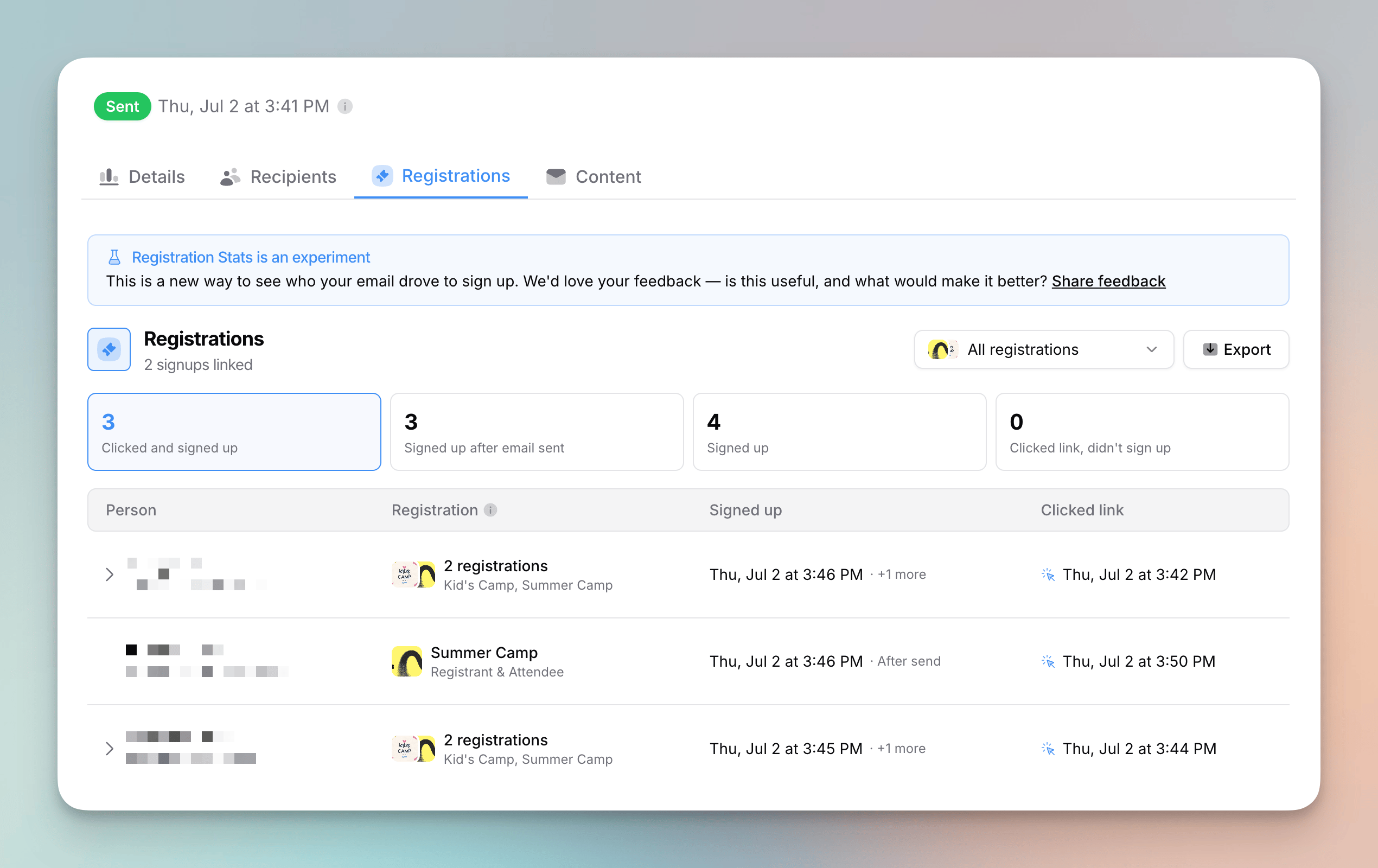
Registration Stats (Experiment)
- Sent an email about an event? The sent email page now has a Registrations tab that shows who you emailed actually signed up in Planning Center Registrations.
- The tab appears when the email was sent to a Planning Center audience and links to a Church Center registration.
- Four clickable cards let you filter to people who clicked the link and signed up (the clearest sign your email drove the signup), signed up after the email was sent, signed up at all, or clicked the link but haven’t signed up yet — great for follow-up.
- The table shows each person, which registration they signed up for, when, and whether they clicked that registration’s link first. People who signed up for multiple events expand to show each one. You can also export the results to CSV.
- Flowforth is upfront about what it can match: it flags attendees that aren’t linked to a person and registration links that don’t match a signup.
- This is an experiment — we’d love your feedback from the banner at the top of the tab. Learn more in Registration Stats.
Link to Your Announcements Page
- The Planning Center link picker can now link directly to your Church Center Announcements page. Open the picker on any button, image, card, list button, or footer link, go to the Church Center tab, and choose Announcements under Church Center.
- Announcements is a standard Church Center page for every account, so it’s always available — no extra connection scope needed. Learn more in Linking to Planning Center Content.
Link to Custom Publishing Pages
- The Planning Center link picker can now link directly to your custom Church Center pages from Publishing. Open the picker on any button, image, card, list button, or footer link, go to the Church Center tab, and choose Custom page under Publishing.
- Search your pages by title or slug and pick one to link to it at its public Church Center address. Draft pages are marked so you know which ones aren’t live yet.
- Linking to pages uses the Publishing scope on your Planning Center connection. If Publishing isn’t connected, the picker prompts you to connect it (People stays connected). Learn more in Linking to Planning Center Content.
Jump to Your Publishing Announcement from a Sent Email
- Sent an email with a Publishing announcement? The sent email page now links straight to it. A Publishing Announcement link in the email’s details opens the announcement in Planning Center Publishing, so you can view or update it without digging through Planning Center.
- The link appears as soon as the announcement is created — the moment your email sends. If you also sent a Church Center Notification, its link sits right alongside it.
Import Planning Center Announcements into Emails
- You can now import Planning Center Publishing announcements directly into an email from the Import Content from Planning Center dialog, alongside Calendar events, Groups, and Registrations. Open the importer in the editor sidebar and switch to the Publishing tab.
- Each announcement brings in its title, summary, and image — and, when it has a link, a button (using the announcement’s Church Center link when available, otherwise its custom link). Add them as individual blocks or a single cards block, just like other Planning Center content.
- Filter by Active & scheduled (the default), Active, Inactive, or Archived, and search by title to find the right announcement.
- Importing announcements uses the Publishing scope on your Planning Center connection. If Publishing isn’t connected, the importer prompts you to connect it (People stays connected). Learn more in Importing Content from Planning Center.
A Simpler Way to Move Emails Into Folders
- The Move to Folder picker now works like browsing folders on your computer: open a folder to step into it, then use Move here to drop your emails into the folder you’re currently in. The same picker is used when you pick a folder while creating, replicating, or making an email from a template — there the button says Create here.
- It opens right where your email already lives (or the folder you’re viewing), so the folders you’re most likely to want are already in front of you.
- Folders now load as you browse instead of all at once, so the picker opens quickly even with lots of folders — and the next level is ready the moment you open one.
- Long folder names no longer run off the edge, the picker keeps a steady size as you move between folders, and a soft fade at the top or bottom shows when there are more folders to scroll to.
Keyboard Shortcuts for Archiving and Moving Emails
- With one or more emails selected on the emails table, press A to archive (or unarchive) them and M to move them to a folder. Each opens the same confirmation as the action bar buttons, so you can tidy up and organize your emails without reaching for the mouse.
Team Leaders Can Manage Their Own Teams
- If you lead a team, you can now rename and delete it yourself — you no longer have to be an account owner or admin to make those changes.
- Deleting a team warns you first when it has email folders assigned to it: those folders become visible to everyone in your account once the team is gone (they’re un-assigned, not deleted), and the warning tells you exactly how many folders are affected.
Improvements
- The registrations CSV export on the Registrations tab now splits each person’s name into separate First name and Last name columns, so the export is easier to sort and merge with your other data.
Fixes
- We fixed the Recently Sent list — shown when you start a new email from a template — sorting by when emails were created instead of when they were sent. It now orders by send date, so your most recently sent emails come first, even ones that began as an older draft.
- We fixed typing minutes and seconds in the date-and-time picker. Entering a two-digit value like
59now works, instead of the field taking only the first digit and jumping ahead. - We fixed a bug that was preventing people from being able to delete folders.
- We fixed a false unsaved changes warning that could appear the moment you opened an automation, asking you to Save or Cancel before you’d changed anything.
- We fixed fast typing dropping characters in the email editor’s sidebar forms. Editing an author, buttons, cards, footer, or image right after another field no longer loses the first characters you type.
- In the automation builder, the Email step is incomplete error now clears as soon as you fix the last field it was pointing to, instead of lingering after everything’s been corrected.
Hide a Block From People on a List
- Block visibility conditions can now go both ways. When you add a visibility condition in Block Settings, you choose whether recipients must be on the list or not on the list before picking the list.
- On the list is the original behavior — show the block only to people on the list, like an update just for volunteers. Not on the list shows the block only to people who aren’t on the list, like a sign-up pitch hidden from people who already signed up, or a first-time welcome hidden from longtime members.
- Everything else works the same: people who don’t match get a version of the email with the block removed entirely, and public email pages and RSS feeds show the email as someone on none of your lists would receive it. Learn more in Block Settings.
Improvements
- We now warn you before sending to an uploaded CSV audience when your email uses conditional blocks or Planning Center merge tags. Both rely on a recipient’s Planning Center list membership and fields, which CSV recipients don’t have — so conditional blocks fall back to their default version and Planning Center merge tags use their fallback value. The warning appears on the send and schedule confirmation.
Fixes
- Weekly and monthly automations no longer reset a 12:00 AM (midnight) send time when you reopen them — your selected time now sticks.
- We fixed the pre-send page snapping back to the editor after you clicked Send when re-sending an email whose previous attempt had failed; it now moves to the sending view as expected.
- We fixed folder links in the breadcrumb dropdown not navigating when clicked.
Improvements
- When an email can’t send because a Planning Center list used by a block’s visibility condition was deleted or Flowforth lost access to it, the failure message now names the specific list and tells you how to fix it — re-share the list in Planning Center, or update or remove that block’s condition in the editor. We also email the account about the failed send so it doesn’t go unnoticed.
Fixes
- We fixed a bug in the HTML email editor where closing or refreshing the tab while your work was still saving could drop your most recent edits.
- Some settings actions — like updating your organization details or removing a member — could show a success message even when they actually failed. They now surface the error so you know to try again.
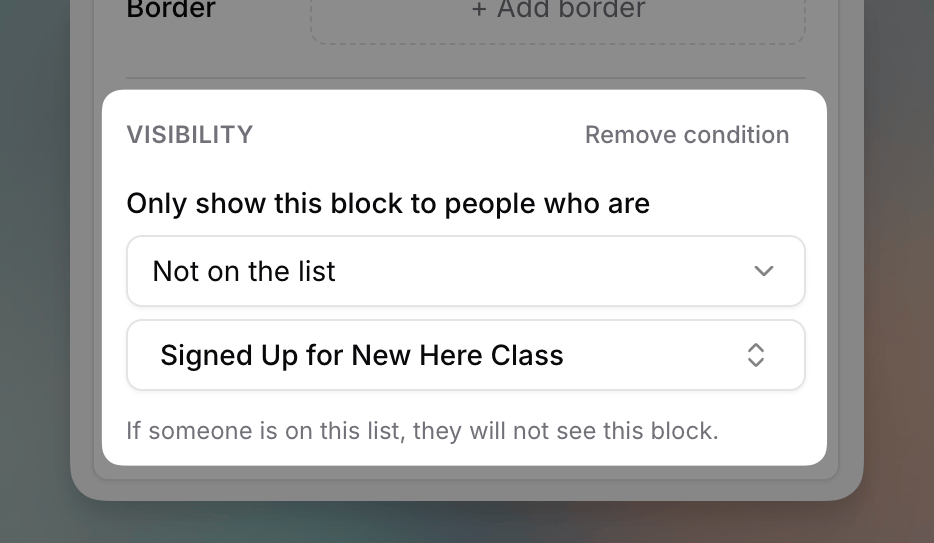
Show a Block Only to People on a List
- You can now limit any block in the email editor to people on a specific Planning Center list. Select a block — or several at once — open Block Settings, and add a visibility condition. Only recipients on that list receive the block.
- Everyone else gets a version of the email without it. The content is removed from their email entirely, not hidden with styling, so it never appears in their inbox, their view-in-browser page, or your public email pages and RSS feeds (which always show the version without conditional blocks).
- Blocks with a condition show an orange filter badge on the canvas and next to the Block Settings title. Moving a block into a column layout removes its condition — you’ll see a warning when that happens. Learn more in Block Settings.
Filter Bot Activity from Email Metrics
- You can now filter bot opens and clicks out of your sent email metrics. Turn on “Filter bot activity” on the metrics card of a sent email to hide opens and clicks from security scanners and inbox privacy services like Apple Mail Privacy Protection.
- When the filter is on, bot recipients are also removed from the sent total for your open rate, so engagement is calculated against the people who could have genuinely engaged. Deliverability rates (unsubscribes, bounces, complaints) keep the full sent total.
- If a recipient looked like a bot but later opened or clicked on their own, all of their activity still counts — real engagement is never hidden.
- The filter is off by default and only changes what’s displayed — no data is deleted. It’s available on emails sent after June 5, 2026.
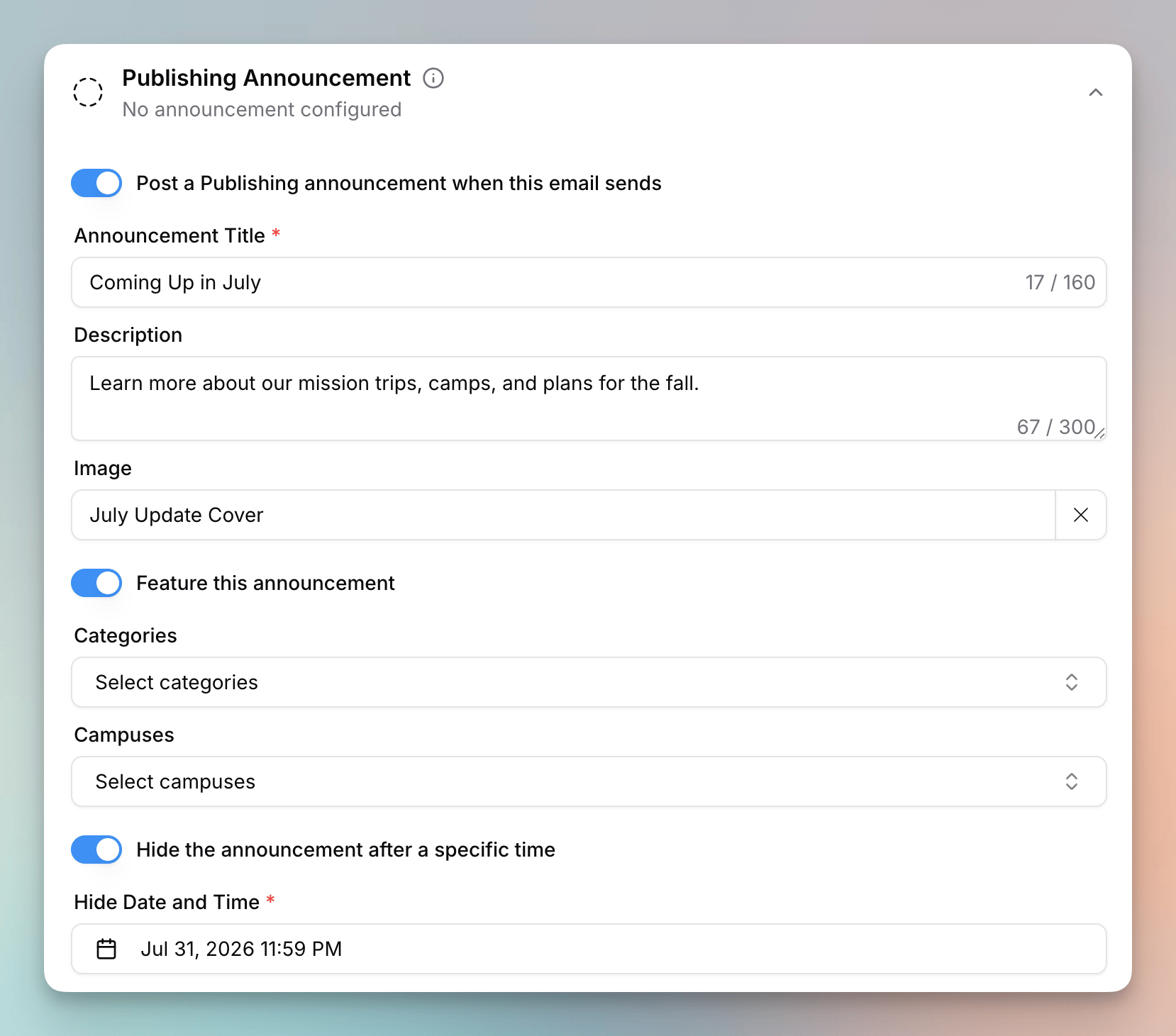
Publishing Announcements
- You can now post an announcement to Church Center through Planning Center Publishing when you send an email. Turn it on in the new Publishing Announcement section on the pre-send page, and Flowforth creates the announcement the moment your email sends, linking to the email’s public page.
- Give the announcement a title, description, and image, feature it, file it under Publishing categories and campuses, and optionally set a time for it to hide.
- This is different from a Church Center Notification: a notification is a push notification sent to the people on your email’s list, while a Publishing announcement is posted to your Church Center announcements feed. You can use either, both, or neither on any email — and unlike notifications, announcements aren’t limited to a single list. Learn more in Publishing Announcements.
- Connecting Publishing expands your existing Planning Center connection with the Publishing scope (People stays connected), and requires a Publishing Administrator.
Share Emails Before They’re Sent
- You can now turn on Visible before sent for a draft, scheduled, or failed email, making it viewable at its public link before it goes out. Use it to get sign-off from a pastor, board member, or teammate, or to preview exactly how the email will look on the web.
- The early-share link is the same public link the email will have after it’s sent, so it never breaks or changes once the email goes out. The preview always reflects the latest saved version.
- The email must be in a category with its public page enabled — turn on Visible before sent from the Share button in the top right. Learn more in Sharing an Email Before It’s Sent.
Card Defaults
- You can now set default styles for cards blocks and apply them across your whole email — just like you already can for text, buttons, dividers, and images. Set the text and label colors, the button color, style, and size, the image ratio, and the alignment once, and your cards can follow along.
- Use Apply to all cards to update every cards block in your email to your current defaults, or set the defaults straight from a card you’ve already styled.
More Merge Tag Formats
- Moving over from another email tool? Your existing merge tags will now just work. Alongside our own, we now recognize Mailchimp-style tags like
*|FNAME|*and Handlebars-style tags like{{first_name}}, so you don’t have to rewrite them when you paste in your content.
RSS Feeds for Categories
- RSS feeds for email categories are now out of beta. Every category can publish a feed of its sent emails that people can follow in any RSS reader.
Cleaned & Suppressed in the People Feed
- The People Feed now shows cleaned and suppressed contacts alongside unsubscribes and bounces, so you can see everyone who’s stopped receiving your emails in one place.
- Two new filters, Cleaned and Suppressed, let you focus on just those events.
Protect Resubscribed Emails from Cleaning
- When you resubscribe a cleaned contact from their person page, you can now choose to protect that address from being cleaned again — a future bounce or spam complaint won’t automatically remove it. Only enable this when you’re confident the address is valid and wants your emails.
- The resubscribe and unsubscribe confirmations now remind you that subscription status is tied to the email address: the change applies to everyone in your account who uses that address as their primary or Flowforth-only email.
Improvements
- The “Opens Over Time” chart on sent emails now defaults to the week view unless the email was sent today, giving you a fuller picture of engagement at a glance for older emails.
- You can now save the To section of an email with just a category or just recipients — you no longer have to set both before saving your progress. You’ll still need a category and recipients before the email can be sent.
- We made the app noticeably faster. The first load and moving between pages are quicker, tables across the app load faster, and loading states are smoother along the way.
- We renamed Church Center Announcement to Church Center Notification throughout the app to better reflect what it does.
- Help and support are now available right inside the email builder’s more menu, so you can get help without leaving your email.
- Long folder names are now truncated in the move-to-folder menus, keeping the picker tidy.
- On smaller screens, text formatting controls that don’t fit in the toolbar now collapse into a ”…” menu instead of being cut off, so every option stays reachable.
- New organizations now start with a default set of email categories — General Emails, Students, and Kids — created automatically, so there’s one less thing to set up before your first send. We removed the categories step from onboarding; you can still add, rename, or remove categories anytime.
- We now warn you when you go to send or schedule an email that has buttons without a link. The warning appears on the send confirmation and lists the text of each button so you can easily find it. This applies to regular buttons, card buttons, and list buttons, including ones inside columns.
Fixes
- Your plan now updates right away when you come back from Stripe after changing or managing your subscription. Previously it could keep showing your old plan until you refreshed.
- We fixed searching for people by name in the recipient picker when sending an email.
- We fixed a doubled error outline that could appear on the Planning Center list selector.
- We fixed an issue where people who already belonged to an organization could land on the create-organization screen instead of being taken straight into the app.
- The people table now refreshes right away when you add, change, or remove someone’s Flowforth Only email address, instead of showing the old value until you refresh.
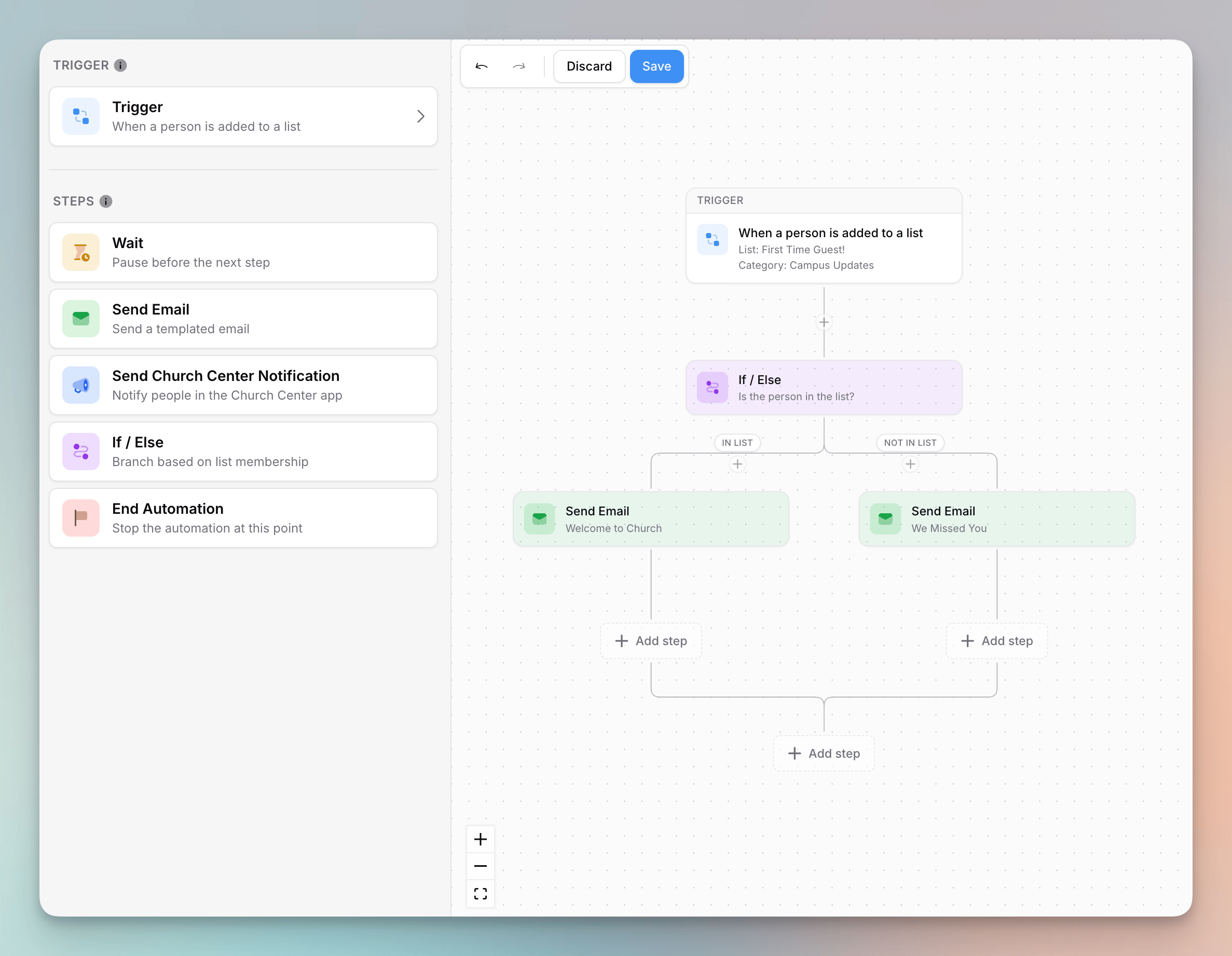
Drag & Drop Automation Builder
- The automation builder now has a sidebar with a step palette, just like the email builder. Drag a step from the sidebar onto the canvas and drop it exactly where it should run — every spot that can accept the step lights up while you drag.
- Trigger and step settings now open in the same sidebar, sliding over the palette. Use the Back button to return to the palette, and the controls at the top of a step’s settings to move, duplicate, or delete it.
- Send Email steps have a new Preview button that shows the rendered email without leaving the builder. It works for every template type, including HTML and plain-text templates.
Fixes
- We fixed keyboard Tab navigation through the date-and-time picker in Safari, so you can move between the fields without reaching for your mouse.
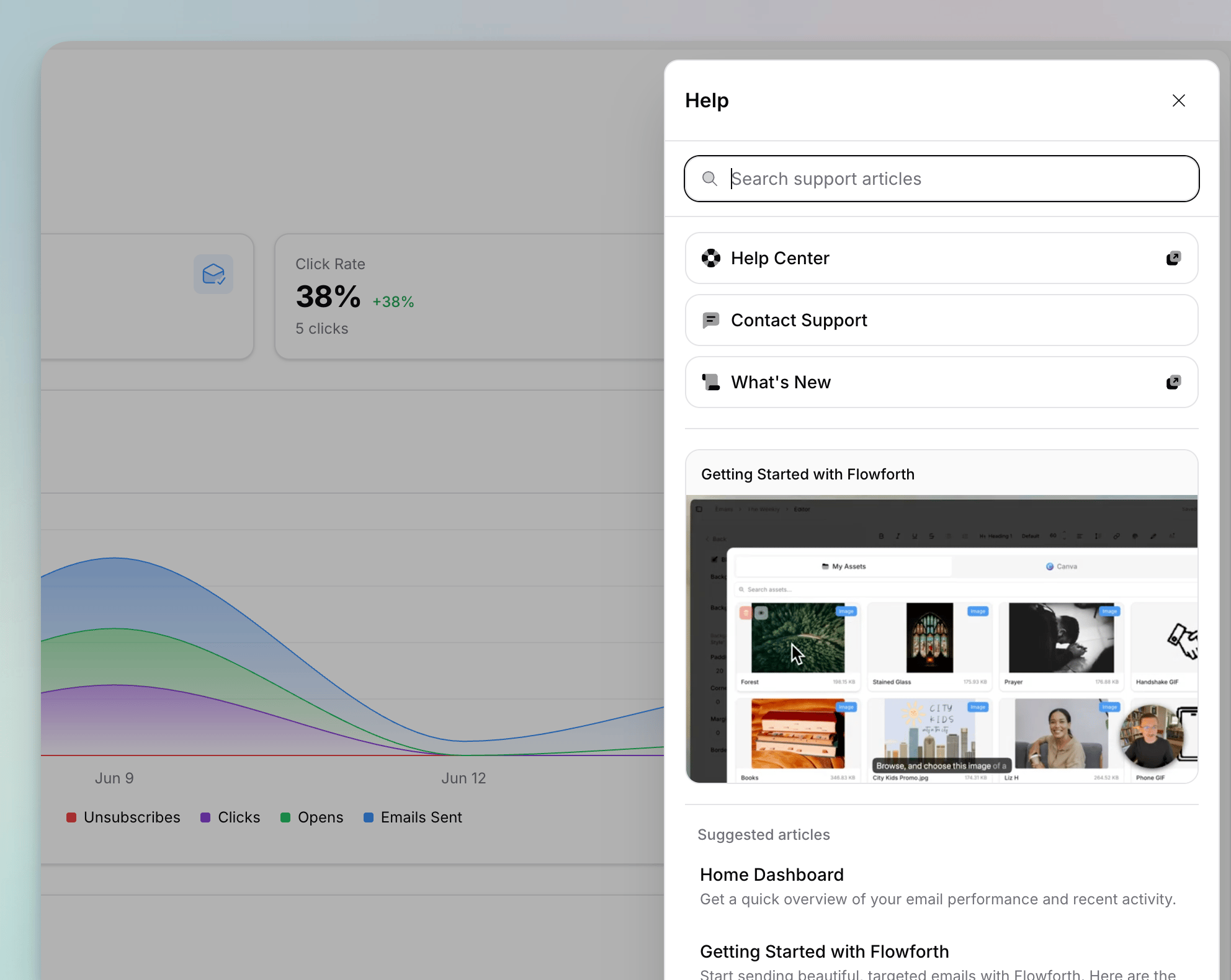
Help & Support Sidebar
- We’ve replaced the “Contact Us” and “Help Center” links in the sidebar with a new “Help & Support” sheet.
- This sheet lets you quickly search help center articles, access the help center, contact support, and see what’s new.
- Where applicable, we show you suggested videos and articles from the help center based on what page you’re on.
- When searching help articles, you can use keyword search or a natural language query. We’ll make sure you see the most relevant results.
Improvements
- We added a badge on the person details page for when a person has no email address in the system. We also added an empty state to the emails received table. This makes it easier to understand why a person is not receiving emails.
- We improved the copy of the right click menu/three dot menu on the emails and email templates tables based on the type of email or template you’re selecting.
Fixes
- We fixed the simple email signup embed to ensure that the background is transparent.
Improvements
- The pagination buttons on the asset library now show a ’…’ when there are more pages before your current page. Previously, it only showed this after.
- We improved the error message for when a new account tries to connect to Planning Center, but that Planning Center organization is already connected to Flowforth. This typically happens when someone intends to accept an invite but uses a different email address than the one that was invited. We now show a message saying that this organization is already connected and give you a quick link to log out and sign up again with the correct email address.
Fixes
- We fixed a layout issue with the pagination buttons on the asset library page on mobile.
- We increased the rate limit on QR code scanning. This should help when sharing a code with a larger crowd.
Improvements
- You can now see the team name a folder is assigned to under the folder name on the emails table.
- We’ve added new icons to the team icon picker, and we’ve made it easier to select which color icon you want.
- We made it easier to rename a team. Click the team name on the header of the team details page, and it will take you to the settings tab for the team name.
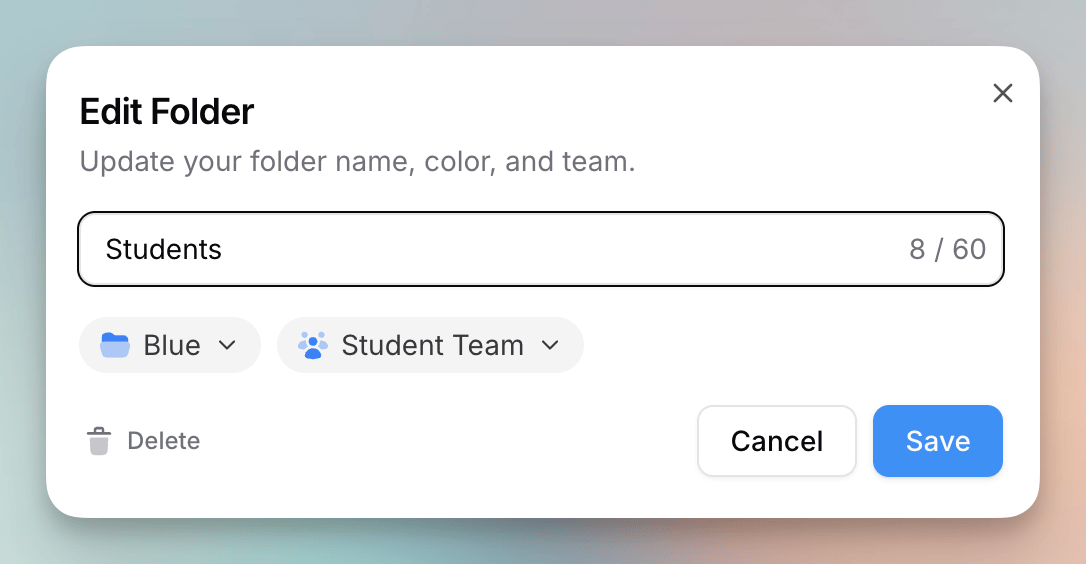
Team Folders
- You can now assign top-level folders to a team. Then only org owners and members of that team will be able to see emails in that folder.
- Note that only top-level folders can be assigned to a team. Subfolders inherit the permissions of their parent folder.
- Folders without a team will continue to be visible to all people with email access.
- You can view which folders are assigned to a team under the “Access” tab on the team details page.
Bulk Archive Emails
- You can now archive multiple emails at once on the emails table.
- While you can select folders for bulk actions, folders cannot currently be archived.
Improvements
- You can also find the lists a team has access to under the “Access” tab on the team details page.
- We’ve added an info tooltip to the sent email page next to the send time. This shows you who sent the email.
- We added a “type” column to the email templates table so you know if your template is an HTML, Simple, or Standard template.
- We improved the text layout of the list name on the scheduled email page.
- We now use a consistent color picker for the email and template folders.
- You can right click on a folder in the emails table to edit the folder name, color, and team. This applies to both email and template folders.
Fixes
- We fixed a bug with our date/time picker used for email scheduling. Previously, using the arrow buttons for the months would reset the selected time to midnight. Your time should now persist.
Improvements
- You can now move a folder into other folders. This makes it easier to re-organize your emails.
Fixes
- We fixed a bug affecting People imports if the first row(s) of the CSV were blank. We now remove these blank rows.
- We fixed a bug where importing content from Planning Center as cards could lead to mis-matched formatting between the editor and the email preview.
Improvements
- We added back the native color picker in Safari. While Safari doesn’t support a proper eyedropper, this lets you use the system color picker (which includes an eyedropper). The icon for this has been changed to ’…’ to better show that this isn’t a direct color picker.
- We made some improvements to our Planning Center sync.
Fixes
- We fixed a bug where replicating an email would not pre-fill the email name and folder of the original email.
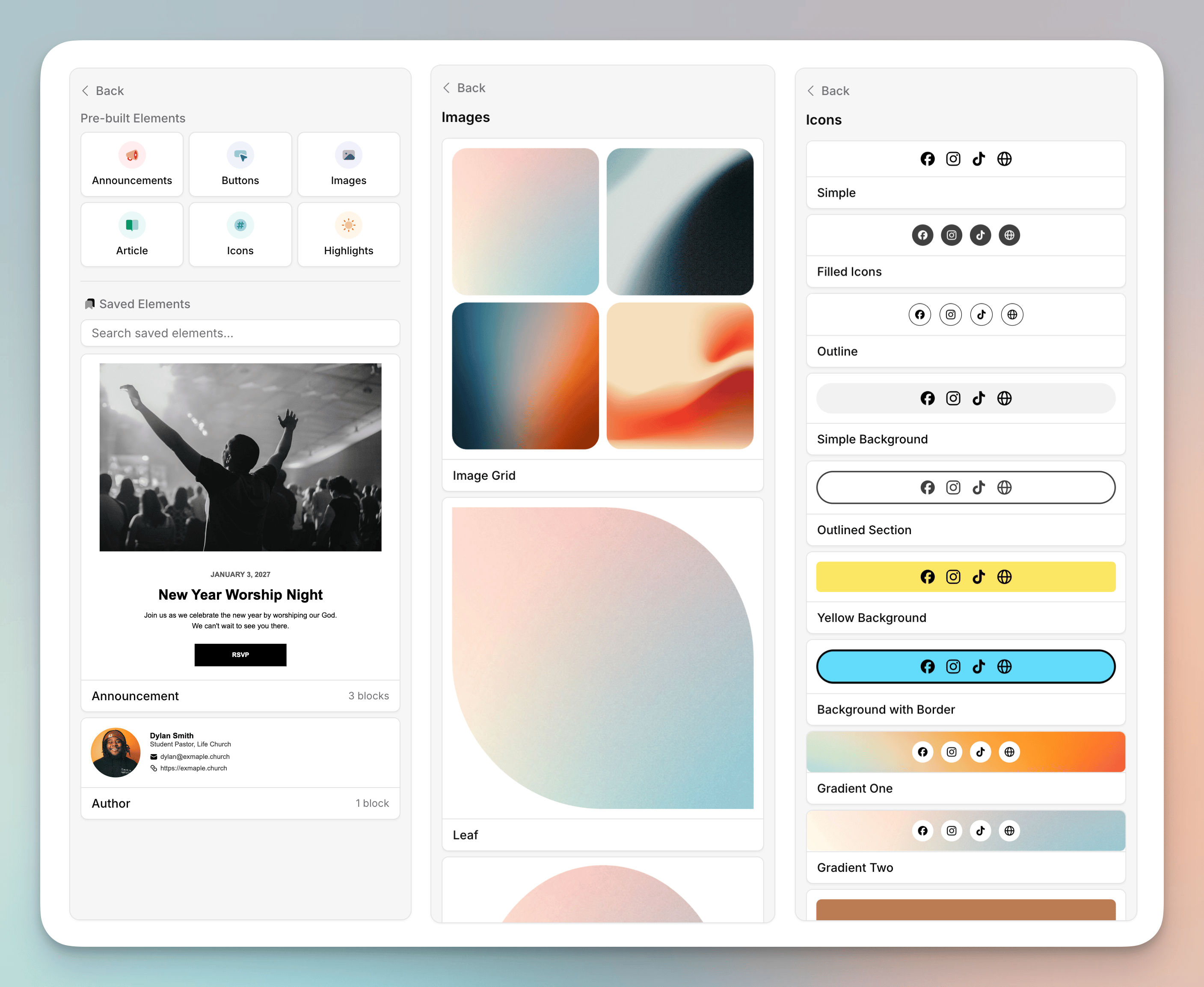
Email Elements
- Email elements make it easier to build beautiful emails from scratch. You can drag in pre-designed announcement sections, buttons, images, and more. Each element is fully customizable, so you can make it fit your style and content.
- You can also save your own custom elements to reuse across emails and automations. This is perfect for things like a standard volunteer sign up section with a button and links to your social media, or a signature block with contact info and a photo. Just build the element once, save it, and then it’s available in the sidebar whenever you need it.
- When you have multiple blocks selected, you’ll see a “Save as Element” button in the sidebar. This saves multiple blocks as an element. You can also save just a single block by selecting the block and then clicking the save button at the bottom of the sidebar.
Improvements
- We added a drag handle to the left of text blocks. This should make it easier to drag the blocks around without selecting text.
- We improved the look of the “Set as default” and the “Reset to default” buttons on forms like images, videos, buttons, and dividers.
- We changed how URLs are structured for images and files in emails. This should help improve deliverability by having cleaning looking URLs. This also fixes a bug where images would sometimes not show in previews if you were using a VPN.
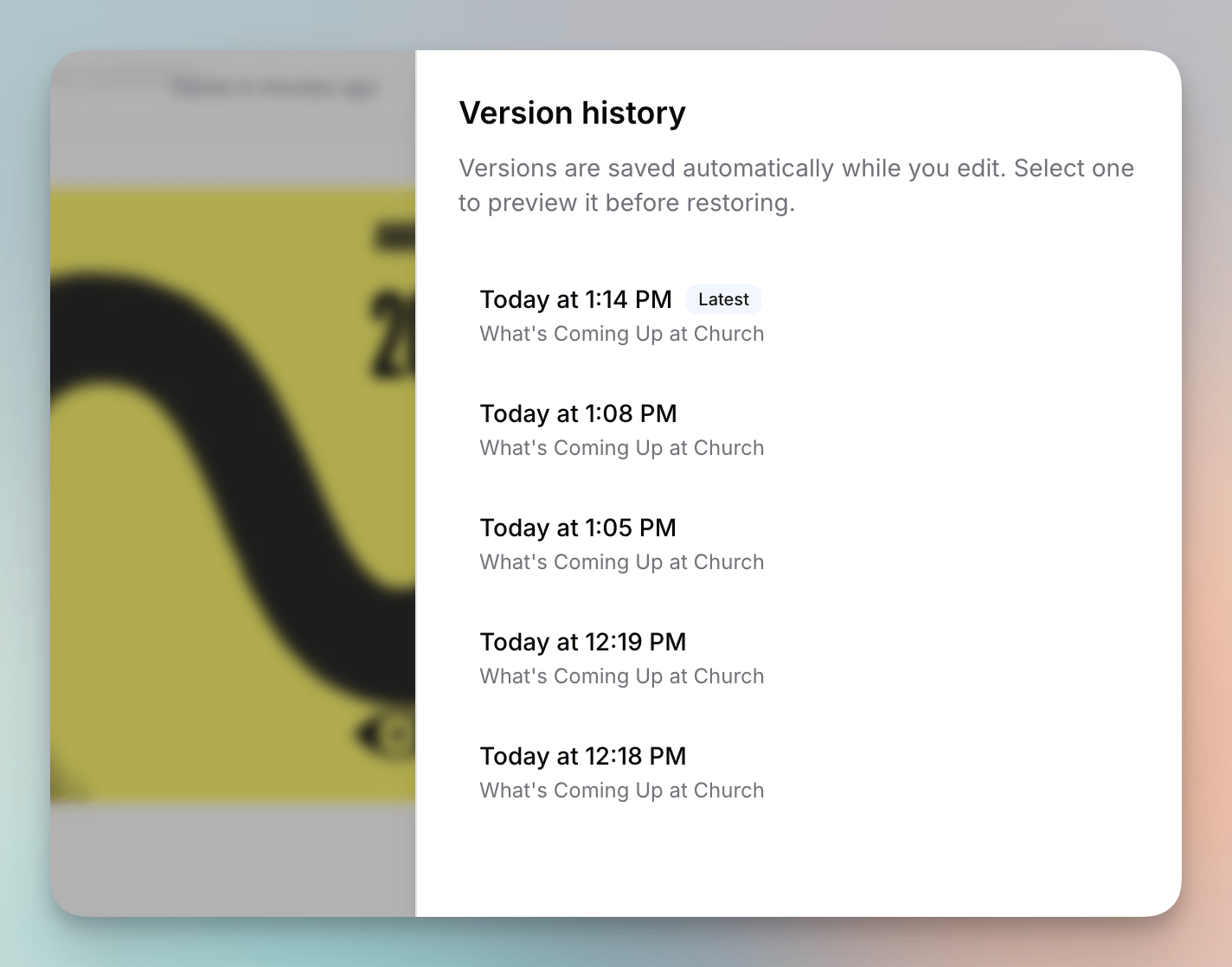
Version History in Email Editor
- You can click on the three dot menu in the email editor to see the version history of your email. We store the 50 most recent versions of your email. This helps you have peace of mind when you make big changes and can help you find an older version of your content if you need to revert to it.
- You can preview each version before choosing if you want to revert back.
Automation Improvements
- You can now set an automation trigger to be when a Planning Center form is submitted.
- You can now wait until a certain day of the week in automations. Previously, you could only wait a certain number of hours or days. For example, you can wait until the next Saturday to send out a reminder about church the next day to new people.
- You can now duplicate an automation step.
Improvements
- We improved how the text block works inside a columns block. The drag handle is now outside of the content, the content is easier to click into, and the editor auto-focused when you add a new text block into the columns.
- We improved the layout of the link page builder to feel more similar to the email builder.
- We’ve added a editor settings menu in the email builder. Here, you can reset your preferences like Planning Center import types, column block deleting, and more to default.
Fixes
- We fixed a bug where the email preview on the pre-send page would show you an old version of your Canva asset if you had refreshed it recently.
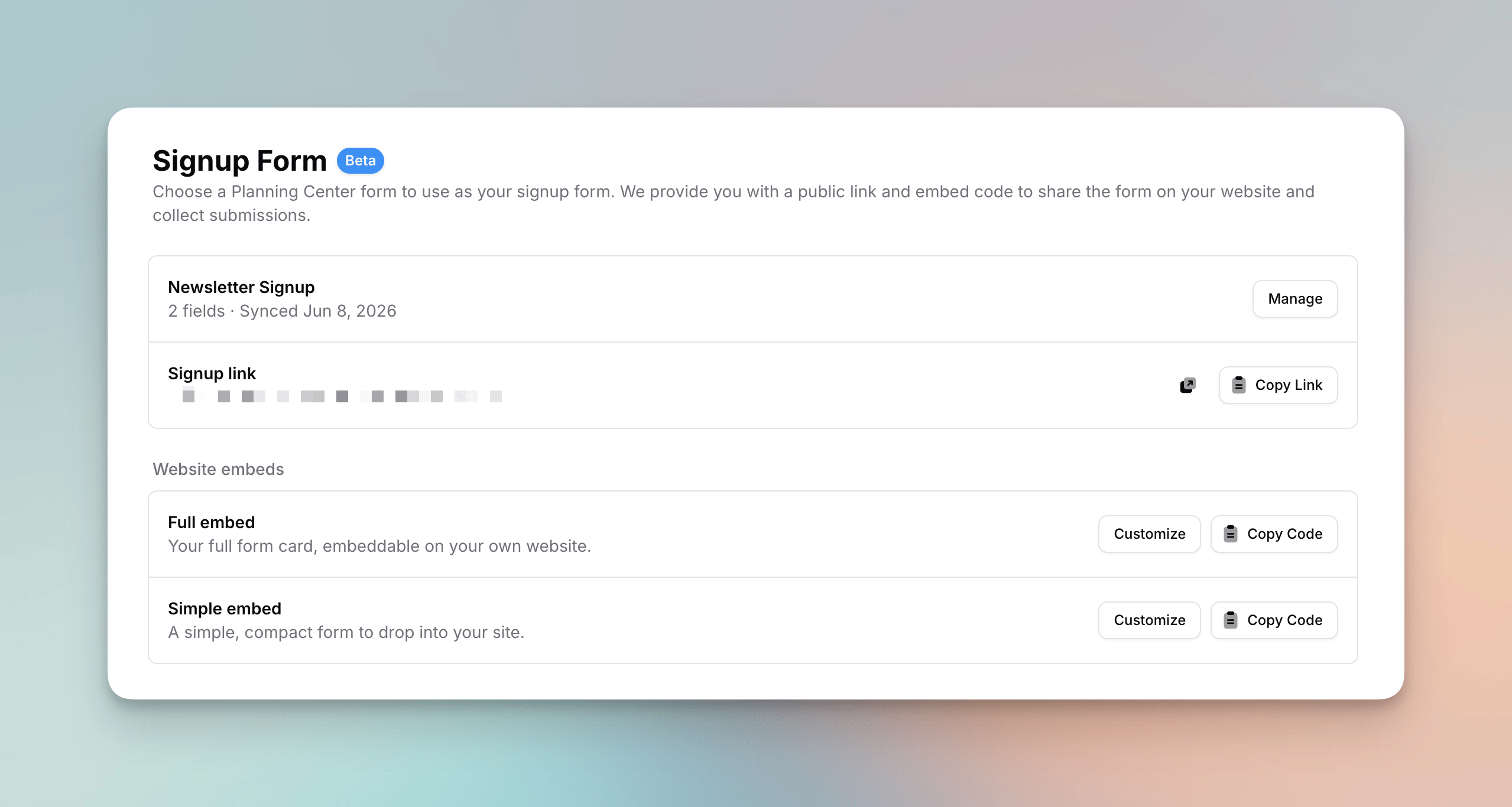
Signup Forms — a new way to add people
- You can now collect new subscribers with a signup form powered by Planning Center. Pick any of your Planning Center forms — or let us create a basic “Newsletter Signup” form for you — and Flowforth turns it into a hosted signup page and embeddable website forms.
- Every submission is posted to Planning Center as a real form submission, so it creates (or matches) the person in Planning Center People. New signups flow into your Planning Center lists, workflows, and automations exactly like a Church Center submission would — and sync back to Flowforth automatically. No imports, no manual entry.
- Public signup link: your form lives at
your-domain/subscribe, ready to share in emails, on social media, or behind a QR code. If you use public category pages, a Subscribe button now appears on them too. - Website embeds: copy a Full embed (your whole form) or a Simple embed (a compact version, with the option to hide non-required fields) onto your own website. Each embed has its own design settings — colors, button label, corner radius, and font — with a live preview, and the iframe resizes itself to fit your form.
- Synced fields: we sync your form’s fields from Planning Center — including dropdowns, checkboxes, dates, custom People fields, and conditional fields — and always collect first name, last name, and email on top. Changed the form in Planning Center? Hit Re-sync and your signup page updates instantly.
- Results: see every submission and the answers people gave under View results. Submissions made on the form’s own Church Center page are captured too, so your results are complete no matter where someone signed up.
- Signing up is an explicit opt-in, so if a submitter had previously unsubscribed, we automatically flip them back to subscribed. Submissions are also protected from bots with rate limiting and a honeypot field.
- From the manage dialog’s ⋯ menu you can jump straight to your form — Open in Church Center shows the public form your congregation sees, and Open in People takes you to the form’s fields editor in Planning Center.
- Signup forms are in Beta, require the People scope on your Planning Center connection, and can be managed by organization owners. Read the full Signup Forms guide to get started.
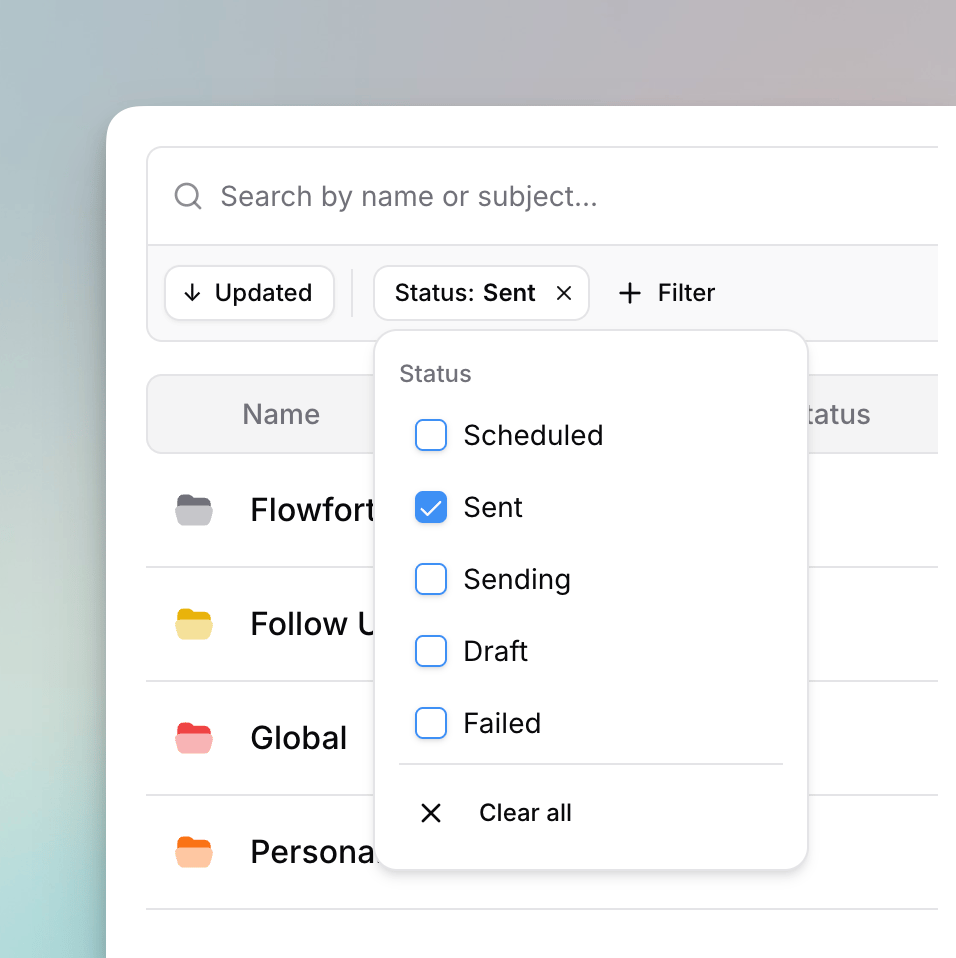
Faster filtering and sorting on tables
- Filter and sort menus on tables now show their options directly in the popover — no more opening a dropdown inside the menu just to check a box or pick an option. Choose a filter and its choices appear right away.
- We renamed the View Unsent Emails filter on an email’s Recipients tab to Did Not Send Recipients, matching the “Did Not Send” status shown in the table. Its options are now Hide, Show, and Show Only.
- Active filter and sort badges got a refreshed, rounder look.
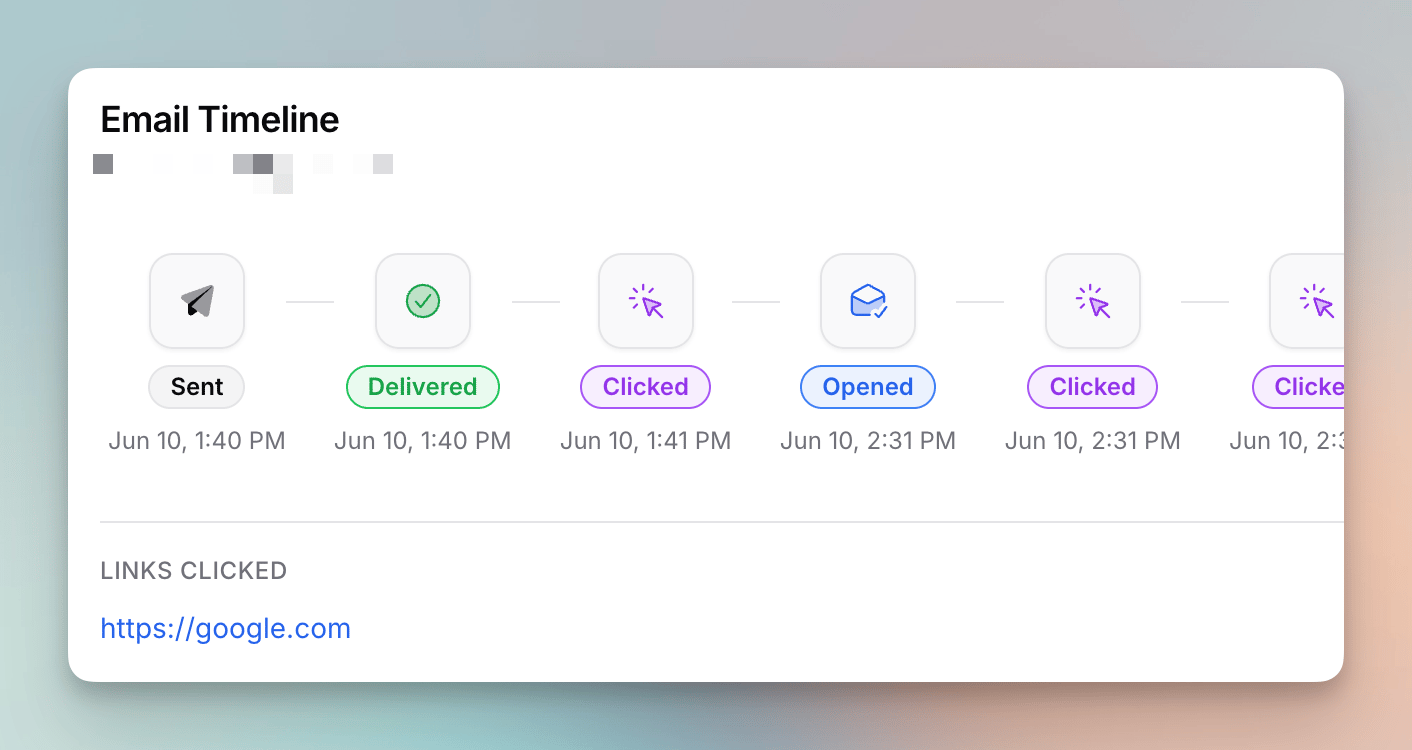
See timeline of email events per-recipient
- You can now click on the status badge of an email recipient to see a timeline of all the events that happened. This includes each time the email was opened and which links were clicked.
Improvements
- We cleaned up the layout of the email styles sidebar view in the email editor.
Fixes
- We fixed a bug where 0 values on the home dashboard could show as negative on the line chart.
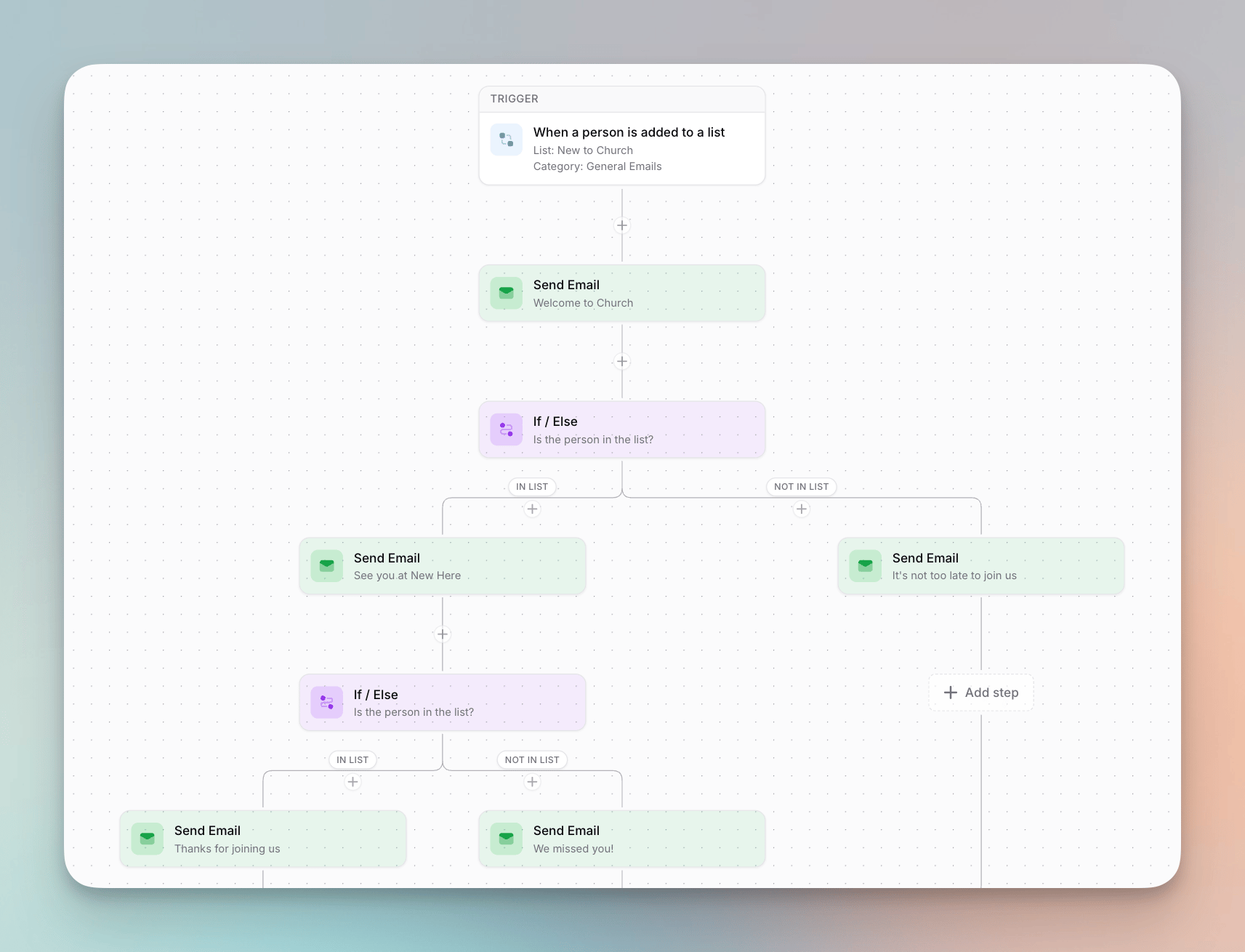
If / Else conditions in automations
- Automations can now branch. Add an If / Else step and pick a Planning Center list — people in the list go down one path, everyone else goes down the other. Each path has its own steps (emails, waits, notifications), and you can even nest more If / Else steps inside a path.
- Membership is checked at the moment a person reaches the step, not when they entered the automation — so if someone joins or leaves the list during an earlier wait, they’re routed based on where they are right now.
- Paths run on their own schedules: a wait on one path never holds up people on the other.
- Paths rejoin: steps placed after an If / Else run for everyone, once their own path finishes — so a condition can sit in the middle of an automation, not just at the end.
End Automation step
- The new End Automation step stops the run for anyone who reaches it. Combine it with If / Else to end an automation early for some people — for example, skip the rest of a welcome series for people who are already in your “Members” list.
If / Else and End Automation steps aren’t available on weekly and monthly automations, which send once to the whole list. Learn more in the Automations guide.
Improvements
- You can now choose to disable underlines on links in your emails. This is a global setting that applies to all links in your email, including text links, cards, lists, and the email footer. You can find this setting in the Styles -> Text -> ’…’ section of the sidebar when editing an email. Just toggle off “Underline Links” and all links in your email will no longer have underlines, giving you a cleaner look.
- If an automation loses access to its Planning Center list — whether that’s a weekly or monthly automation’s list or a list used in an If / Else step — we now email your organization owners so they can re-share the list, just like we already do when an email fails to send for the same reason.
Fixes
- We fixed a bug where you couldn’t access the user menu on the sidebar on mobile.
Add a subject and message to your email and SMS links
- When you add an email or text message link, you can now set a default subject and message that will be pre-filled when the recipient clicks the link. Email links let you set both a subject and a message, while text message links let you set a message. This is perfect for things like RSVPs, where you can ask people to reply with a specific message like “Yes, I’ll be there!” or “No, I can’t make it.” It works in your emails and on your link pages.
Manual Automation Trigger
- We added a new trigger type for automations: Manual. This trigger type doesn’t have a trigger event like list-based, weekly, or monthly automations. Instead, you can run it manually whenever you need to, and choose who to run it for. This is perfect for one-off campaigns or when you want to have more control over when an automation runs.
Fixes
- We fixed a bug that was preventing new “Flowforth Only” emails from being saved.
Improvements
- Planning Center custom field merge tags are now supported in automation emails.
- List decorations (numbers and bullets) in a text block now use the size and color of the first character in the list. Before, they always used your default email paragraph style.
Searching now surfaces hidden lists
- Hidden lists are normally left out of the lists table at flowforth.co/people/lists. Now, when you search, we include hidden lists in your results so you can always find the one you’re looking for. If you’d rather keep them out while searching, set a Visibility filter or set the Include Hidden filter to “No.”
Adjust the spacing between social icons
- Icons blocks now have a Spacing control, so you can give your social icons a little more room to breathe. Leave it where it is and your icons look exactly as they do today — nudge it up when you’d like a bit more space between them.
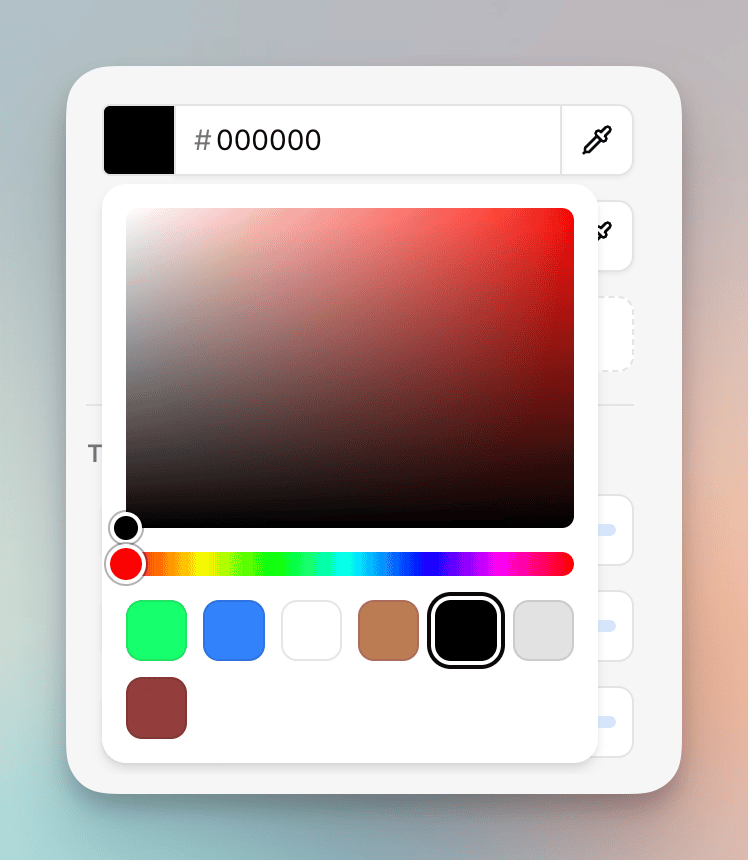
A redesigned color picker
- We’ve replaced the color picker used throughout the editor with a new custom design. It has a larger area for dialing in the exact shade you want, a full-width hue slider, and your brand colors shown front and center as large swatches so they’re quick to grab.
- The on-screen eyedropper now only appears in browsers that can actually pick a color from anywhere on your screen (like Chrome and Edge). In Safari and Firefox, where that isn’t possible, we’ve removed the button instead of opening a confusing system dialog — you can still pick any color using the picker, brand swatches, or hex field.
Link to a Church Center group type
- The Church Center tab of the Planning Center link picker now lets you link straight to a group type (like “Small Groups” or “Classes”). Pick Group Type, then choose the type you want, and we’ll link to its public Church Center page. Only group types that are visible on Church Center are shown.
- We also tidied up the Church Center tab by grouping its links under clear, per-app headings — Church Center, Giving, People, Check-Ins, Calendar, Registrations, and Groups — so the link you’re after is easier to find.
Run automations manually
- You can now manually run an automation whenever you need to, instead of waiting for its trigger. Open an automation and click Run now, then choose to run it for everyone currently on its Planning Center list (we’ll ask you to confirm first), or search for and pick specific people to run it for.
- People you run manually go through all of the automation’s steps just like they would on a normal trigger.
- Manual runs still respect the automation’s Allow Repeat setting — if repeats are off, anyone who has already completed it won’t be started again, so it’s safe to run even when some people have already been through it.
- Manual runs work even when an automation is disabled — we’ll let you know it won’t fire on its trigger until you enable it, but you can still run it for the people you choose.
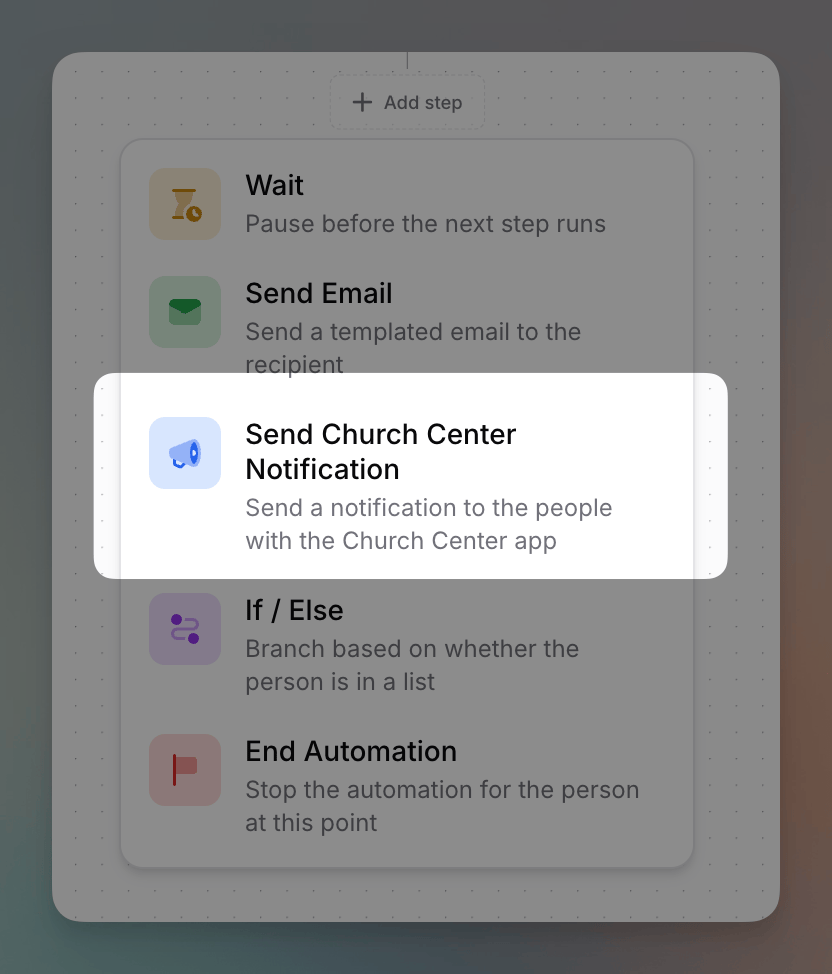
Send Church Center notifications from automations
- Automations have a new Send Church Center Notification step. Use it to send a push notification to people who have the Church Center app, right inside an automation flow.
- Each notification has a title and body, an auto-dismiss time (1 week, 2 weeks, or 1 month), and an optional link with custom link text. List-based automations send the notification to the people entering the automation, while weekly and monthly automations send it once to the whole list.
Improvements
- Deleting an asset is now safer for your content. Assets are public to anyone with the link, so when you delete a file you’ve never sent, we now permanently erase it from storage and its link stops working right away. Files already used in a sent email are kept live (so delivered emails don’t break) and simply removed from your library.
- Automations can now have up to 100 steps, up from 10, giving you a lot more room to build longer, more detailed flows.
- Email send times now show the day of the week, so you can tell at a glance when an email was sent or is scheduled to send. We also hide the year unless it’s different from the current year. This shows on the pre-send page, the scheduled page, and the Sent badge on sent emails.
- We improved our sync with Planning Center by preventing duplicate webhook subscriptions, so changes to your lists sync more reliably.
Fixes
- We fixed a bug where turning open and click tracking on or off for a custom domain could fail if your tracking subdomain had already been set up. These tracking changes now save reliably.
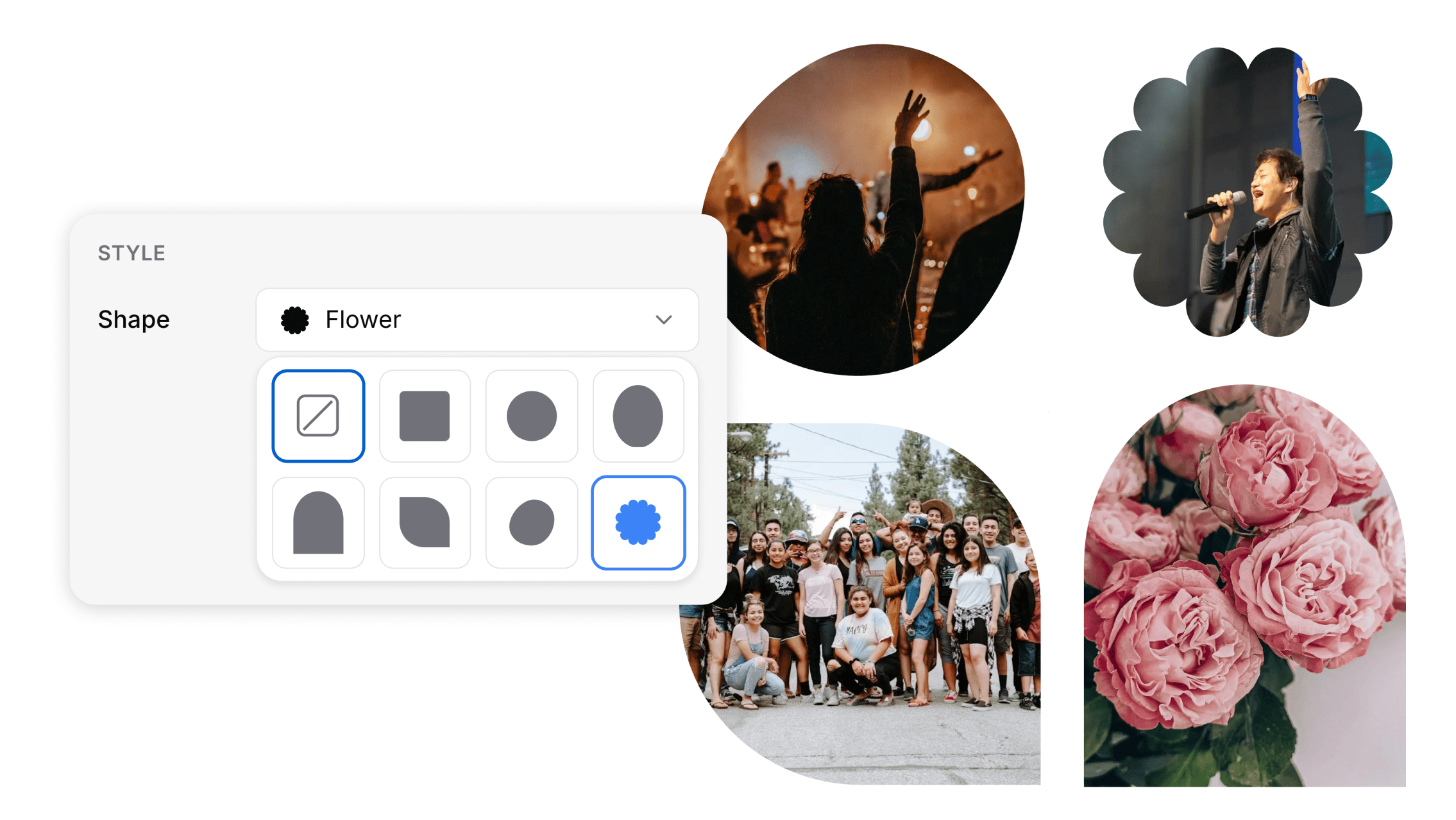
Add shapes to your images
- You can now crop images into shapes right from the editor. Select an image block, open the Style settings, and choose a Shape. Pick a square, circle, oval, or arch, or one of a few decorative options like a leaf, blob, or flower. The picker shows a live preview of each option, so you can see exactly what you’ll get before you choose.
- Shapes are applied to the image itself rather than with styling tricks, so they render reliably in every email client, including Outlook and Gmail. When a shape is applied, the border and corner settings are hidden since the shape defines the image’s outline.
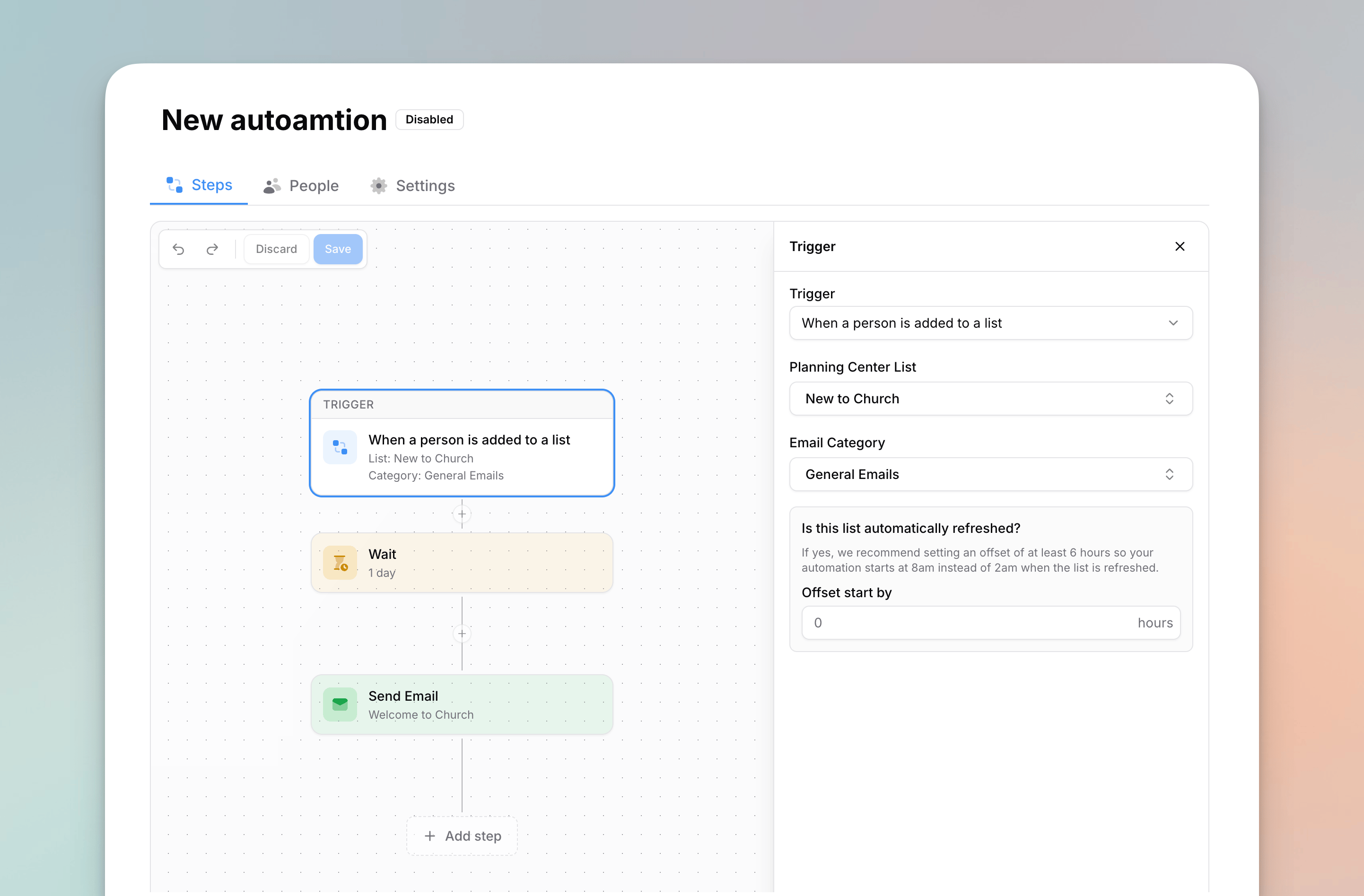
New Automation Builder
- We’ve updated the UI of the automation builder. It should feel more familiar to use, and it prepares us for future features and improvements down the road.
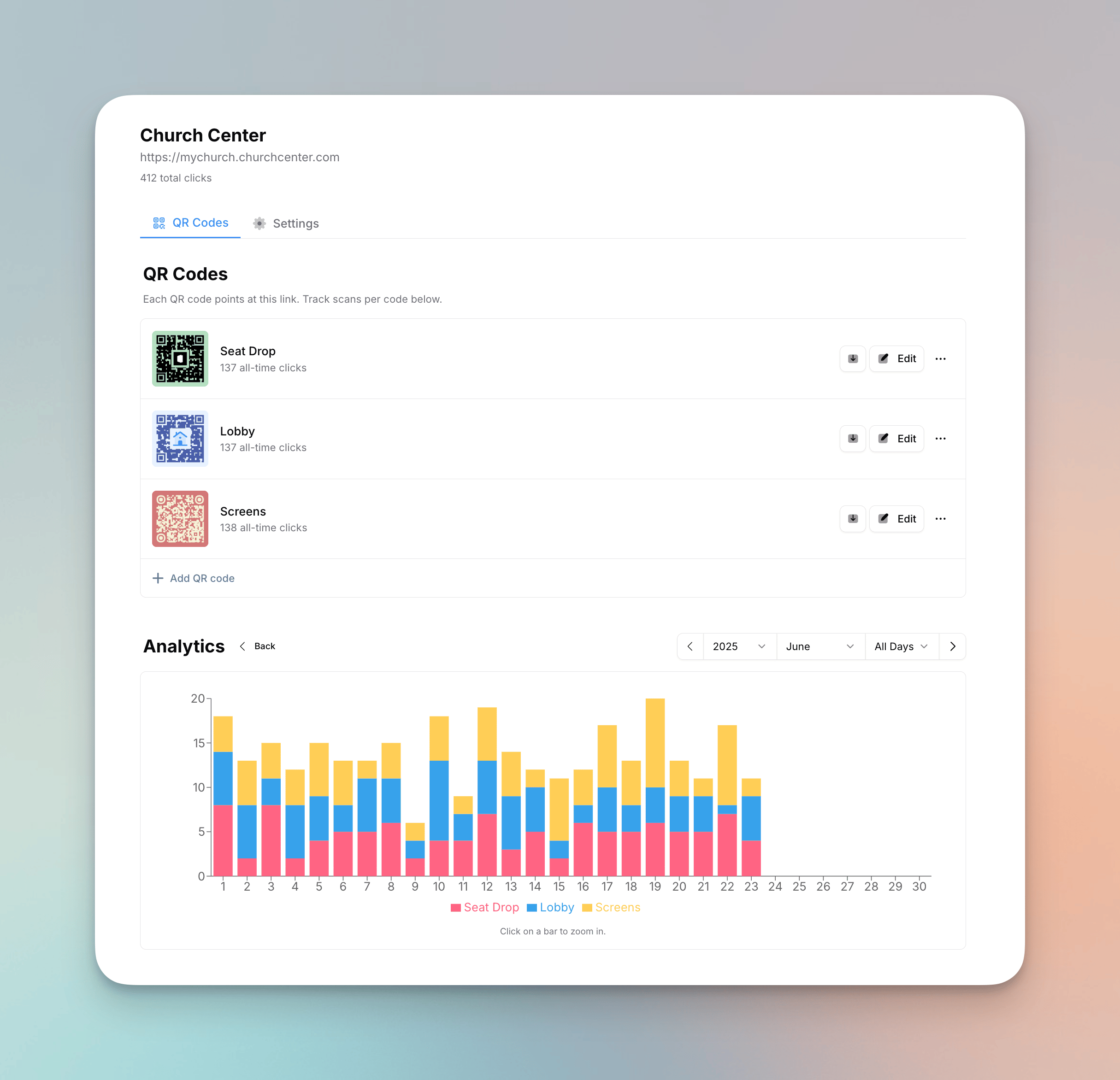
QR Code link types, new UI, and more
- QR codes now support many more types. Along with URLs and email addresses, you can create codes for Planning Center items (registrations, events, groups, forms, and Church Center pages), file downloads, phone calls, and text messages.
- You can now choose whether a code is tracked or static. Tracked codes (URL, Planning Center, and file downloads) route through Flowforth, so you get scan analytics and can change the destination after printing. Static codes (email, phone, text, and WiFi) encode their destination directly so phones handle them natively, with no analytics and a fixed destination. Previously, codes were always tracked/dynamic.
- The QR code page has a redesigned layout with two tabs: “QR Codes” for your designs and analytics, and “Settings” for the link’s name, destination, and status. Changes in Settings save automatically.
- You can now see the total scans of a QR code on the row for that code.
Improvements
- HEIC images (the default photo format on iPhones) are now automatically converted to a JPG when you upload them. This works whether you drag them into the editor, the asset browser, the asset page, or use the upload button. Previously these files were rejected because most email clients can’t display them.
- On mobile, you can now preview your email from the pre-send and scheduled pages. Tap “Preview Email” in the three-dot menu to open a full-screen preview with a clear header and close button.
Fixes
- We fixed a bug where rounding a column block’s corners wouldn’t clip the content inside it. Now images and other blocks placed in a rounded column are properly trimmed to the rounded corners, with no background color peeking through at the edges.
- We fixed a bug where text would be de-selected in the text block after changing the text color or highlight color.
- We fixed a bug where you would just see ’—’ as the font size if the text was the default size.
Small Improvements
Improvements
- We added a filter on the people table to find people with a “Flowforth Only” address set.
- The email preview on the pre-send page now sticks to the top as you scroll, making it easy to always see your preview.
- When exporting people, Planning Center email addresses and Flowforth Only address are in separate columns. This helps you get all of the data for your people.
- You can now copy the public link for your email while the email is in draft or scheduled mode. The email will be available at this link once it is finished sending.
- On the email recipients table for a sent email, you can now click the “Clicked” badge to see what links that person clicked.
- In the new email popup, you can now enable “Create more” to quickly create multiple emails in a row. The name field clears after each one, while your folder and type selections are kept, and you stay in the popup instead of being taken to the editor. This is helpful for when you’re trying to create all the emails for a campaign at once.
- When adding a new text block, the text editor auto-focuses. This makes it faster to start typing.
Fixes
- We fixed a bug on mobile where the text formatting bar would show on top of the app sidebar in the email editor if both were active.
- We fixed a bug where new folders would not always show in the “move to folder” action on the emails table.
- We fixed a bug where using the “New Email” button on the table wouldn’t route you to the email editor right away like the “Create New” button on the sidebar does.
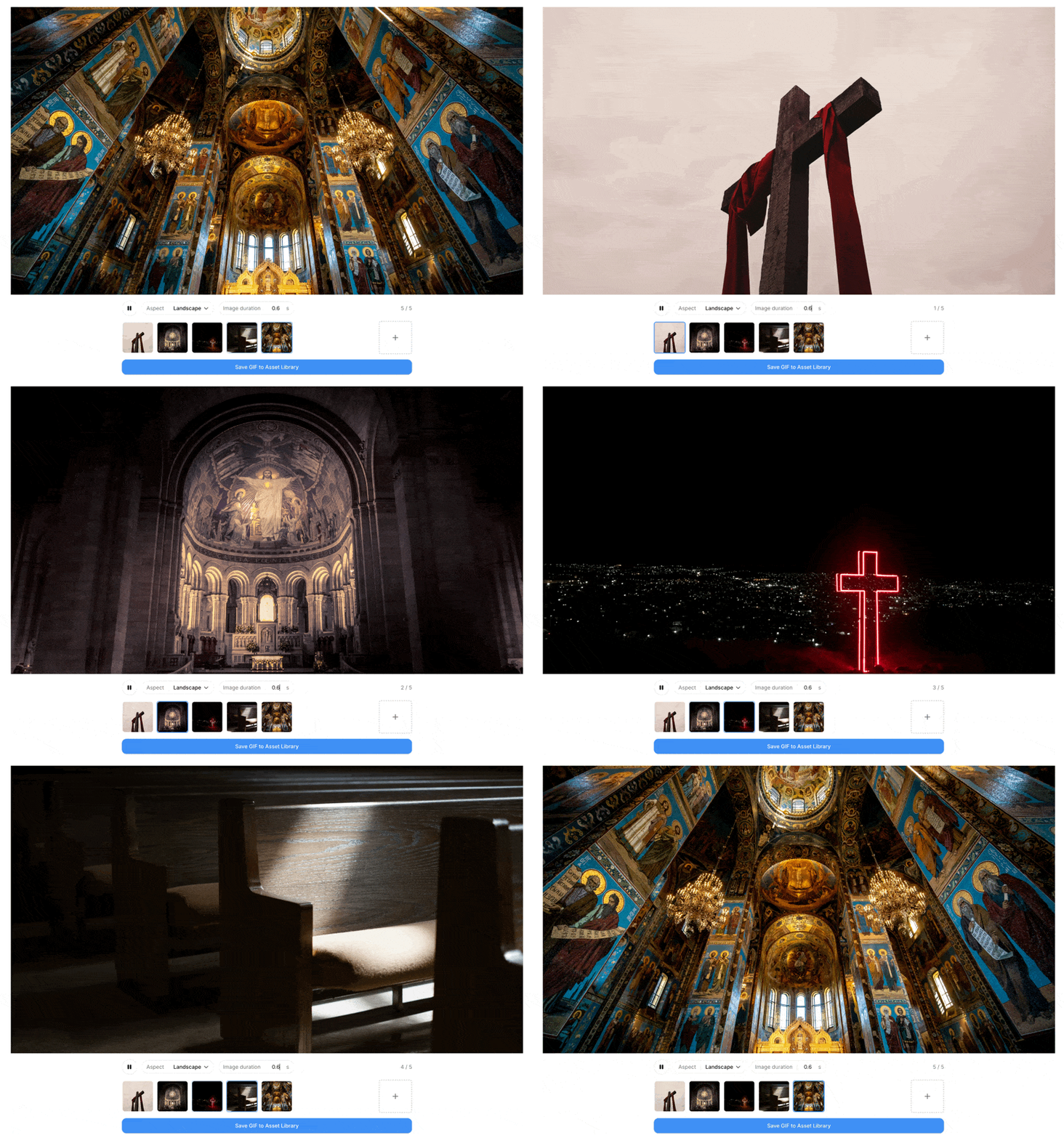
GIF Generator
- You can now create GIFs from pictures directly in Flowforth using our new GIF generator. Upload a series of images, choose your frame rate and dimensions, and we’ll create a GIF you can use in your emails. This is perfect for creating simple animations, showcasing event photos, or adding some fun flair to your emails without needing external tools.
- We’ve renamed the top level “Asset Library” item on the sidebar to “Content.” This is where you’ll find the Asset Library and the new GIF Generator. We may add more content-related features here in the future as well.
Person Block
- The author block has been renamed to the person block, making it more clear that it can be used for more than just content authors.
- You can save people for quick reuse across emails. Saved people are shared across your organization, so you can load them into any email without re-entering details.
- A new below link layout displays links with text labels beneath the subtitle, showing usernames and contact details alongside icons. This works well if you want an email signature look.
- You can now choose between circle and square avatar shapes, and the maximum avatar size has been increased to 150px.
- Phone and SMS icons are now available as link types.
- Import from Planning Center: Search your Planning Center People database and pull in a person’s profile picture, name, emails, phone numbers, and social accounts directly into the block. This is especially helpful when you need to share a volunteer’s contact info or feature a point of contact in your email. Always make sure you have a person’s permissions to share their information in emails before doing so.
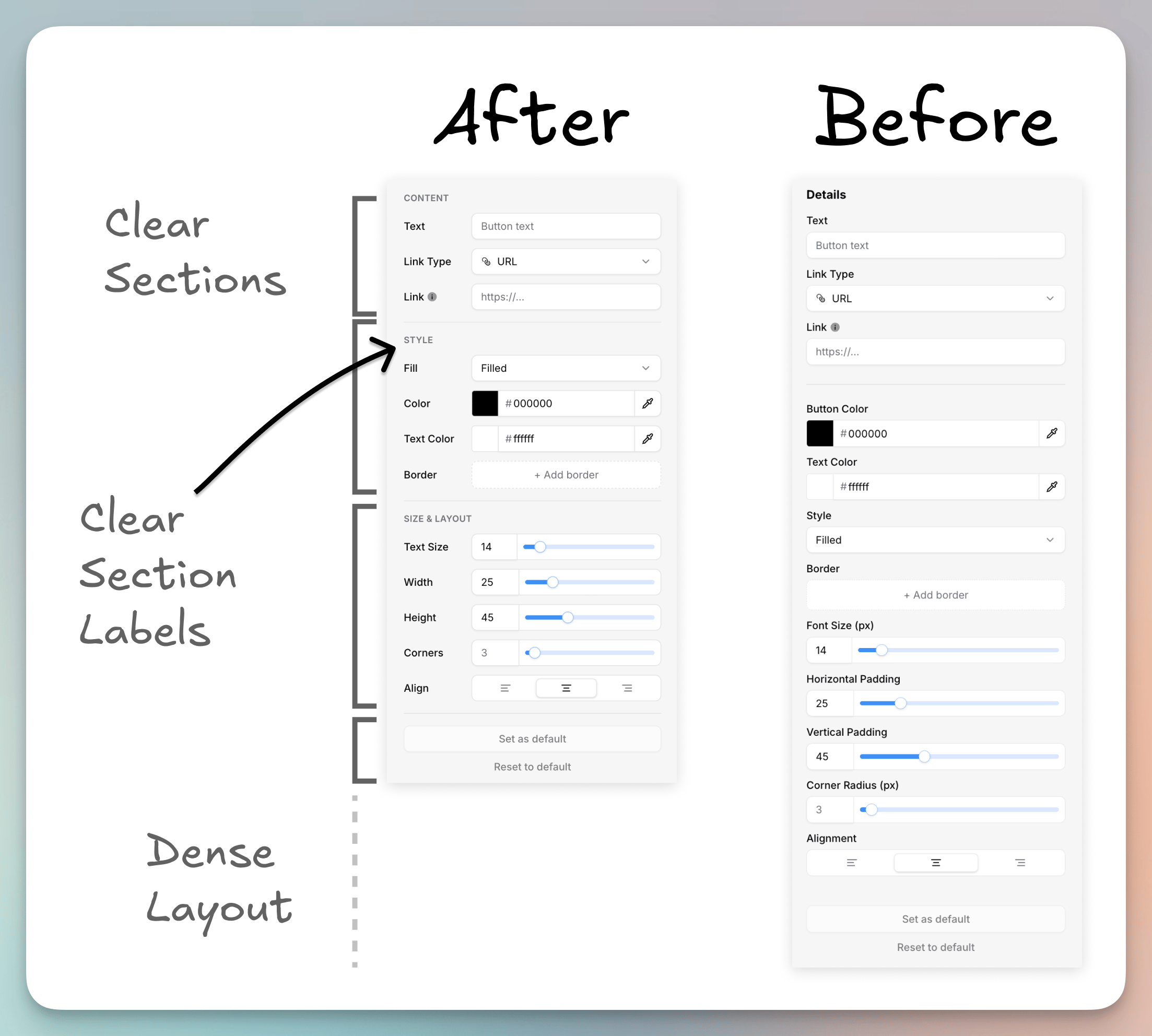
Improved Email Editor Sidebar
- We’ve refreshed the layout of the block editor sidebar. This layout has clear groupings for different settings and is more dense so you can see more options at once without scrolling. The new layout also makes it easier for us to add new settings in the future as we continue to improve the editor.
Custom Border Width per Side
- You can now set a custom border width for each side of a button, image, or video block. You can also set this on the any block’s ‘Block Style’.
- This can help give you a neo-brutalism look for your emails.
Improvements
- The “add link” button on person blocks and footer blocks now matches the style used on cards and list blocks.
- Person blocks are now supported in the simple email editor. Click the Person button in the toolbar to add or load a person block.
- We’ve added a new “Globe” icon option for the person and icons block as well as the footer.
Fixes
- We fixed a bug where the @ menu did not have a background color.
- We fixed a bug where private Vimeo URLs were not correctly getting the thumbnail in the video block.
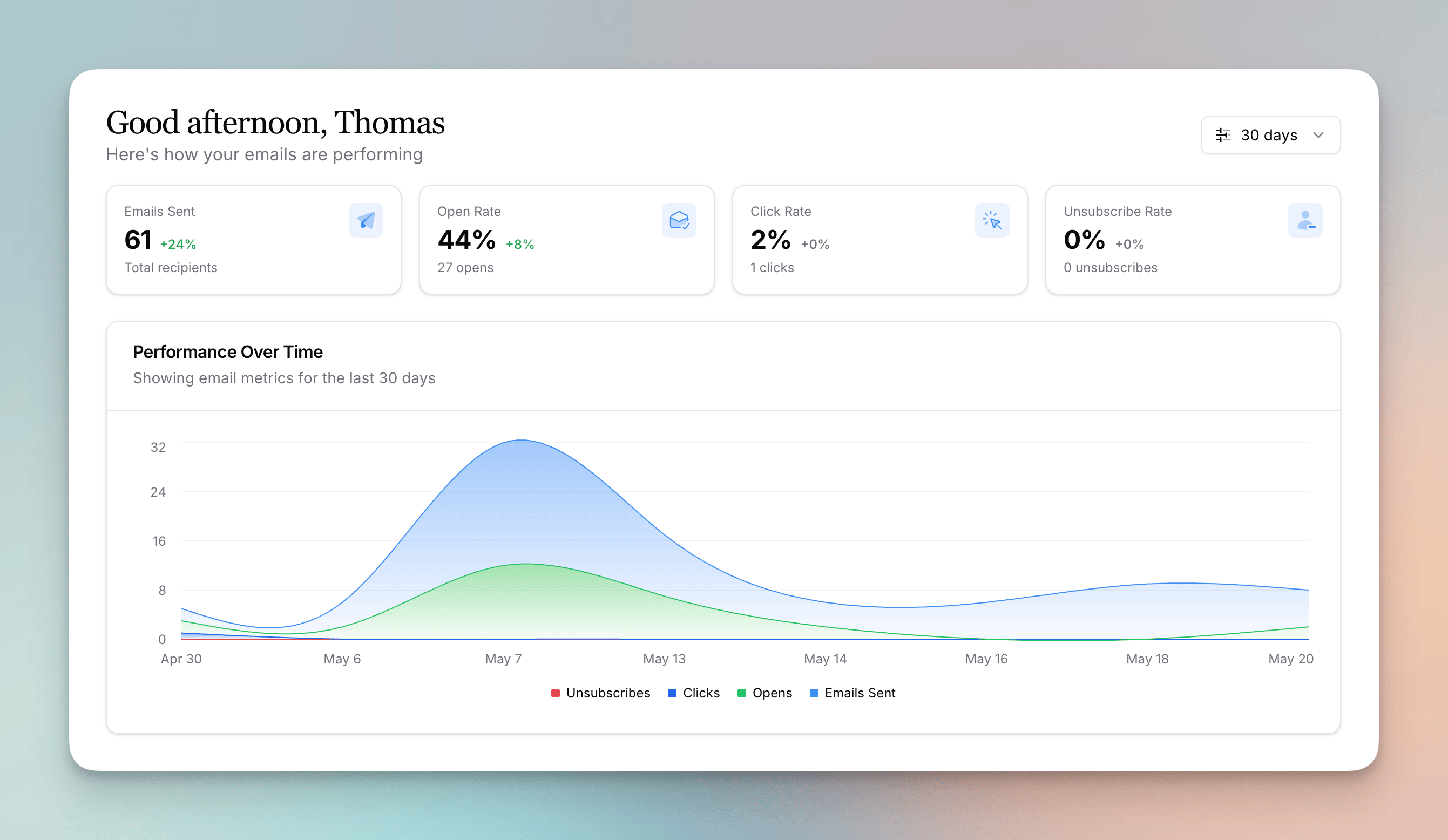
Improved Home Dashboard
- We’ve added a new widget to the home dashboard: Performance Over Time. This chart shows you how your emails are performing over time, with metrics like sends, opens, clicks, and unsubscribes.
- We’ve changed the “Recent Unsubscribes” widget to show recent unsubscribes, category unsubscribes, and bounces. This helps you quickly find issues with your emails and can help you troubleshoot when needed.
- If you click on the unsubscribes and bounces widget, you’re taken to our new People Feed page. Here, you can see a feed of all recent unsubscribes, category unsubscribes, and bounces. You can filter by type and date range, and you click into each item to see more details.
Improvements
- You can now filter by sent date on the emails table.
- You can now print an email on the email details page before you send it. Previously, you could only do this on sent emails.
- Shift click the to select a range of items on the import content from Planning Center process in the email editor.
Fixes
- We fixed a bug in onboarding where some TLDs (like .com.au or .co.uk) were not recognized as valid email domains.
Category Visibility and Ordering
- You can now hide email categories from the manage preferences and unsubscribe pages. You can toggle this from the category settings page or from the unsubscribe page editor.
- You can now drag to reorder how categories appear on the manage preferences page. Reorder them directly in the unsubscribe page editor preview.
Improvements
- We improved the loading state on the unsubscribe page editor.
- When searching for on the recipients table, we now include did-not-send records in the search results. This makes it easier to find specific recipients and understand why they didn’t receive an email.
Fixes
- We fixed a bug where the status filter on the email categories table would always show active categories, even if you just selected inactive.
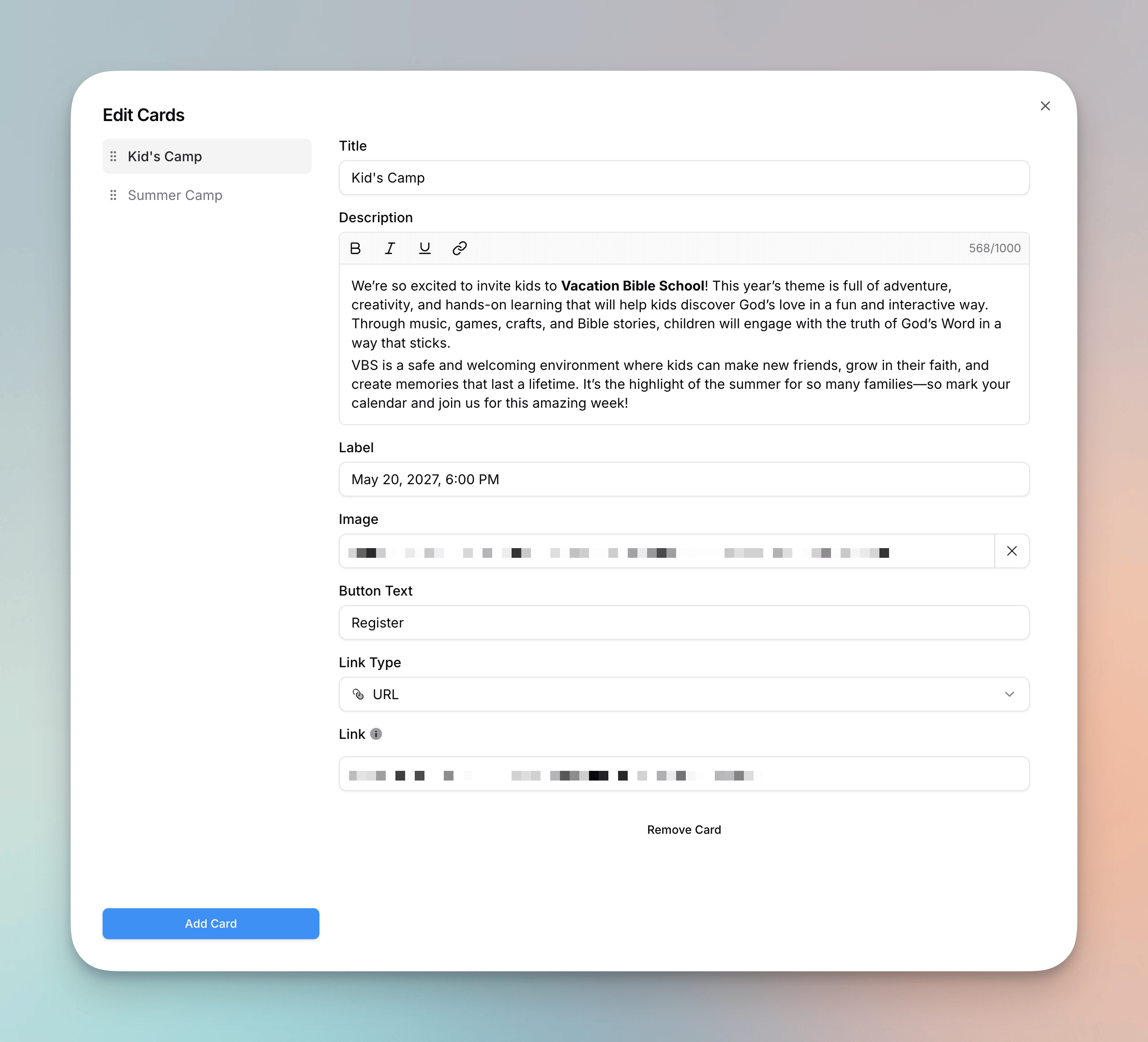
Cards and List Block Improvements
- Card and list block descriptions now support rich text formatting, including bold, italic, underline, links, and multiple paragraphs. You can edit descriptions directly on the canvas or in the sidebar editor.
- Links in card and list descriptions are now styled with your email’s link color.
- We added a new expanded editing modal for cards and list blocks. When you have multiple cards or list items, click the expand button to open a larger editor with a sidebar for quickly switching between items.
- You can now drag and drop to reorder cards and list items in the expanded editing modal, just like you can in the sidebar.
Improvements
- On the welcome page, we’ve added a welcome note and a video that shows you how to build your first email.
- On the integrations page, we’ve added videos that show you how each integration works and provided a link to our help center pages for each integration.
- On the people import page and the domain settings page, we’ve added a help video to the bottom right corner. This can help guide you though these processes and answer common questions.
- Email folders can be nested as far as you need. Previously the limit was 5 folder deep. Template folders are still only one level deep.
- We’ve updated the layout of our help center and added more articles to help you get the most out of Flowforth.
Fixes
- We fixed a bug where you could only refresh a Canva asset one time.
Help Videos
- We’ve added a few help videos across our help center, and we’ve made a dedicated tab for all help videos. Let us know if there are any topics you’d like to see covered. Check them out at Help Videos.
Platform Improvements
- We improved the import results page, making it easier to understand how your import was processed.
- We fixed some small bugs throughout the app.
- We now hide the resize handles on image and video blocks on mobile since they can’t be resized this way on mobile.
- We improved the look of the asset browser on mobile devices.
Platform Improvements
- We’ve made some improvements to our platform’s infrastructure to further improve the reliability and performance of Flowforth.
- We added the @ suggestions menu to the Simple Email editor, making it easier to add merge tags.
- The three dot menu on the emails table now lets you replicate an email. Before, this was only there if you right clicked on the email row.
- When you select a list, the list selector menu closes. As most emails only go to one this list, this makes the process of setting up your email a bit faster.
- We’ve improved our import tools to help you find more matches and give you more options for how you bring in your data.
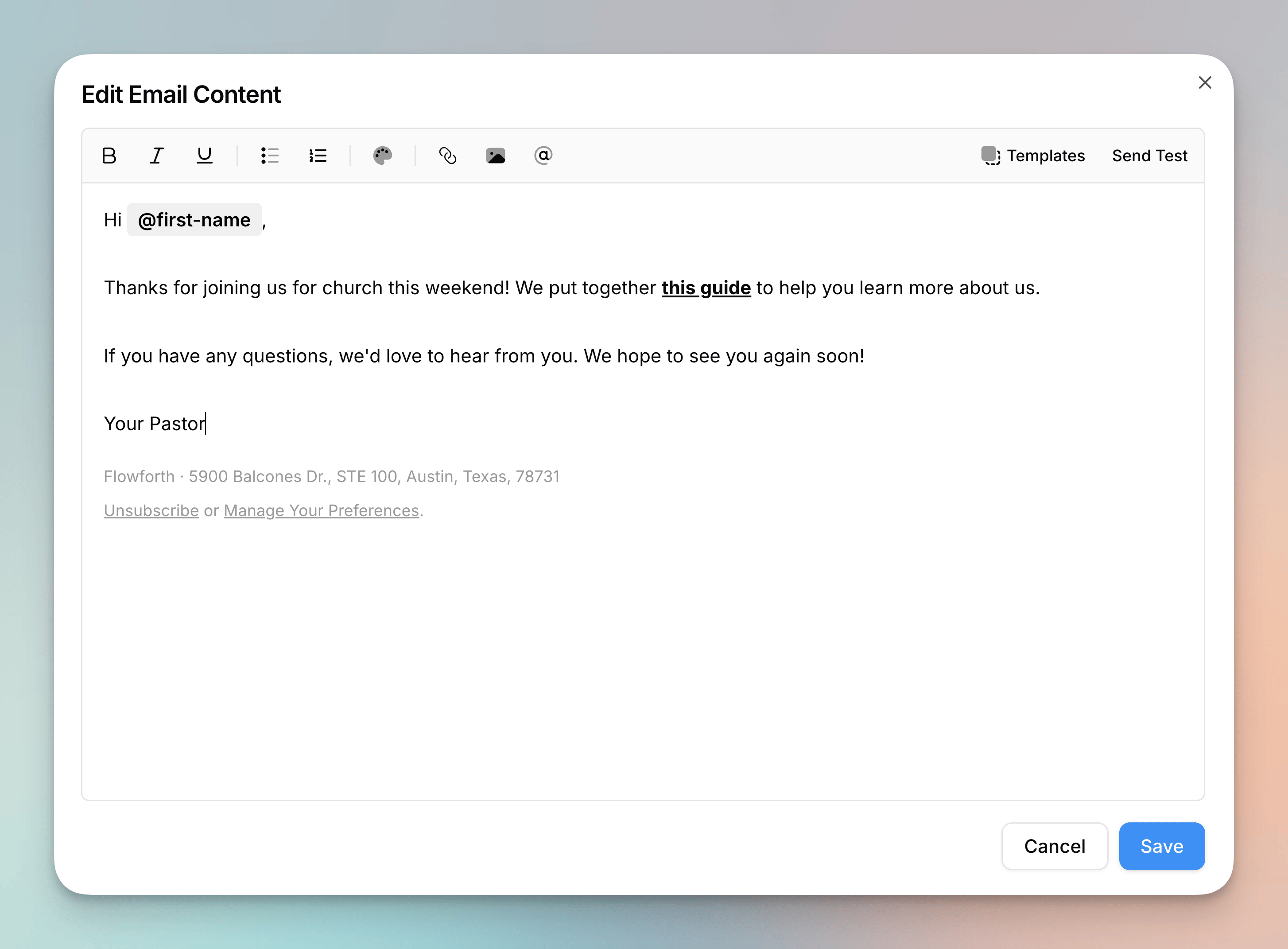
Simple Emails
- You can now create and send simple emails in Flowforth. Simple emails use a lightweight rich text editor that supports formatting (bold, italic, underline), lists, links, images, and merge tags. They render as clean, minimal HTML that looks like it was sent directly from your inbox, making them perfect for personal messages, quick updates, and internal communications.
- You can also create simple email templates so you can reuse your content across multiple emails and automations.
- The simple email editor includes all the same link types as the drag-and-drop editor, including URLs, email, phone, SMS, file downloads, and Planning Center links.
- You can send test emails directly from the simple email editor.
- A footer with your organization name, address, and unsubscribe/manage preferences links is automatically included.
- You can filter emails and templates by the Simple type on the emails and templates tables.
- Learn more in our Simple Emails help article.
Improvements
- We’ve added a public status page at https://flowforth-status.com where you can check the status of our services and subscribe to updates.
- We’ve made it easier to make new email templates from the sidebar. Just click the “Create New” button and choose “New Email Template”.
Canva Integration & Merge Tags in Subjects
- You can now connect your Canva account to Flowforth and use your Canva designs in your emails. Browse your designs, import them as images in the drag-and-drop editor, or create full emails from Canva Email templates. Flowforth handles extracting the HTML, uploading images, and converting Canva placeholders into Flowforth merge tags. Connect your account from Settings > Integrations > Canva.
- Learn more in our Canva Integration and Canva Emails help articles.
- You can now use
@first-nameand@last-namemerge tags in email subject lines. These work in regular emails and automation emails, and are replaced with the recipient’s name when the email is sent. Test emails show sample data so you can preview how personalized subjects will look.
Improvements
- You can now choose a file from your asset library when adding a link on a Link Page. This makes it easy to link to downloadable files like bulletins, forms, and other resources.
- We’ve added Planning Center as a link type on Link Pages. You can now browse and search your Planning Center content to quickly link to Forms, Registrations, Groups, Calendar Events, and common Church Center pages directly from the Link Page editor.
- Emails marked as blocked in Planning Center now correctly sync with a “Blocked in Planning Center” status instead of being skipped. This gives you more visibility into why certain contacts aren’t receiving emails.
- The “PCO Blocked” status label has been renamed to “Blocked in Planning Center” throughout the app for clarity.
- When using the Church Center setup template, we now add your setup link to the email on your behalf. Before, we just provided instructions on how to get the link.
Fixes
- We fixed a bug with sending HTML emails.
Import Bug Fix
- We fixed a bug in the people import process that was caused by having multiple Flowforth organization linked to the same Planning Center account.
AI Model Update
- We changed our underlying AI model from gemini-3.1-flash-lite-preview to gemini-3.1-flash-lite.
Auto-Join Domains
- You can now allow anyone with a matching email domain to automatically join your Flowforth organization when they sign up. Head to Settings > Members and scroll to the Auto-Join Domains section to add any of your verified domains. New members who sign up with a matching email will be added to your organization automatically.
- By default, auto-join members are added as email designers, meaning they can create and edit emails but cannot send or schedule them. They will not have access to people, link pages, or QR codes until you grant them access.
- You can customize the default permissions for each auto-join domain. Click on a domain to configure exactly which features new members should have access to, including full member access with no restrictions.
- If a user has a pending invite, the invite takes priority over auto-join, so any custom role or permissions on the invite are preserved.
- Learn more in our Auto-Join Domains help article.
Improvements
- We’ve improved the onboarding flow for new users. You can now select which Planning Center apps you want to connect to during onboarding. Before, you could connect to People but had to expand your connection for other features in Flowforth.
- When onboarding, you can also import your brand from your website. This will bring in your logo, main colors, and some images from your homepage.
- We improved the UI for connecting to Planning Center and expanding your connection scope.
- The organization name and logo are now two separate rows on the settings page. The logo preview is now a square instead of a circle as this is how it is used throughout the app.
- We’ve made improvements to our Planning Center sync to further ensure that things are always up to date in Flowforth.
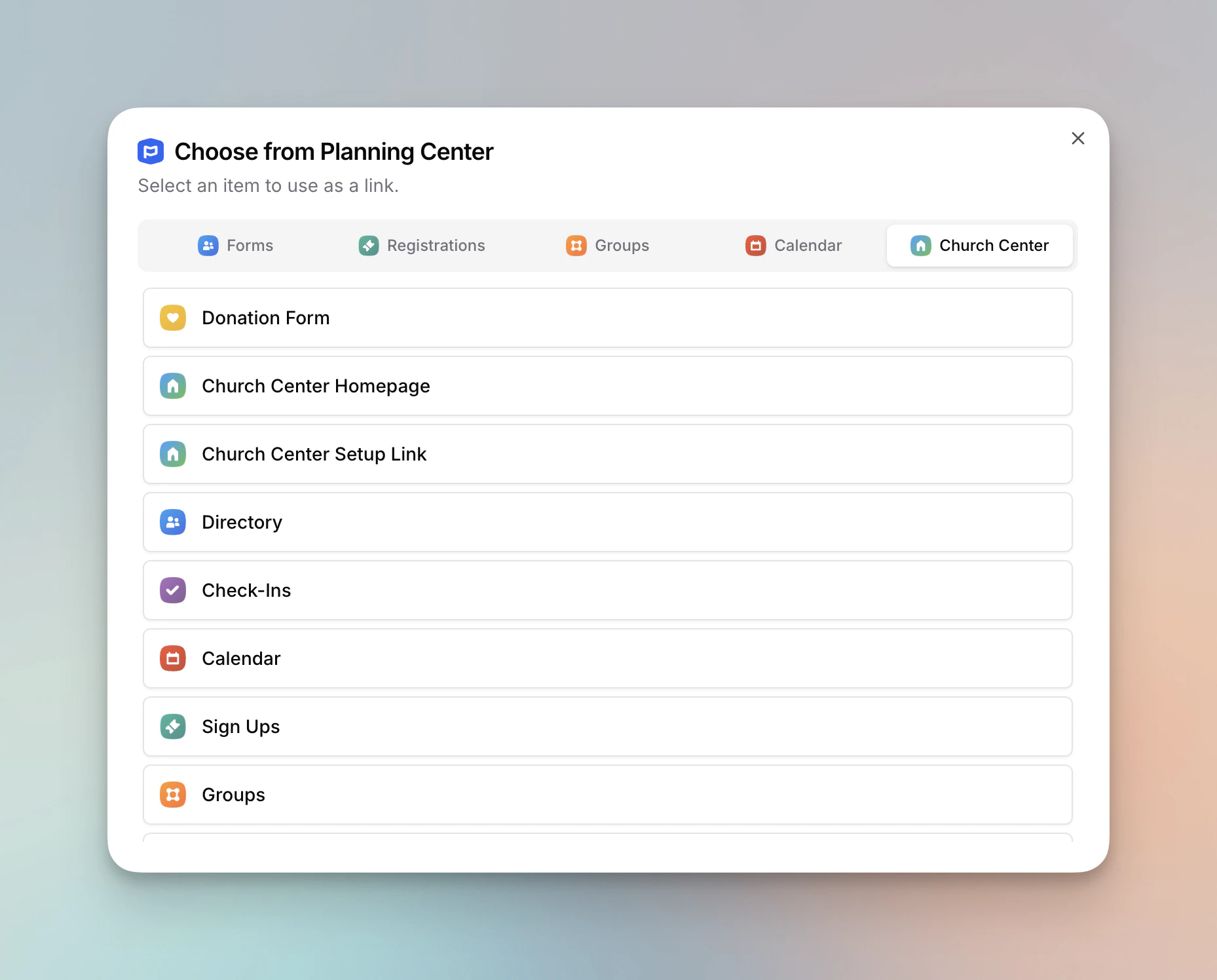
Planning Center Link Type
- We’ve added Planning Center as a link type to the email editor. When you select the Planning Center link type on text links, buttons, images, cards, list buttons, or footer text links, a picker opens where you can browse and search your Planning Center content. You can quickly link to Forms, Registrations, Groups, Calendar Events, and common Church Center pages like the donation form, directory, check-ins page, and more without leaving the editor.
Improvements
- You can now use file download link types in the footer text links.
- We’ve added a “PCO Links” button to the HTML email editor toolbar. Like merge tags and assets, it opens the Planning Center picker and copies the selected link to your clipboard so you can paste it into your HTML.
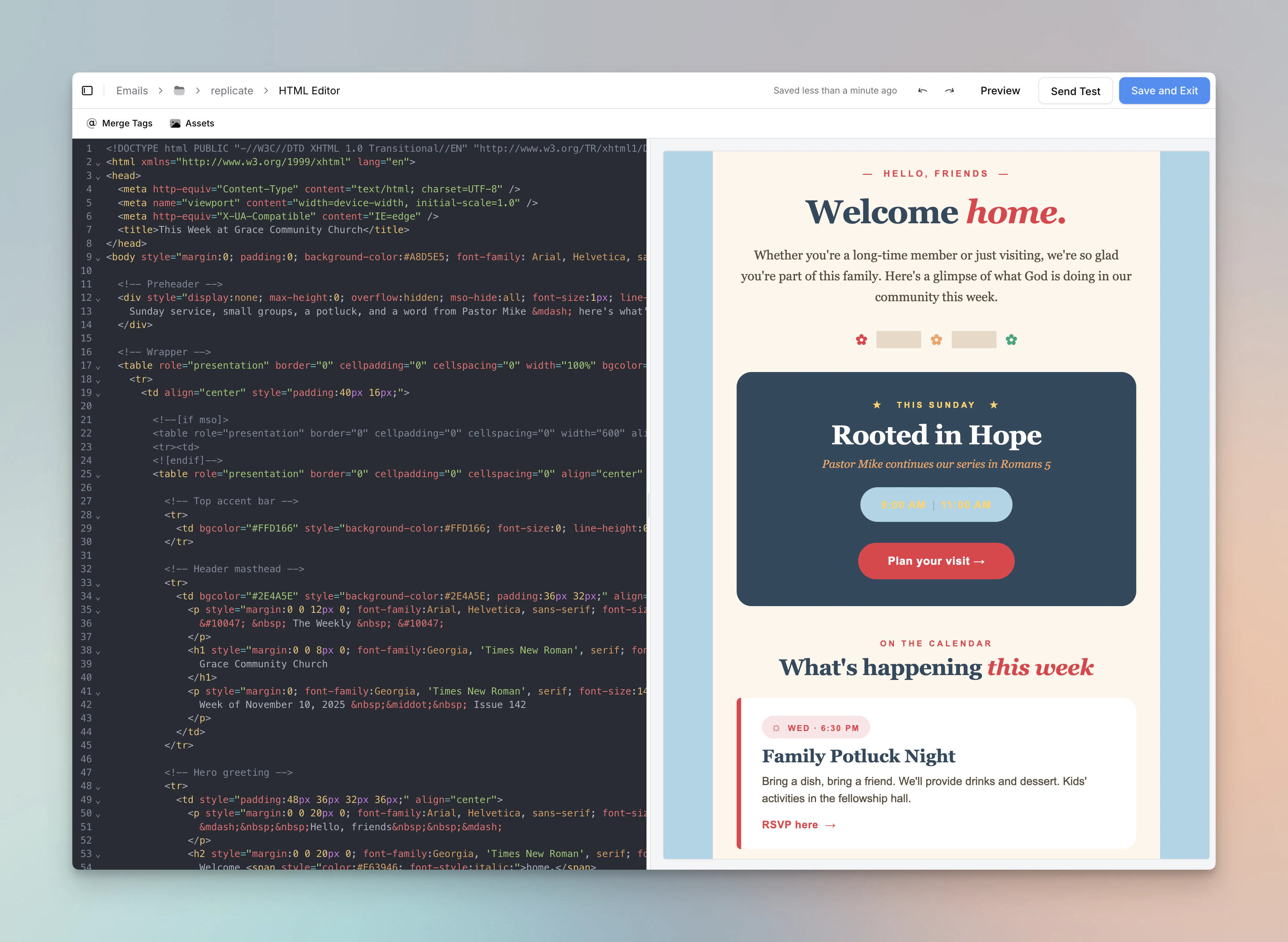
HTML Emails
- You can now create and send HTML emails in Flowforth. Write your own HTML or paste it in from tools like Canva, ChatGPT, and Claude for full control over email design. HTML emails include a full code editor with syntax highlighting, live preview, undo/redo, auto-save, and access to the asset library and merge tags.
- You can also create HTML email templates, so you can reuse your custom HTML designs across multiple emails and automations.
- HTML emails that don’t include an unsubscribe link will automatically have one added before sending.
- You can filter emails and templates by the HTML type on the emails and templates tables.
Improvements
- We’ve added merge tags for unsubscribe (@unsubscribe) and manage preferences (@manage-preferences) links. These can be used in a link href in HTML emails or as a text block merge tag in the drag-and-drop editor.
- You can now choose a folder when duplicating an email, saving an email as a template, or duplicating an email template.
- Save draft emails as templates directly from the pre-send page. This was previously only possible from the emails table.
Fixes
- We fixed a bug where cmd/ctrl + b would open the sidebar in the email editor. The command to toggle the sidebar is now cmd/ctrl + /.
- We fixed a bug where replicating an email would pre-fill the email name with the email subject rather than using the original email name.
- We fixed a bug where only the text on a button block was linked in your emails. Now the full button is linked.
Assets Changes
- You can now rename assets in the asset library.
- You can now quickly copy a link to an asset.
- You can right click on an asset in the asset library/browser to take actions (remove, rename, download, copy link, or preview).
Improvements
- When importing unsubscribed contacts, you can optionally choose an email category to unsubscribe them from. This is helpful if you’re importing multiple audiences from a former platform where people may be unsubscribed from some types of emails but not others. If you don’t select a category, we’ll unsubscribe them from all emails as before.
- Dates and times should no longer be underlined in Apple Mail unless you explicitly make them so.
- The help center and contact us buttons on the bottom of the sidebar are now visible on mobile devices as well.
Fixes
- We fixed a bug where deleting an asset would lead to one less asset showing on the page. Now when you delete an asset, we pull in the next item from the next page.
- Clicking on an image placeholder in the email editor no longer opens the asset browser. You can use the sidebar to select an image instead.
- We fixed a bug where the asset browser was not always showing the upload button in the email editor.
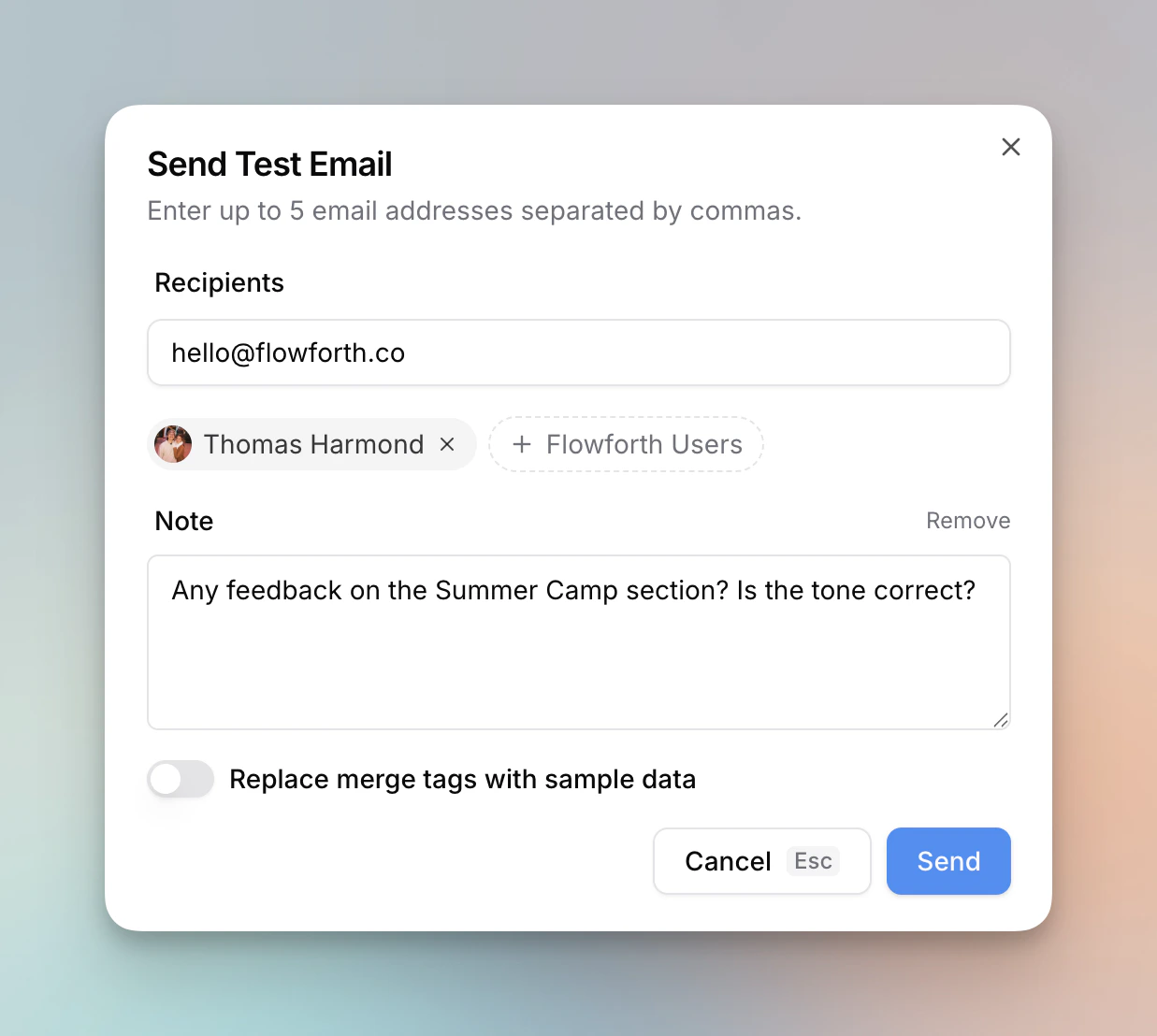
Many Small Improvements
- When sending a test email, you can now choose to send it to other users in your Flowforth account instead of just to email addresses you type in. You can also add a note when sending a test email for the recipients. This note will show at the top of the email.
- Similar to emails, you can now organize your email templates into folders.
- When creating a new email from a template, you can now choose the folder you want the email to be created in.
- You can now access the sidebar from within the email editor. Just click the sidebar button in the top left corner to open it up.
- Assets now soft delete. This means that if you delete an asset that was included in a sent email, the asset will continue to show in the sent email. Sent assets, once deleted, do not count towards your asset usage. Previously, if you deleted an asset, it would also be removed from sent emails.
Improvements
- Images should load faster in sent emails.
- When applying a template to an email, the page no longer does a full refresh. This lets you get to editing your email faster.
- We updated the home page of our help center to be more clear and easier to navigate.
Fixes
- We fixed a bug where email category public page URLs were not always loading correctly on the details page.
- We adjusted the size of the Church Center icon so its size matches the other icons.
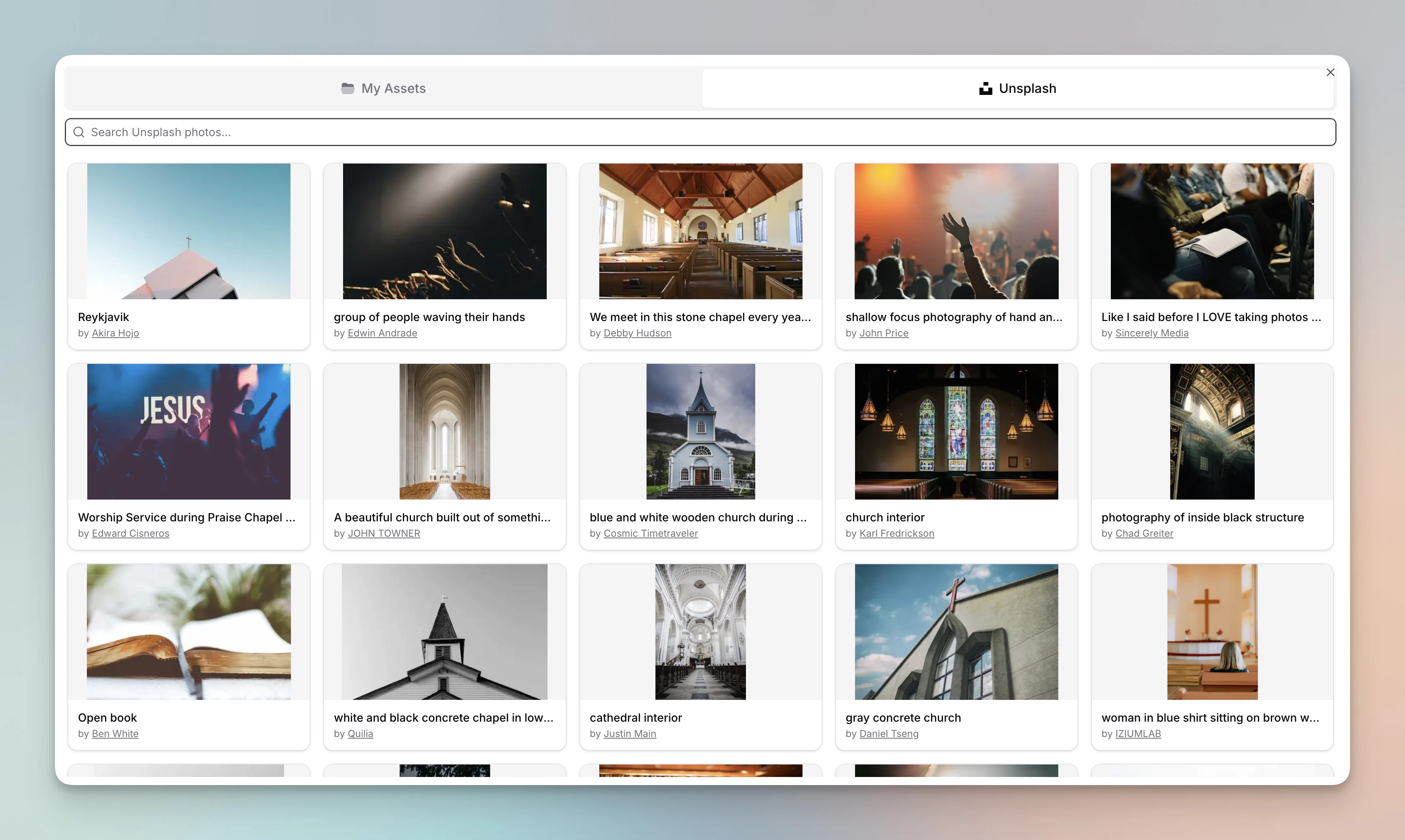
Unsplash Integration, New Email Form Improvements, and Bounced Email Details
- You can now browse and import images directly from Unsplash when selecting an image to use in an email, on a link page, or anywhere else in Flowforth where your assets are used.
- You can now select a folder and email type when creating a new email.
- Ever wonder why an email bounced? You can now click on the “Bounced” badge to see more info. This can help you both understand why this happened and help your congregant resolve the issue.
Improvements
- We’ve further improved the logic we use for cleaning an email after a bounce which should lead to fewer false-positive cleans.
- We’ve continued to improve the look of our mobile data tables.
Mobile and Table Improvements
- You can now see which list an email was to on the “Recent Emails” tab of the category details page.
- You can now see which list an automation is tied to on the automations table as well as the trigger type.
- You can now right click on a row on the emails table, the templates table, and the automations table to open up a menu of actions.
- We’ve added sort and filter options to the emails tabs on the category details and list details pages.
- The category details page now shows you all emails assigned to that category, no matter the status. Previously, the table only showed sent emails.
Improvements
- We’ve improved all of our tables on mobile. You can now see more information without having to scroll.
- We re-vamped the look of the “add block” menu on mobile.
- We changed the way detail pages render their tabs to make it faster to navigate.
- We improved home breadcrumbs display longer item names.
- We cleaned up the automation members table to make it more clear why a run was canceled (i.e., they have a duplicate email address with someone else who’s in the automation already.)
- We’ve made the permissions settings on lists more clear and easier to manage.
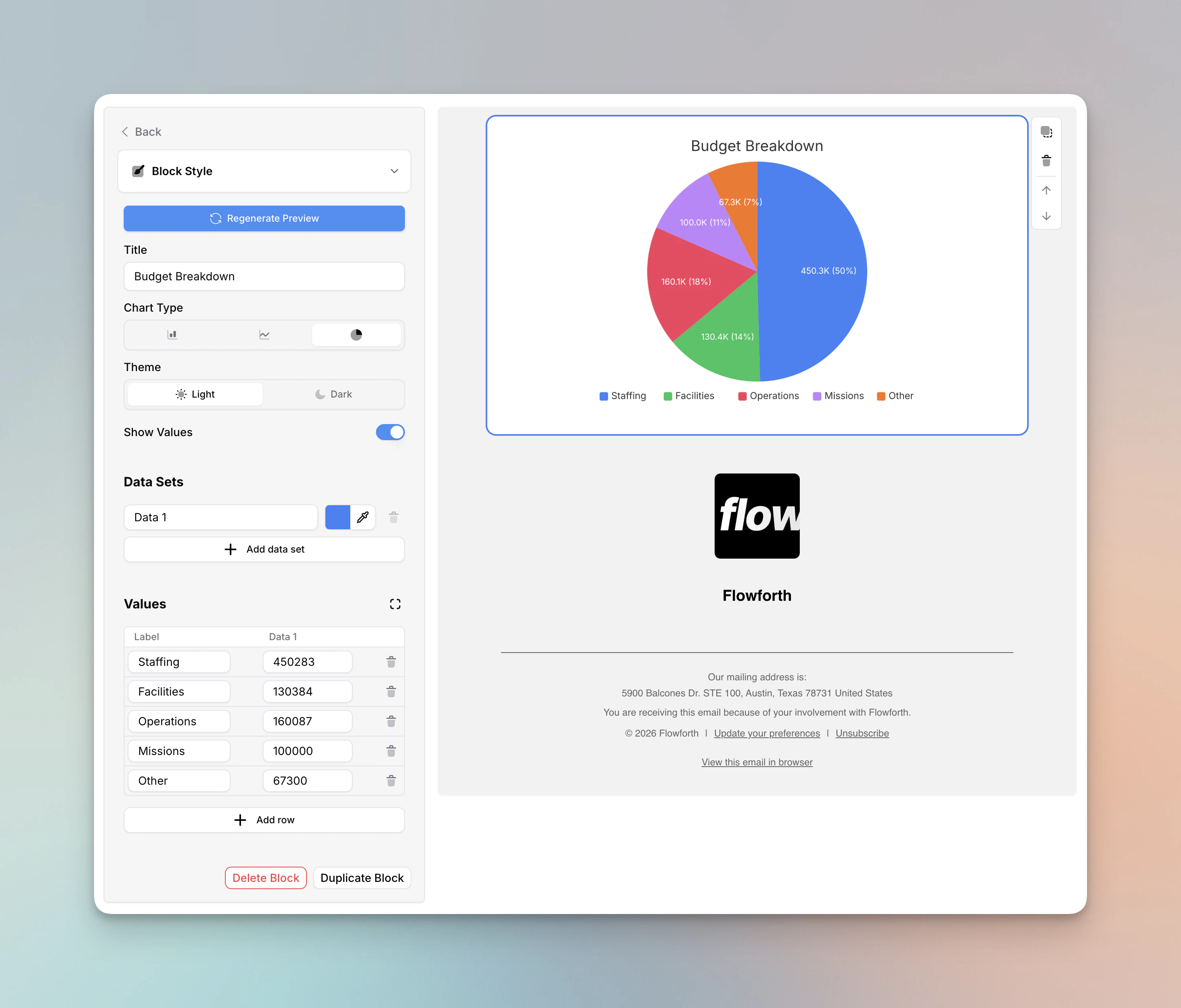
Chart Block
- You can now add charts to your emails using the new chart block. Choose from bar, line, and pie charts, enter your data, and we’ll render a clean chart image in your email. You can customize colors for each data series, toggle between dark and light mode, and show values on the chart.
- This is great for annual reports, giving updates, budget summaries, attendance trends, and other times you want to share data with your people in a visual, email-safe way.
Automation and Mobile Improvements
- You can now easily cancel all active runs for an automation (without disabling the automation), and you can cancel runs for individual people. You can do this by going to the automations details page, clicking the “People” tab, and clicking the “cancel run” button on their row.
- We’ve added a settings tab to the automations page. Here, you can rename, edit the description, and choose if you want to let people go through this automation more than once. By default, people can repeat automations that run weekly or monthly and they can’t repeat automations that are based on list membership in Planning Center. This was how it worked before, but now you get control over this functionality per-automation.
- Now each time someone runs through an automation, you’ll see a new row on the table under the “People” tab on the automation details page.
- You can now easily access the editor for an email template used in an automation step.
- You can now edit an active email automation without canceling runs that are currently in progress. The runs in progress will still run with the old automation configuration. New runs will use your new automation steps.
- From the automations table, you can now duplicate email automations.
- On the person details page, you can now see automations that this person has been a part of. As well, the “emails received” table now shows emails a person received from an automation they’re a part of. You can filter for just regular emails or just automation emails on this table as well.
- You can now see the email content of a sent email on mobile.
Improvements
- On pages with tabs (post-send email details, automation details, person details, etc.), we made it easier to navigate on mobile and fixed a visual bug.
Fixes
- We fixed a bug where searching by email address on the people table was returning no results.
Click To Add Merge Tags, Folders In Breadcrumbs, and More
- You can now click a merge tag on the sidebar to add it your current text block where your cursor is. This makes personalizing your emails even easier.
- We moved the email folder breadcrumbs to the main breadcrumbs bar. This also means that folders are available in the breadcrumbs on email details pages and in the email editor.
Improvements
- We’ve refined the design of the import content from Planning Center popup. Images are slightly larger, more information is visible on mobile, and the group type shows for each group.
- We made some visual refinements across the app’s interface.
Link Types on Cards and Lists
- You can now set a link type on cards and list buttons. This lets you use email addresses, phone numbers, and files as your link types in addition to URLs.
Improvements
- We’ve made some improvements to collaborative editing.
- We’ve made it easier to add block on mobile, and we’ve made it possible to access the full text formatting bar on mobile.
Fixes
- We’ve continued to fix visual bugs throughout the app.
Bug Fixes and Visual Improvements
- We’ve made some minor bug fixes and visual improvements across the app, primarily targeting mobile devices.
SMS and Tel Links, Footer Link Types, and Editor Improvements
- When adding a link in the email editor, you can now add SMS and Tel links. This means you can link for people to start a phone call with you or send you a text.
- We’ve added a phone and message icon to the footer icons and to the icon block so you can use SMS and Tel link in these places.
- We’ve added the ability to set a link type on text links in the footer. You can link to URLs, emails, SMS, Tel, and files.
- We’ve also added these new link types to the link pages builder.
- You can now hit the Escape key to de-select blocks in the email editor.
Improvements
- We made Registrations the default tab for importing from Planning Center instead of Calendar.
- We improved the performance and stability of the email editor.
- We’ve made it easier to see folder names on mobile.
Custom Open and Click Tracking
- When adding a new domain, you can now choose to enable open and click tracking. If you do, we will provide you with a couple extra DNS records to add to your domain. This means that tracking links and open pixels point to the same domain as the address you’re sending from. This helps improve email deliverability making sure you land in people’s inboxes.
- If you added a domain before April 16, 2026, you can still enable custom tracking to improve your email deliverability. If you go to https://flowforth.co/domains and click on the domain you want to edit, you can then click the switches for “Click tracking” and “Open tracking” to enable custom tracking. You will then need to add the new DNS records we provide to you in order for this to work.
Send Emails to Multiple Lists and People
- You can now choose multiple lists to send an email to. We will make sure that if someone is on a list twice, they only get the email once.
- You can also send emails directly to people. One way this is helpful is when you’re sending an email to a list but want to also send it to a few team members.
Permissions Adjustment and Editor Improvements
- People with the email designer role can no longer see automations nor email categories. Only email managers and account owners can access these features.
Improvements
- We’ve made it easier to select a 1px thick divider that’s in a columns block.
- We’ve improved the “opens over time” chart on the detail metrics page. It now has more time labels on the day view, anchors the day/week view toggle to the day the email was sent, and we made some visual improvements.
Editor Improvements
- You can now highlight text in a text block.
- You can now add a link to your logo in the footer.
- You can now click on the image placeholder to browse your asset library.
- You can now nest folders to be up to 5 layers deep. Previously the limit was 3.
Improvements
- We updated the footer form to say “Text Links” and “Social Links” so the distinction is a bit more clear.
Collaborative Editing
- The email editor now supports collaboration. If multiple people open the same email, you can see each other’s changes in realtime.
- At the bottom of the sidebar, you can see who else is viewing the email. Each person has a color around their profile picture. When they select a block, you’ll see their color around the block as well as their profile picture so you know what block they’re working on.
- When someone else is editing a block, that block becomes “locked” until they unselect it. This prevents anyone from writing over someone else’s work.
- When you select a block, you now see arrow buttons to the right of the block that let you click to move a block up and down. This changes helps make Flowforth more accessible.
Share Lists with Teams, Mobile Editing Improved, and More
- You can now share list permissions with a team. This makes it easier to provision access to the right people.
- We’ve added a new list details page. Here, people with access to the list can see all emails sent to the list. Additionally, organization owners can manage the custom refresh schedule of lists and can manage sharing permissions.
Improvements
- We’ve made it easier to edit emails on mobile. First, rather than using drag and drop, there are now arrow buttons that show on your selected block. This makes it easier to move blocks where you want. Second, instead of opening the editor sheet when a block is selected, we added an edit icon to the block. This lets you make changes on the block itself. Third, it is now possible to import content from Planning Center into your email on mobile.
- When moving an email to a folder, the “move to a folder” popup now scrolls. This makes it easier to work with when you have many folders in your account.
Fixes
- We fixed a bug where the header button on Link Pages would just refresh the page.
Date Format and Campuses on Lists
- You can now set the date format that’s used for the merge tags and Planning Center imports in your emails.
- If a list has a campus, we now sync this into Flowforth so that you can filter lists by campus.
- You can now filter by list category and campus in the list selector on the drafts page.
Improvements
- We also improved the search on the People table.
Domain Management Improvements
Improvements
- We’ve updated the domain management page to be more user-friendly and easier to use. Each domain now has its own page where you can view its records and manage its settings.
Fixes
- We fixed a bug where you couldn’t remove a domain if you had already sent emails from that domain.
Cleaned Emails
- We made an adjustment to how we handle bounced emails. Previously, if an email bounced once, we would immediately mark the email as cleaned. Now, we wait for 3 bounces before marking an email as cleaned. Sometimes certain content in emails will trigger a recipient’s email provider to bounce the email. This change should help prevent someone being removed from all emails just because this happens.
- If your account had contacts marked as cleaned in the past who had successfully received emails before we cleaned them, we’ve automatically marked them as “subscribed” again.
Major Email Editor Improvements
- You can now resize video blocks by grabbing the resize handle on the left or right side of the block. Before this was only possible on the image block.
- Dividers can now be up to 100px thick.
- In addition to solid, you can set dividers to be dashed or dotted.
- Like on image blocks, you can now add borders to video and button blocks.
- The video block can be aligned on the left, right, or center. Previously, it could only be left aligned or centered.
- In you’re editing a two columns layout, you can now swap the columns by clicking the swap button.
- Like image and button blocks, video blocks now support setting a custom corner radius.
- As video blocks are ultimately linked thumbnail images, they now share the same default email style settings as images.
- You can quickly create a new email by going to https://flowforth.co/new. This will take you straight to the email editor of your new email.
- You can now add borders to a block in the block styles menu.
Improvements
- We’ve made major improvements to the email editor. These changes include an improvement to the history (undo/redo) system, a more reliable auto-save system, and some tweaks to make sure text blocks never lose their content. You should also notice some performance improvements.
- We cleaned up some of the animations in the email editor.
- We’ve added some more global email templates.
- We’ve improved how quickly the email preview shows your most recent changes.
Fixes
- We fixed a bug where some block types were not showing in the correct font family.
Scroll on Editor Sidebar
- You can now scroll on the main view (where you see the blocks you can add) of the editor sidebar. This is helpful for small screens or when your window is zoomed in.
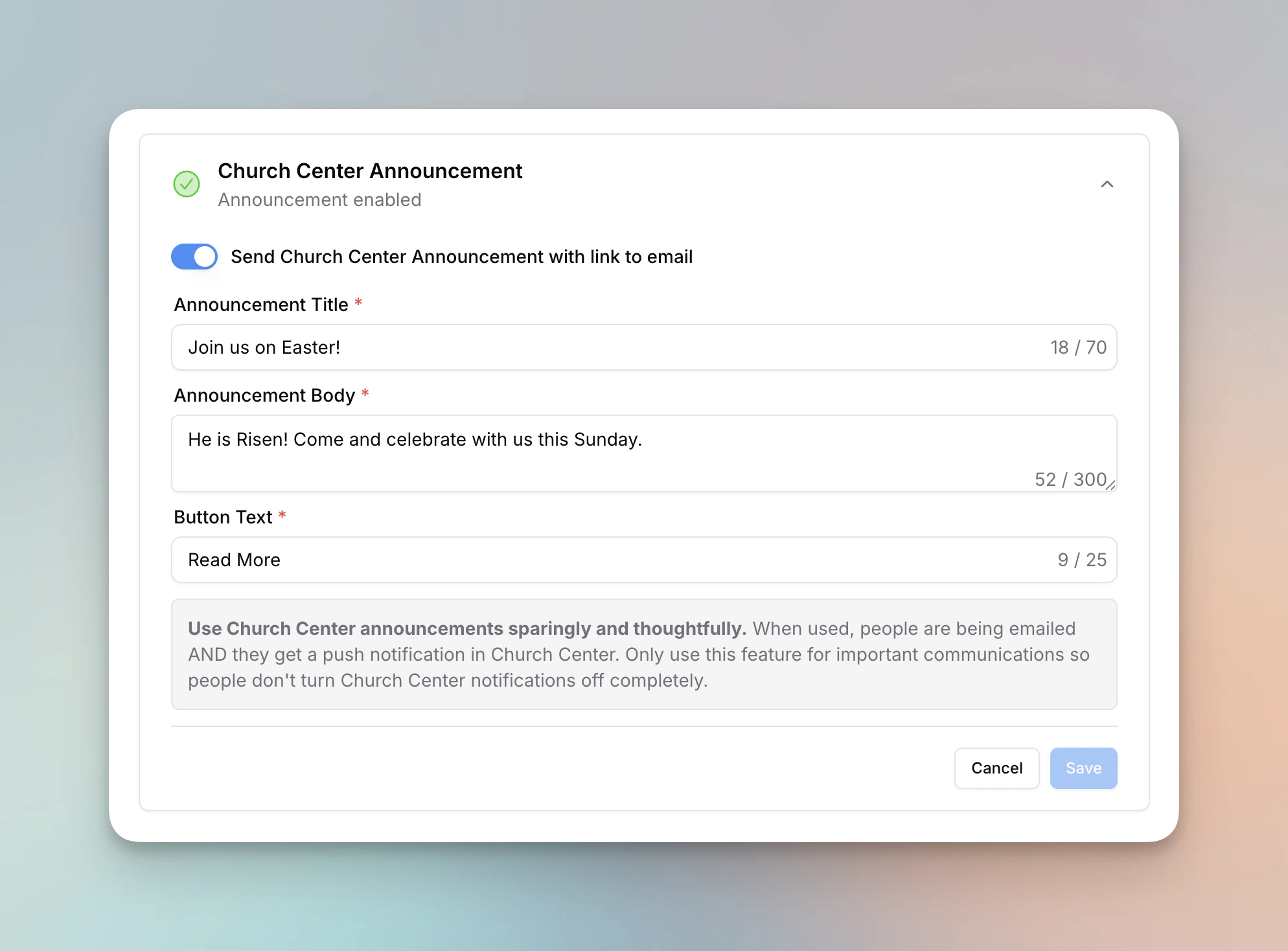
Church Center Announcements
- You can now send a Church Center announcement to members of the list your email is sent to. When recipients tap the announcement, they’re given the option to view the full email on a web page.
- Configure the announcement title, body, and button text in the new Church Center section on the email detail page.
- Church Center announcements require a public email category. If your category isn’t set to public, you’ll need to update the category’s public settings before enabling an announcement.
- Owners can grant individual members the Church Center announcements permission so they can create and manage announcements. This permission is available for email Managers only.
- Learn more in Church Center Announcements.
- We’ve updated the member permissions modal to be more clear and easier to use.
Editor Block Sorting Improvements
- We’ve move to a more reliable and performant way to sort blocks in the email editor. This change should lead to fewer bugs and sets us up for future improvements.
Drag and Drop Improvements
Improvements
- We’ve made some significant improvements to the accuracy and performance of the drag and drop functionality in the email editor. It should be much easier to make columns out of existing blocks, reordering blocks should be much more reliable, and we made it significantly faster to drag a block up or down on the page.
- We now persist if you have “preview merge tags” enabled in the email preview so that you don’t need to enable it every time you open the preview.
Email Style Improvements
We’ve added a few new options to the email style section of the editor. These changes make templates more reliable and make it easier to build your emails.- First, you can now set defaults for different font families, colors, and sizes for paragraph and heading text.
- Second, you can set defaults for buttons, dividers, and images. Changes apply to all blocks that already match the defaults you set and apply to new blocks. You can also click the “apply to all” button to have every block/image/divider reset to the defaults you set.
- Third, we removed the “apply to all” button from the button block form and divider block form. We replaced this button with “set as default” and “reset to default”.
- Finally, we added a “colors in this email” section to the email style form. This allows you to click a color in the email and quickly replace all occurrences of it.
- In the “Block Style” section, you can now set an alignment for background images. Before, images were always centered. Now, you can set them to be aligned to the top, center, or bottom of the image.
- The links color for the footer now applies to the unsubscribe, manage preferences, and view in browser links.
- We increase the amount of spacing you can add between blocks and columns in the columns block.
- You can now preview merge tags using sample data in the email preview. This helps you know if your merge tags are working correctly.
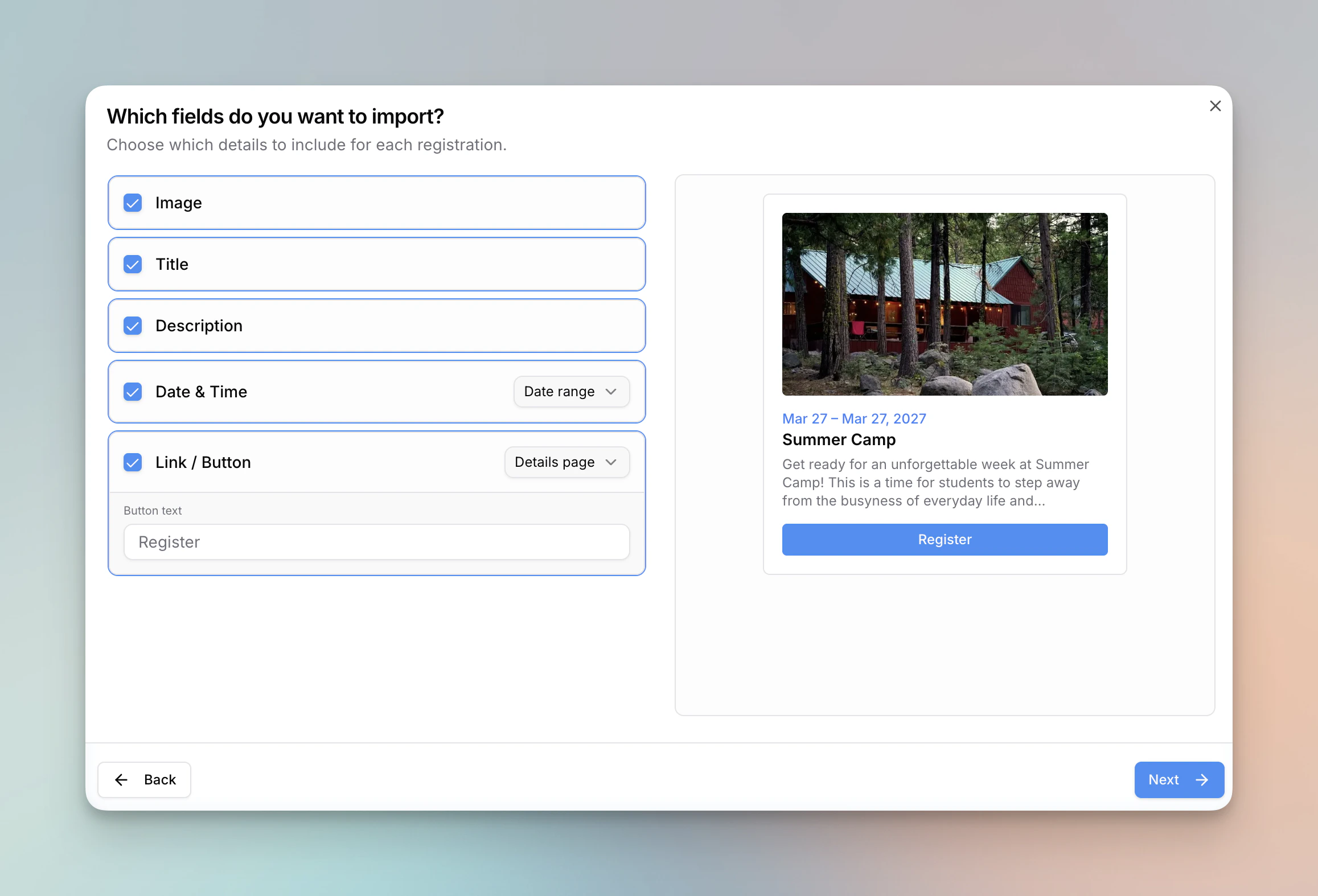
Improved: Import Content from Planning Center
- After selecting content to import, you can now choose which fields you want to import.
- When importing a link, you can set what you’d like the button text to be.
- After choosing which fields to import, we show you a preview of the two import styles: cards or blocks. This should make it easier to see how your content will look in the email editor.
- When importing Registrations, you can now bring in the first date of the event or the date range of the event.
- When importing Registrations, you can now select to use the direct signup link or you can use the link to the details page for the event in Church Center.
Improvements
- We also made some small improvements to the spacing of items in the cards block.
- We changed our underlying AI model from gemini-2.5-flash-lite to gemini-3.1-flash-lite-preview.
Fixes
- We fixed a bug where the @current-date merge tag would use UTC time instead of your timezone. We now get your timezone from your Planning Center account and use this for the merge tag.
Vimeo Support, Replication Improvements, and More
- You can now use Vimeo videos in the video block.
- You can now replicate an email from the scheduled page.
Improvements
- On cards that have a link, we now only link the image and button, not the entire card. This prevents the text from changing to a blue link color in some email clients.
- When replicating an email, we pre-fill the input with the original email’s campaign name (or subject line if no campaign name is set).
- The list selector now uses infinite scrolling to load more lists rather than just showing you the top 10 results.
- When you replicate an email, it now copies into the same folder as the original email.
Fixes
- We fixed a bug where the public page urls were not showing on the category page until you refreshed.
Email Folders
- You can now organize your emails into folders. Create, rename, delete, and color-code folders to keep your emails organized. Folders can be nested inside other folders for even more organization. You can move emails into folders directly from the emails table.
Campaign Name
- You can now set an internal campaign name for your emails. This is helpful for identifying your emails in the emails table and for search.
Email Rendering Improvements
- We’ve improved how the list block is render in email clients that use Microsoft Word as the rendering engine (such as Outlook LTSC).
Monthly Automation Emails, Domain Management Improvements, and More
- You can now set a monthly schedule for automation emails.
- You can now set spacing between columns and blocks in a columns layout.
- You can set the color of the links in your email footer.
Improvements
- When adding a domain, we now detect the domain provider and provide instructions for how to add the DNS records for your provider. This currently only supports a few providers, but we’ll be adding more soon.
Fixes
- We fixed a visual bug with the new email modal on mobile.
Improved Import Process
- We’ve made a few changes to our import process. First, you can now see who won’t be imported due to not having an email address. Second, you can now refresh or leave the page during the preview step without having to fully start over. Finally, you can see your import history and how people were brought into Planning Center. We believe these changes will make it even easier to get started with Flowforth.
Improvements
- We also made some tweaks so that emails render better in versions of Outlook that use Microsoft Word as the rendering engine (such as Outlook LTSC).
Email Style Changes
- You can now add borders to images.
- We added a 1 column layout to the email editor. The primary way this is useful is to add shared background images to multiple blocks.
- You can adjust the size of the social icons on your email footer.
- We added a new icon option for Church Center.
- We’ve added a new permissions level for “Email Designer.” This is a new role that can view, create, and edit emails, but cannot send or schedule them.
Improvements
- We’ve improved the email style section of the email editor. The different sections are grouped together and easier to navigate.
Categories Improvements
- You can now set a public link to view all the emails sent to a category on a webpage. There is also a stable link to the latest email sent to a category. This makes it easier to link to your latest newsletter on your website or Church Center.
- We’ve added a new page for email categories. You can manage settings, view recent emails sent to the category, and view people who have unsubscribed from the category.
- You can now archive categories that have sent emails. This will hide the category from the main list but keep it available for you to restore later.
- When viewing an email in the browser, you can now print the email.
Improvements
- We improved the sending speed of automation emails.
Fixes
- We fixed a bug where weekly automation emails would not start if the list contained thousands of people.
Calendar Import and Editor Improvements
- When importing from Calendar, we now use the actual event start time. Previously, if there was a setup time, this time would be used.
- We removed the “more blocks” button from the email sidebar. This makes it easier to access all the blocks in the email editor.
Help Center in Sidebar
- We’ve added a link to the Help Center at the bottom of the sidebar so you can quickly access it as needed.
Import People Improvements and In-Line HTML Edits
- When previewing a CSV import, you can now check or uncheck individual people to exclude them from the import.
- Each tab in the import preview now has a select all / deselect all checkbox.
- You can now set a custom fallback first and last name for contacts that are missing a name, instead of the default “Friend.”
- When using the HTML block, you now get a preview of content in the email editor. You can also edit any text in the HTML directly in the editor without having to edit code.
New Template Library
- Looking for a place to start with a new email? We’re excited to announce our new template library. Browse by color and email type to find the perfect starting point for your next newsletter, article, or invite. If you have a template you think other churches would benefit from, let us know!
- You can now set a custom corner radius for buttons and images.
- You can now add buttons to a list item on the list block.
- In an email is automatically suppressed by our system, that is visible in the UI.
Fixes
- We’ve fixed a few bugs with setting custom font sizes and custom text colors in the text blocks.
- We fixed a bug where sometimes the indicator of where a new block is going to be added did not align with where the block was actually added.
Font Families and Author Block Improvements
- Set a custom font family for selected text other than the default font set in your email.
- You can now control the size of the image and text on an author block.
Merge Tags Improvements
- Merge tags are now case-insensitive. This means, for example, that @first-name, @FIRST-NAME and @First-Name will convert to the recipient’s name.
Hidden Metrics, Card Aspect Ratio, and Rendering Improvements
- You can now hide an email from global metrics by clicking the three dots in the top right corner of an email’s metrics page or by clicking the three dots next to an email’s name in the emails table and then selecting to hide it from global metrics. This is helpful for one-off emails that you don’t want impacting your main metrics.
- You can now set the aspect ratio for images on cards to “square.”
Improvements
- We’ve made some improvements to how the cards block renders in multiple email clients.
- We’ve updated the underlying model for our AI features from gemini-2.0-flash-exp to gemini-2.5-flash-lite. This model should be faster and give better results.
Fixes
- Columns now correctly stack in the Gmail mobile app.
Deliverability Improvement
- We made a change to convert https://youtu.be/ links to their https://youtube.com/ equivalent. The former were leading to many emails landing in spam folders.
- We made some backend changes to improve our sync with Planning Center.
WiFi QR Codes and CSV Recipients Improvements
- You can now create QR codes for your WiFi network.
- When sending to a CSV, you can now select a first name and last name column so that you can use those merge tags.
Improvements
- We improved the “email is sending” page so that it automatically changes to the post-send page once it’s finished sending.
Inactive People Sync and Recipient Defaults
- We now include Did Not Send records by default when viewing a person’s page in Flowforth.
- We sync inactive people now for when your lists include inactive people and to prevent duplicates in Planning Center when importing people in Flowforth.
Fixes
- We fixed a bug where YouTube videos with a lower resolution thumbnail would show black bars on the top and the bottom of the image.
Footer Logo Size, Live YouTube, and More
- You can now set a custom size for the logo on your footer.
- You can now use live YouTube videos in the video block. This is helpful if you trim down your livestreams for your VODs.
Improvements
- We made a performance improvement on the backend, so now blocks should be added and auto-selected even faster than before This is most noticeable on slower wifi.
- When you submit a contact request at flowforth.co/contact, you now receive an email to your inbox letting you know that we got your request. We also improved how this notifies our team, helping us to respond faster.
- We filter out email templates from the recent emails on the home dashboard.
Fixes
- We fixed a bug where some changes on email templates weren’t saving.
Email Filters and Editor Fixes
- Filter on the email category on the emails table
Improvements
- Improved the block drop indicator to be more accurate.
Fixes
- We fixed a bug where typing in a text block and then quickly hitting “Save and Exit” after would lead to your most recent text content not being saved.
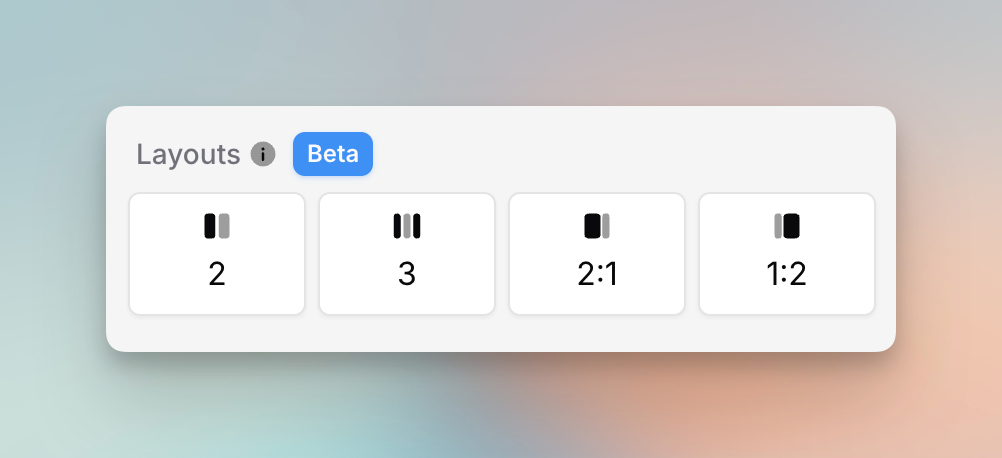
Columns and List Category Permissions
- You can now officially create column layouts in your emails using regular blocks. While the cards style will stick around, it’s no longer the only way to make a columns layout.
- You can change the cards block images to their original aspect ratio rather than just 16:9.
- You can set list permissions based on the list category. This way you can more easily control list visibility in Planning Center.
- We now filter out list with a hidden visibility status on the People > Lists table. You can show these by using the “include hidden” filter.
- We added a filter on the People table to filter between those who have and who don’t have an email address.
- You can now resize an image block on the image itself by grabbing and dragging the resize handle.
Improvements
- We improved the domain verification process by verifying your DMARC policy (previously it would always say ‘Recommended’) and by allowing you to share the DNS records via email with a team member. This is great if another team member manages your website/domain.
Extra Send Credits
- You can now purchase extra send credits for busier seasons where you need more sends but don’t want to upgrade your whole plan. These credits never expire and are only used after your monthly limit is exhausted. You can purchase extra sends in the billing section of settings. Extra sends can only be purchased if you are already on an active paid subscription.
Fixes
- We fixed a bug where some lists weren’t showing in the list selector on the drafts page.
Shorter Share Links, Hidden Lists, and Payment Notifications
- We’ve made the share links for emails significantly shorter. This should help for sharing this link via text and social media.
- On the recipients table after sending an email, you can now click a person’s name to go to their profile in Flowforth.
- You can now set lists to “hidden.” This will restrict non-owners from accessing these lists and it will hide the lists from owners when using the list selector on the “to” field. This should help cleanup how much information you’re seeing throughout the app.
- When a payment fails, we now notify all organization owners rather than just the email you used with Stripe. This is helpful if you use a general email for receipts but want to be notified if your card fails.
Asset Browser Improvements (and More)
- On the assets page, you can click an asset to preview it in a larger popup. On the asset browser in the email editor, you can click the “eye” button shown on hover to preview an asset in a larger view.
Improvements
- We added a tooltip to help better explain what “card style” means on an email.
- We’ve improved the search for Registrations when importing from Planning Center.
Custom Text Sizes and More
- You can now set custom text sizes for text in a text block, text in a button, and text in your email footer.
- If you’re viewing a List at flowforth.co/people/lists, you can now easily click a button to view that list in Planning Center.
- We added a link on the branding page to edit your default email footer. This helps you see all your branding options in one place.
- We’ve added some more options to the three dot menus on the emails table so that you can do more without having to go to the email’s page. This includes things like canceling a scheduled email, deleting a failed email, and copying the share link for sent email.
Fixes
- We fixed a bug where you couldn’t click the checkmark on the Import from Planning Center popup.
- We fixed a bug where new email templates wouldn’t show on the email templates table after hitting “save and exit.” Before, you had to refresh to see the new template.
Reply-To Address on Test Emails
- We now set the reply-to address on test emails to the person who sent the test. Before, replies would either go to the Flowforth team or to your organization’s default email address. This should make collaborating on emails a bit easier.
Drag and Drop Uploads
- We’ve added drag and drop uploads to the asset browser. Before, you had to click a separate upload button. Now, you can drag files straight into the asset browser or assets page.
Send Limit Info and Mobile Error Display
- We now let you know when you plan resets on the send usage warning emails.
- We made email errors easier for you to read on mobile.
More Linking and Alignment Options
- You now have more linking options throughout your email. You can link to a traditional web link, an email, or a file from text, images, and buttons.
- We’ve added more alignment options for buttons and images. You can now justify right, left, or center.
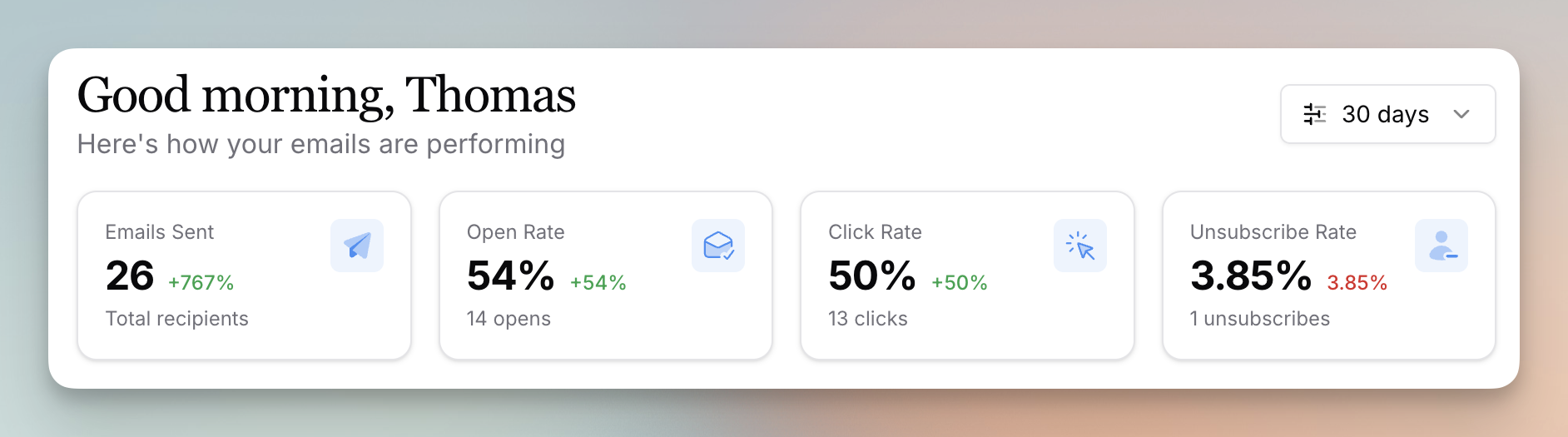
Home Dashboard and Many Small Improvements
- We officially have a global dashboard to give you a better understanding of what’s happening in your account. You can see your aggregated metrics, recent emails, your email send limit, and recently unsubscribed contacts. Let us know what other stats you would like to see included.
- You can now export your contacts with this subscription status. We also give you a link on this export to view the person in Planning Center or view them in Flowforth.
Improvements
- We’ve improved the accuracy of the subscribers count on the People page.
Improved Text Color Picker and Email Limit Warnings
- We now send organization owners a email if your send limit is over 75% used. This should help you catch this early rather than finding out from an email failing to send.
Improvements
- We’ve improved the color picker in the text block. It should be easier to set a custom color for text.
Missing Names on Recipients Table Fix
- We fixed a bug where there were many people on the post-send recipients table who had no first name or last name.
Clearer Send Limit Error Emails
- We’ve made the error emails for hitting your sending limit more clear so you know what’s wrong and have an easy way to upgrade your plan.
Drag in “Import from Planning Center”
- You can now drag the “Import Content from Planning Center” button into your email where you want the content to be imported. Before, all content was added to the end of the email.
Planning Center Sync Improvements
- We made some improvements to how we keep your Planning Center and Flowforth data in sync.
Asset Browser Improvements
- We made the asset browser larger in the email editor, and it now loads more assets on a single page.
- We also made significant improvements to how fast your assets load.
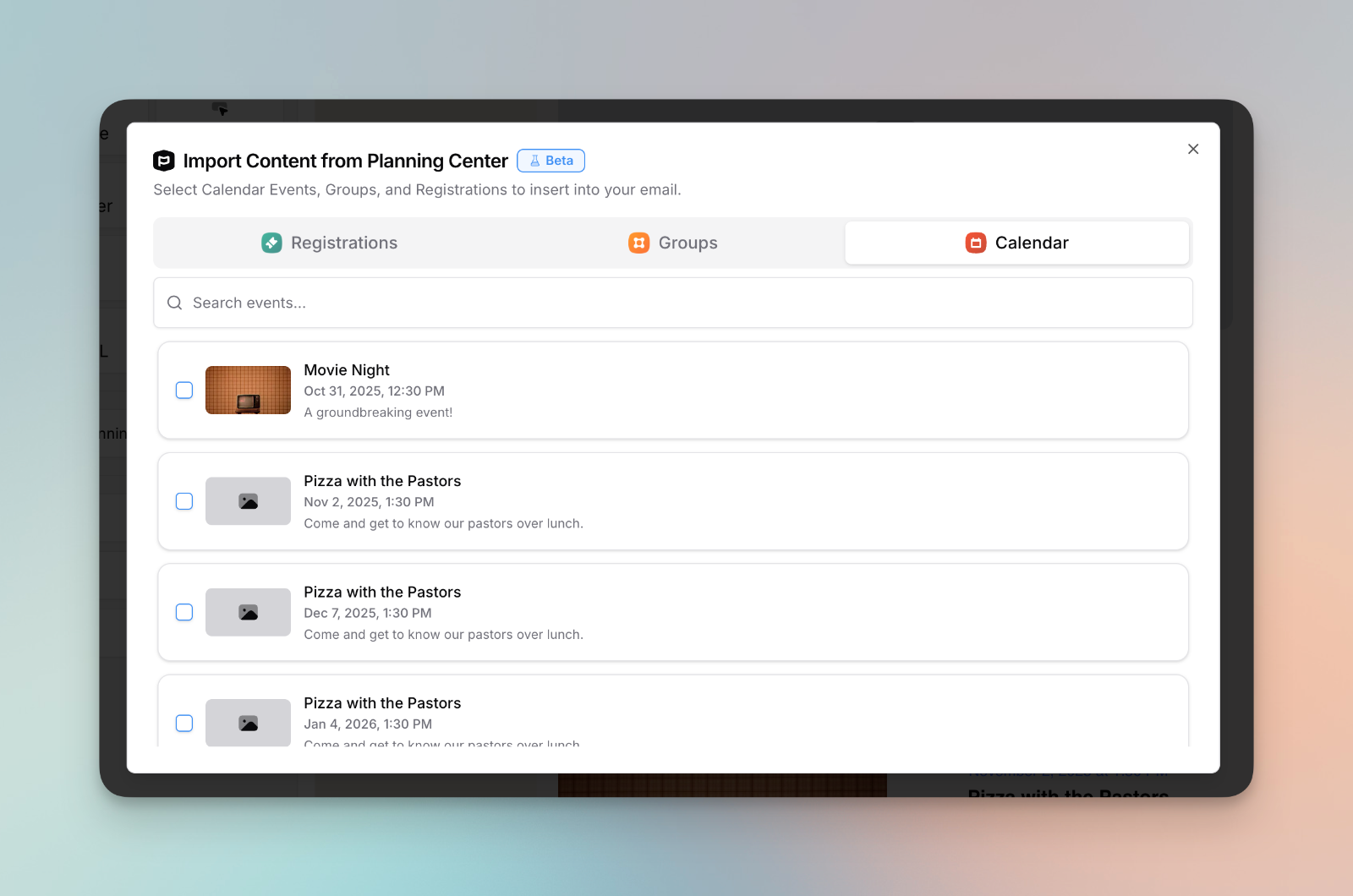
Bug Fixes and Improvements
Improvements
- We improved how headers in a text block render on Gmail to closer match what you’re seeing in the editor (and other email clients).
Fixes
- We fixed an issue where email templates were still tied to a Planning Center List. This meant if someone couldn’t see the list, they couldn’t see the template, but there was no way to control this. This has been fixed.
- We fixed a bug with importing unsubscribes.
Sent Status Overwrite Fix
- We fixed a bug where the “sent” status was sometimes overwriting “delivered.”
BETA: RSS Feeds
- Set up an RSS feed for a list category that people can subscribe to and receive in their RSS reader of choice. This can also be used in a website RSS feed embed.
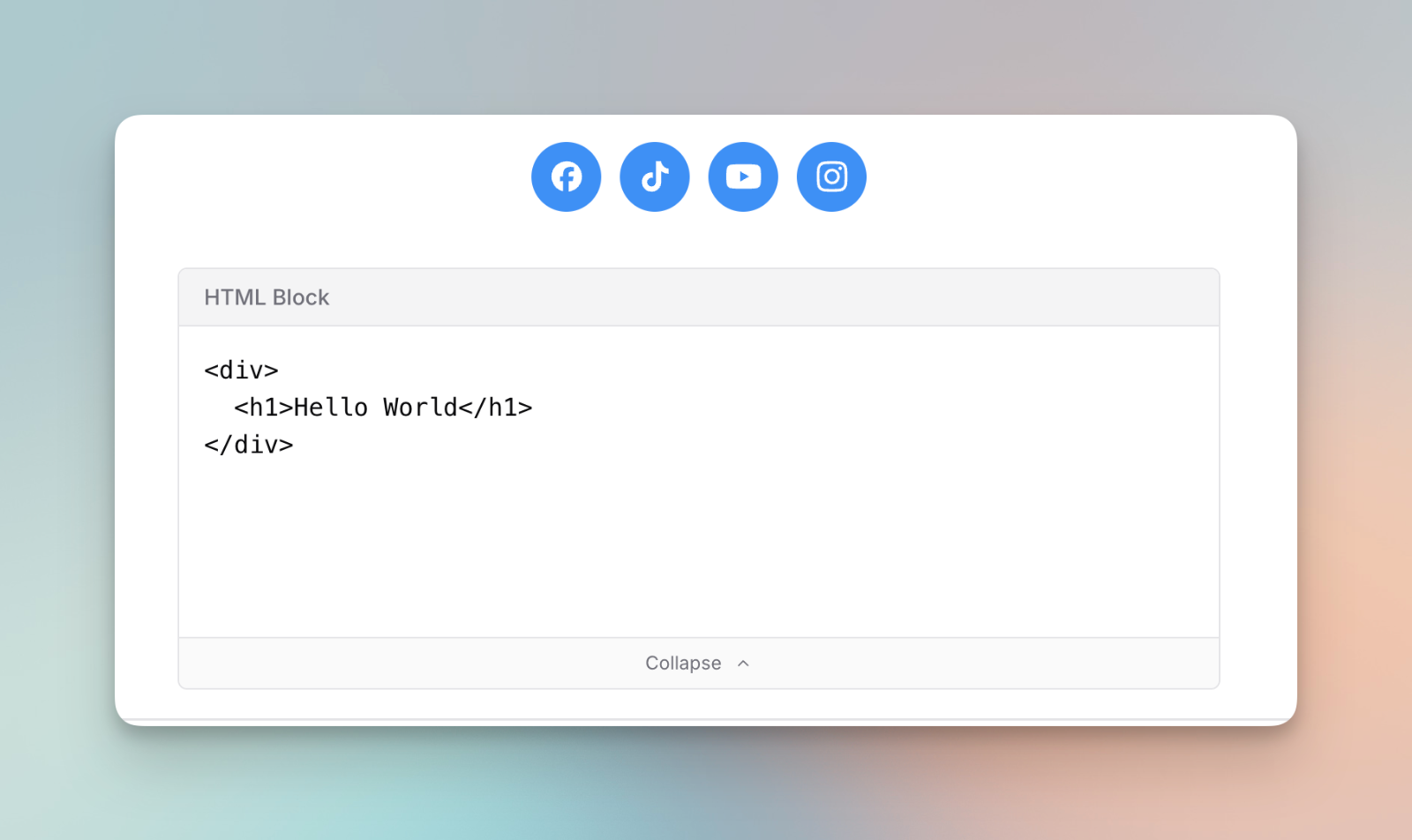
NEW: HTML and Icons Blocks (and Other Improvements)
- Add social media icons and custom HTML to your emails. There’s room for one more block. Any guesses on what’s next?
- You can now archive an email after sending to keep your emails table clean.
Domain Verification, PCO Setup, and Toast Improvements
- We made it easier to retry your domain verification if it fails.
- We improved the process for setting up your Planning Center connection.
- We’ve updated our ‘Toast’ component to be cleaner than ever.
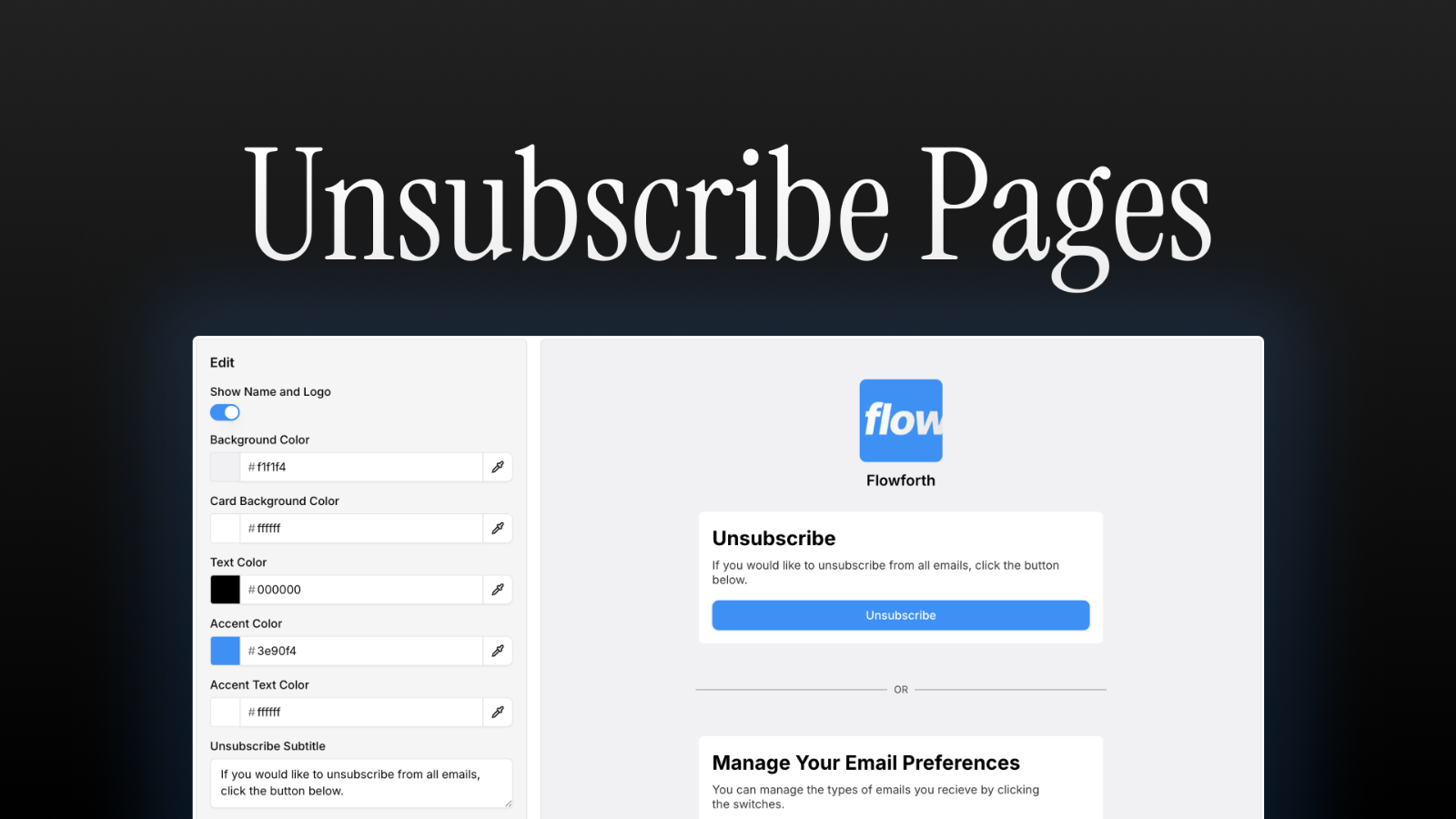
Customize Your Unsubscribe Page
While the hope is that no one ever visits this page, the reality is, people will unsubscribe and update their email preferences. We’re happy to announce that you can now update what that experience looks like for your people.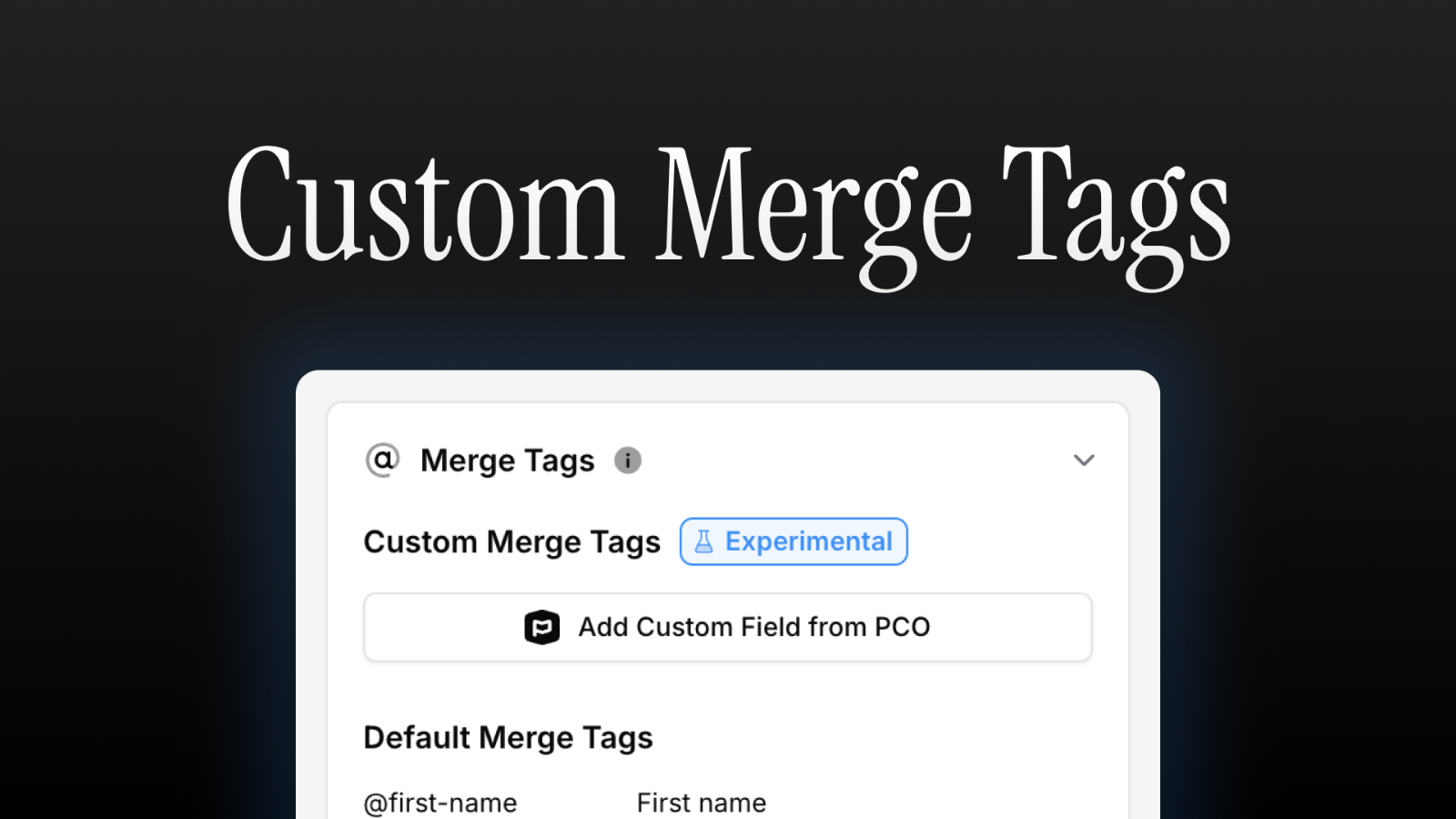
Use Planning Center Custom Fields as Merge Tags In Your Emails
You can now use your custom fields in Planning Center as merge tags in your emails. We love using this for things like confirming we have the right information for our people or letting people know who their deacon/assigned staff member is, but the possibilities are endless.Try it now by adding a text block to an email, clicking “Merge Tags” in the sidebar, and clicking “Add Custom Field from PCO.”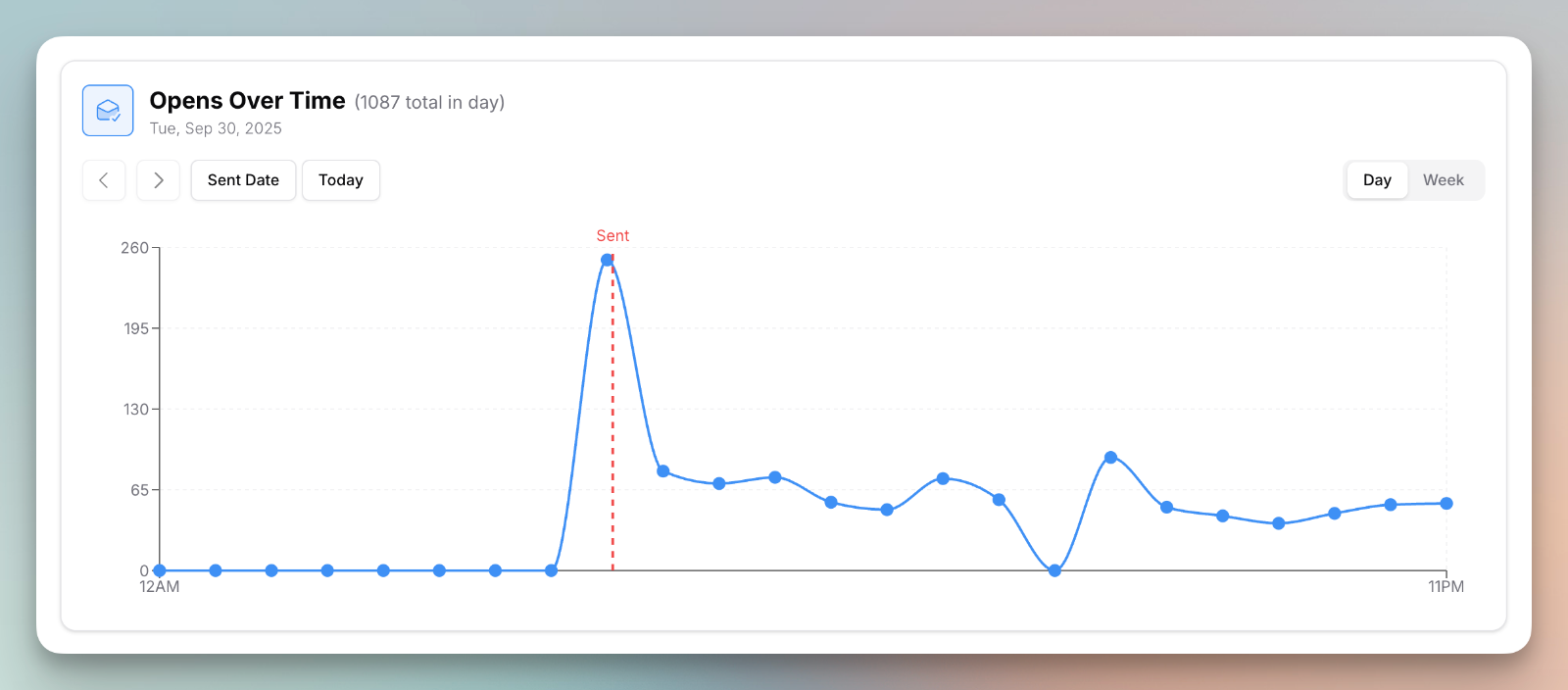
See Opens Over Time
- While open rates aren’t the best metrics to track, they still give helpful insights into the performance of your email and what time you should be sending. That’s why we just rolled out a new chart on the metrics tab of sent emails. You should see this on any email sent from this week forward.
- You can also now click on a link on the sent email page to see who clicked that link.
Improvements
- We also cleaned up the links section on the sent email page so that your link click stats aren’t cluttered with people clicking on the unsubscribe and manage preferences links.
Import Registrations and Groups from Planning Center
Tiered of repeating work and hunting down the right links? You can now import Registrations and Groups straight from Planning Center into your emails. After selecting items, we’ll bring in the image, description, and a button linking to the sign up.List Block Updates
- The List block should be easier to use with just a keyboard. You can now type directly in it on the email editor, use arrow keys to navigate, and use the return/enter key to make more items.
- We disabled using ’---’ in a text block to make a
. We recommend using a divider block for horizontal rules as you have much greater control over them.
Plain Text Merge Tags
- You can now use merge tags in any block by typing them out (i.e., @first-name replaces to the person’s first name). Before, the merge tag feature only worked in a text block when you used the @ menu.
Fixes
- We also fixed a bug where the block order was sometimes incorrect after bulk duplicate blocks in the email editor.
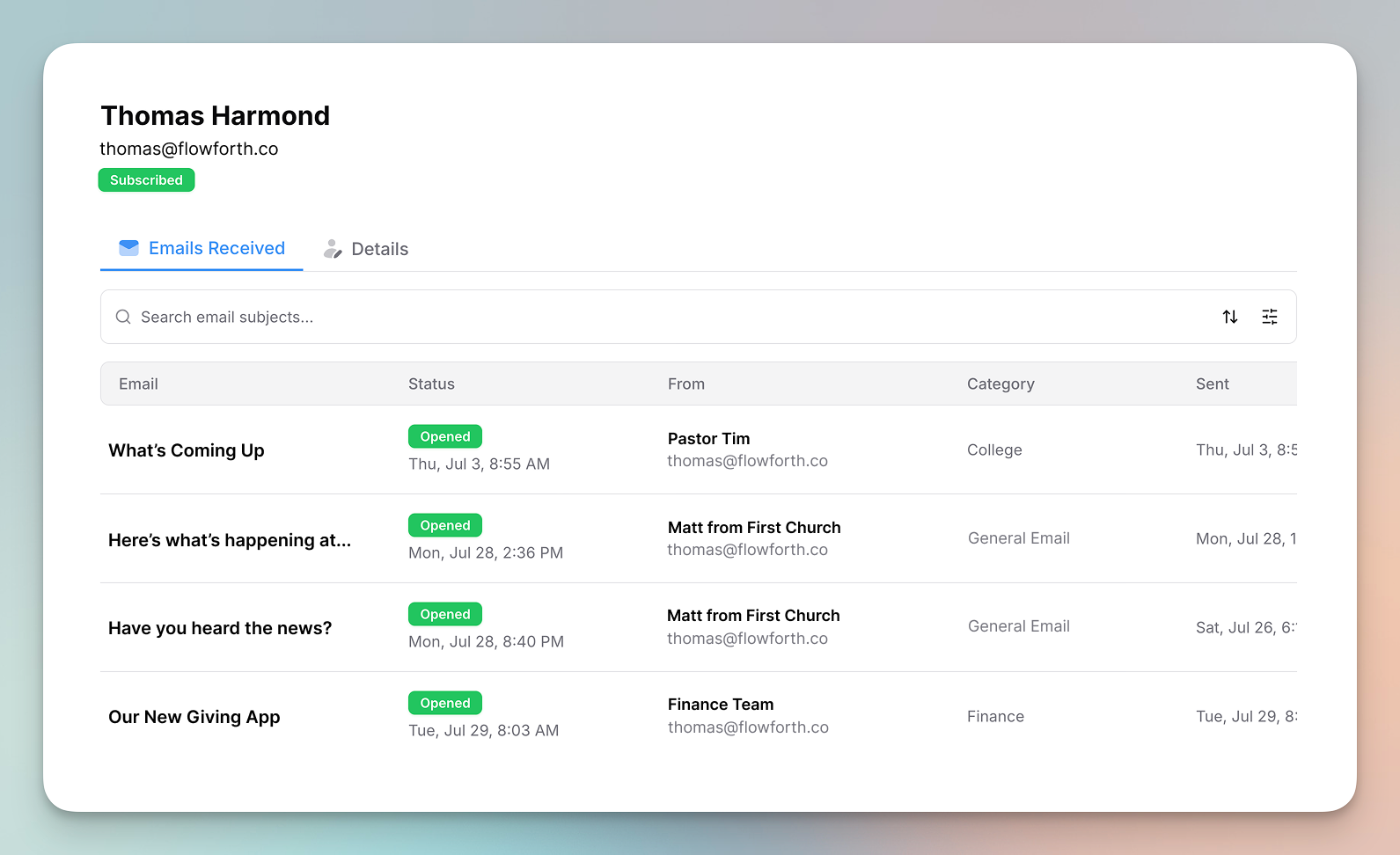
Person Page and List Table Updates
- You can now click on a person’s name at https://flowforth.co/people to see the emails sent to that email address. You can also set a custom email address for a person that is different from their Planning Center email address. This can be helpful for people who like newsletters to go to a different email address than Planning Center notifications.
- You can now see and filter by a list’s category in Planning Center on the table at https://flowforth.co/people/lists.
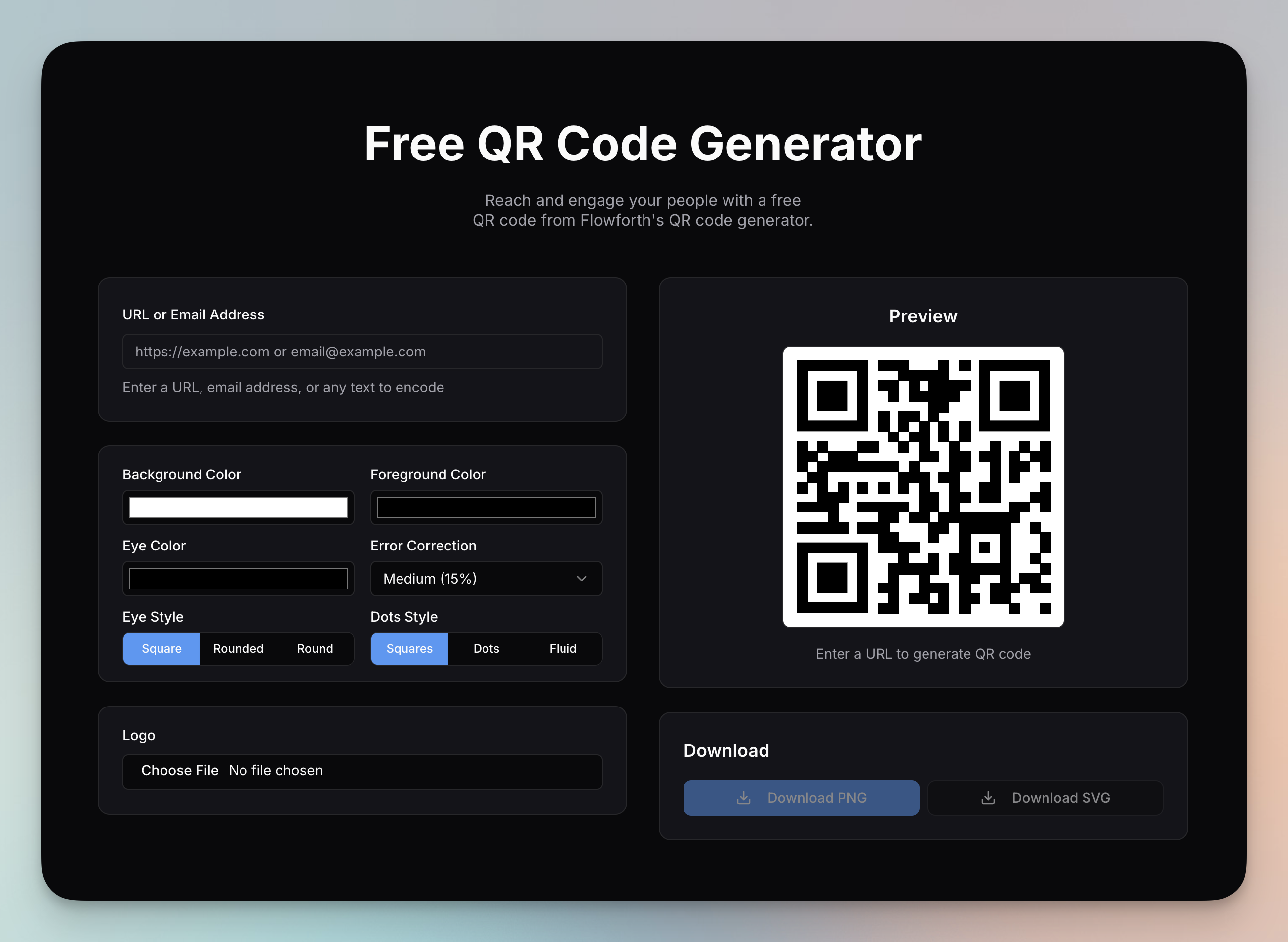
Free QR Code Generator and More
- We released a free QR code generator that isn’t tied to your account. Try it out at https://flowforth.co/tools/qr-code-generator.
- We added a filter for the from email address on the Emails table.
Fixes
- We fixed a bug with the video block. Before if a thumbnail wasn’t a high enough resolution on YouTube, you would get an error on Flowforth. Now, if the high quality thumbnail isn’t available, we use the next best option from YouTube.
Persistent Sort
- When you set a sort direction on a table, that should now persist if you refresh or change pages and come back.
Church Space is now Flowforth
Today, we have some exciting news to share regarding our company.Church Space is now Flowforth.This new identity better aligns with our focus: to serve churches and non-profits who use Planning Center by providing communications and content tools that are a joy to use. We are deeply committed to serving you and your ministries, and this is another step forward as we continue to improve our email capabilities and begin to expand beyond email.Today, we’ll begin migrating our website from churchspace.co to our new domain, flowforth.co. If you run into any issues during this transition or have any questions, reach out at support@flowforth.co and I’ll be happy to help 1-on-1.New Email Dialog Improvements
- We made some small changes to the new email dialog when you start a new email.
CSV Unsubscribe Reason Tracking
- If you import a person as unsubscribed, we now mark their unsubscribe reason as “Unsubscribe imported from CSV”.
Persistent Block Styles Panel
- When you open the block styles and then click another block, the block styles options will stay open for you so you don’t have to click them again.
Confirm Bulk Changes to Lists
- When bulk-changing list permissions, we now have you confirm this change. This should prevent accidental changes.
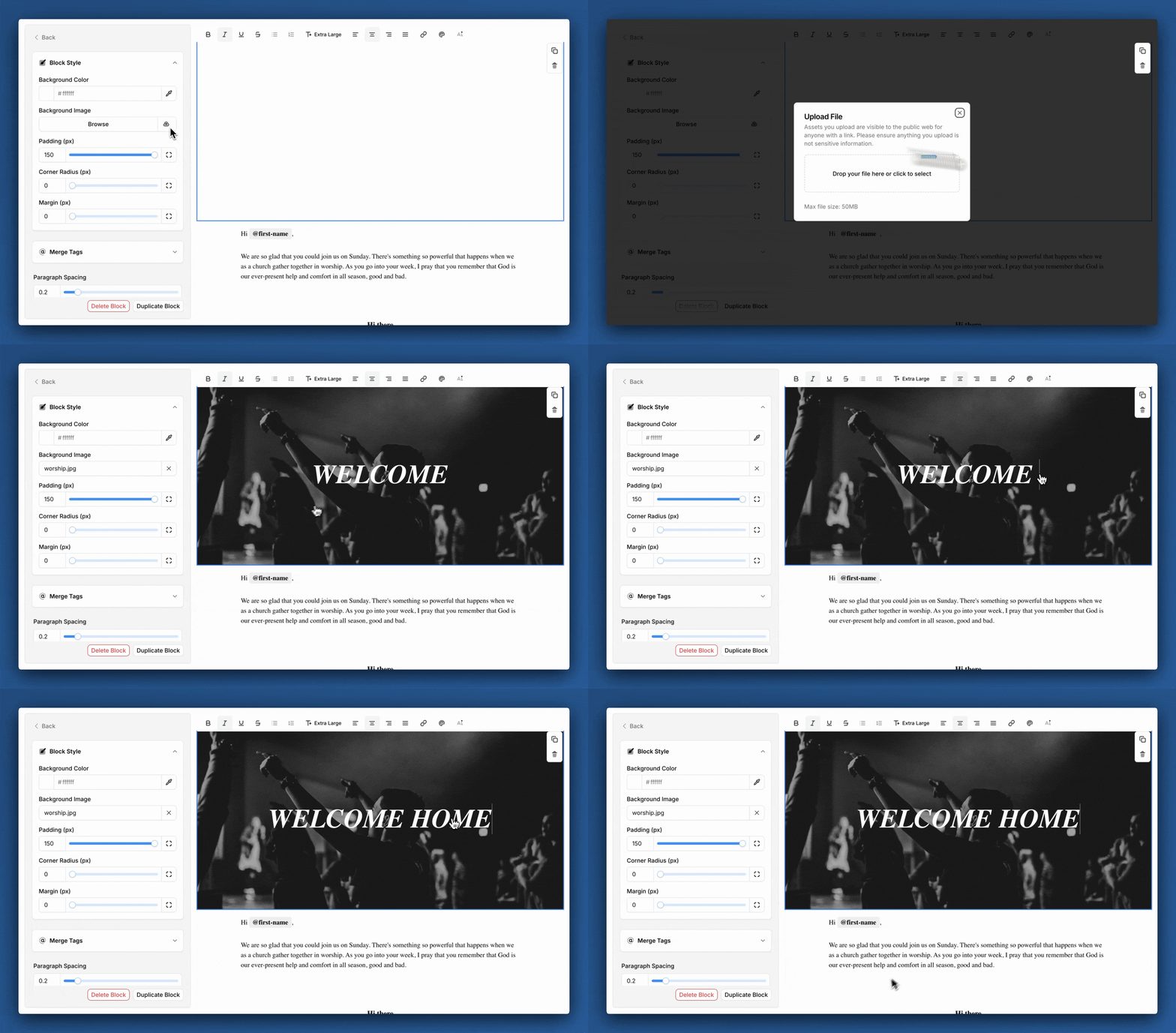
Background Images on Blocks
Since we launched in May, we’ve put out many new features: custom block styles, recurring automation emails, and an improved link page builder, to name a few.Today, I want to share a new, highly requested feature: Block Background Images.Background images allow you to send beautiful, engaging emails that stand out in an inbox full of noise.To add a background image, click on a block in the editor, click “Block Styles” in the sidebar, and then add a background image of your choice. We think this looks best when you turn off ‘Card Style’ in the email style settings. We can’t wait to see the emails you design with this new tool.Know Why a Person Didn’t Receive an Email
- We improved the recipients table to give you more information on why a person was not sent an email (i.e., they don’t have an email address, they share the email address with someone who was sent the email, they have an invalid email address, etc.)
HTML Email Generation Improvements
- Improved how we generate the code that is sent for HTML emails.
Recipient Stats and Personalized To Field
- On the post-send page of an email, you can now click a stat to be taken to a filtered view of people with that status on the email recipients table.
- We now personalized the ‘to’ field for email recipients with their first and last name, rather than just using their email.
Bulk Block Duplication and Increased Block Limit
- Duplicate multiple blocks at once in the email editor.
- We’ve increased the limit of blocks in an email from 50 to 100.
Drag and Drop Preview Improvements
- Better drag previews when moving a block in the email editor.
- Improved the drag and drop experience on the email editor.
Select and Move Multiple Blocks at Once and More
- In the email editor, you can now hold down shift or command/control to select and move multiple blocks at once.
- NEW: Create automated emails that send at the same time each week.
Improvements
- We improved the People table to show more information about a person’s status.
Custom Text Colors
- Set custom text for any text in a text block rather than being limited to the default and accent text colors.
Team Invites and Email Validation
- We’ve made some changes to the invites process that should make it easier to invite your team.
- We now validate email addresses before sending to them. While Planning Center does validate email addresses when you add them, their validation doesn’t catch everything. This second check should lead to fewer bounced emails.
List Members Update
- We no longer get and store the members of your lists in our system. We now get the list members at the time of send. This helps ensure everything is up to date and no data is stale.
Improved Email Table Sorting
- When sorting by status on the emails table, we now do a sub-sort by sent at, scheduled for, and updated at.
BETA: Send an Email to a CSV
- Sometimes you need to send a bulk email to people who aren’t in your Planning Center account. Now, you can upload a CSV of email recipients and send a beautifully designed email their way without adding them to Planning Center.
Improvements
- We also made some improvements to the block styling so you have more control over your designs.
Send Us Your Feedback
- At the bottom of the sidebar, you can now quickly send us your feedback to let us know any issues you run into, feature ideas you have, or things you’d like to see improved.
Paragraph Spacing and Line Height on Text Blocks
- You can now set line height, paragraph spacing, and list item spacing on a text block.
Set a Custom Refresh Schedule for Lists
- Ever wish you could refresh a Planning Center list right after church instead of 2am? You can now set custom list refresh schedule from the People > Lists page. This is great for building automations that run right after church rather than the day after.
Planning Center Sync Fixes
- We’ve fixed a few bugs and improved the quality of our sync with Planning Center.
Change Your Organization Logo
- Upload your church’s logo to be used throughout your Flowforth account.
- Upload and change your profile picture for your own account. Previously we used your Planning Center profile picture.
New Merge Tags and People Import Improved
- We’ve added merge tags for the current month and current date (at time of send) that you can use in a text block in an email.
- When you import subscribed people from a previous platform, you’ll be take to a import preview where you’ll see who will be created in Planning Center, who is already in Planning Center with a matching email, who is already in Planning Center with a matching name, and who has a matching name and email that will be updated and tagged.
Email Templates and Recipients Tables
- You can now duplicate email templates.
- You can create a new email from a template directly from the email template table.
- Sort and filters added to the email recipients table after you send an email.
- We’ve restricted some link page slugs from being used.
App-Wide Link Improvements and More
- When previewing an email, there is now a table to let you see what links are in an email.
- You can now see the stats of how many times your links have been clicked on your link pages.
- You can now set the permissions you would like a user to have when you invite them.
Improvements
- QR Code scan statistics should load significantly faster.
- We made some changes to our tables throughout the app to improve performance and to allow you to sort and filter on more attributes.
Clean Up Text with AI
- While we don’t believe you should use AI to write what you’re asking your congregation to read, it can be helpful for cleaning up some copy you’ve already written. To make this easier, you can now ask AI to help cleanup text in a text block.
Cleaned Up Copy, Unsubscribe Page Changes, and More
- Some places previously said “duplicate email” where others said “replicate email.” We have cleaned this up to only refer to this action as “replicate.”
- If someone clicks “unsubscribe” on an email, we now show the email category preferences under the confirm unsubscribe button. This lets people see if that they have options to manage preferences preventing accidental full unsubscribes.
- You can no longer sign up for a Flowforth account with a temporary email address. This helps to prevent abuse of our system.
Planning Center Lists Syncing Improved
- We now periodically check if there are any Planning Center lists missing in your Flowforth account. This typically happens when a list is shared with the account who connected Flowforth to Planning Center but no changes were made to the list since then.
- We also added a notice to let you know if a list you’re sending an email to is still syncing into our system.
More Granular Permission Controls
- You can now choose if a member has access to emails, people, QR codes, and link pages.
Custom Footer Address
- You can now change the address in the footer of an email to be different than your main account address.
Major Email Editor Improvements
- Each block can have it’s own styles separate from the main email style. This allows you to give the block it’s own background color and adjust the padding and margin. This means you can now have images go edge-to-edge on a card style email.
- In addition to buttons, you can now type on every block directly in the editor.
- Videos now show a play button on them to help people know that they’re a video.
Improvements
- We deprecated block spacing as you can now control this via the block padding.
Small Improvements and URL Changes
- In a text block, you can type @view-in-browser to insert the view in browser link. This link is unique per recipient which ensure merge tags (like first name, last name, and email) still work.
Improvements
- We moved the email manager (where people can unsubscribe and update their preferences) to a new domain (https://churchspace.email)
- We changed the link for proxied content (https://churchusercontent.com).
- We made it easier to retry a failed domain verification.
- Sent images are now cached and should load faster for most users in their emails.
Fixes
- We fixed some bugs in the text block. You should have a better experience pasting text and your text alignment will persist when you change text size.
View Emails in Browser
- You can now view emails in the browser. This option is on the bottom of every email.
Small Changes and Bug Fixes
- Type in buttons within the editor to change their text. Previously you could only change the text using the sidebar.
- Dividers can now have a height of 0. This lets you use the divider block as a spacer.
Improvements
- We now proxy images in emails which helps prevent them from not loading for people who use Apple’s Mail Privacy Protection.
Fixes
- We fixed a bug that was occasionally causing text emails to take 30+ minutes to send.
Test Emails Persist
- Test emails should now persist in the input. This saves you from having to type in your email address(es) in every time you want to send a test.
Lists Are Under People (and Bug Fixes)
- Lists and lists permissions are now under the People tab on the sidebar
- You can manually refresh your lists using the Actions button on the Lists page. This is helpful is a list is shared with the account that did the sync with Flowforth and Planning Center and it’s not showing up right away in Flowforth. We have a better fix for this in progress.
Improvements
- We removed the domain step from getting started, allowing new accounts to get in the app faster.
Fixes
- We fixed a bug that was causing imports to fail if a column has an apostrophe in its name.
Rich Text in Email Footer Description
- We’ve added rich text editing to the email footer so you can add formatting and line breaks to your footer description.
AI Subject Lines
- While we continue to work on our AI email builder, we’re putting out a taste with our subject line generator. Give it a go and let us know what you think!
Improved Permissions
- You can now restrict who can access certain lists, their list members, and the emails sent to those lists. This should help secure any confidential lists and emails.
- You can change the default sync permission in settings if you would prefer to have all lists be visible to owners only by default.
Import Improvements and Bug Fixes
- We’ve added the option to input the name of a former audience when importing contacts. This will show up in Planning Center under the Flowforth custom tab.
Improvements
- We added a nicer loading state for the email editor and the email preview.
Fixes
- We fixed a bug that was making all new email templates use Courier New as the font family.
- We fix the focus ring being clipped on the editor’s sidebar inputs.
- We fixed a bug on the categories table where if you added a new category and then went to edit a category, the wrong category editor would potentially open up.
- We fixed a bug that wasn’t allowing email previews to load and test emails to send in Webkit based browsers (Safari, any mobile browser on iOS, etc.).
- We fixed a bug where the color scheme previews were not showing on the new email modal on Safari.
Email Editor Sidebar Improvements
We’ve made a few small changes across the app.Improvements
- We have cleaned up the email editor sidebar to make it easier to view your content. All inputs should noe be wider and easier to read. We brought this change to the link page editor too.
- We improved how much control you have over buttons. We still have a long way to go to give you a more powerful email editor without introducing complexity.
Fixes
- We fixed a bug in our email subject tips where numbers were counting as emojis.
Planning Center is No Longer Required for Onboarding
You now no longer have to connect to your Planning Center account to explore Flowforth’s email builder, to use QR codes, or to use link pages.Add an Automation Offset for Auto-Refreshed Lists
Planning Center Lists refresh at 2am in the timezone set in your PCO account localization settings, but we don’t want to email our people at 2am. So, we added an offset option to our automations to make sure the flow starts at a good time.Flowforth is Officially Publicly Available
This is the beginning of our journey to free your ministry from app overload, and it starts with three things:- Email Marketing and Automations
- QR Code Management
- Link Pages