

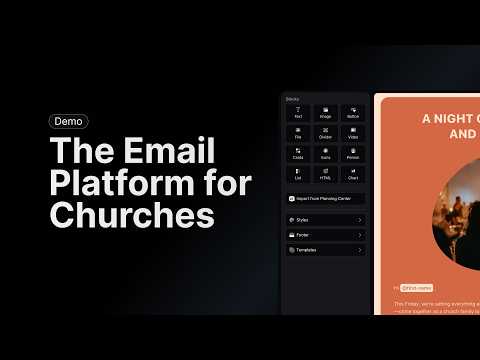
Getting Started with Flowforth
Set up your Flowforth account, connect Planning Center, add your domain, and send your first email.
Planning Center Integration
Connect Planning Center to sync your church’s people and lists, and send to groups and registrations.
Importing Content from Planning Center
Import groups, registrations, events, and announcements from Planning Center into your emails.
Linking to Planning Center Content
Add links to Planning Center forms, registrations, groups, and events directly in your emails.
DNS Setup
Add and verify DNS records so you can send authenticated email from your church’s domain.
Importing People via CSV
Upload CSV files to import contacts, unsubscribes, and cleaned addresses into Flowforth.
Canva Integration
Connect your Canva account to browse designs, import images, and turn Canva designs into emails.