

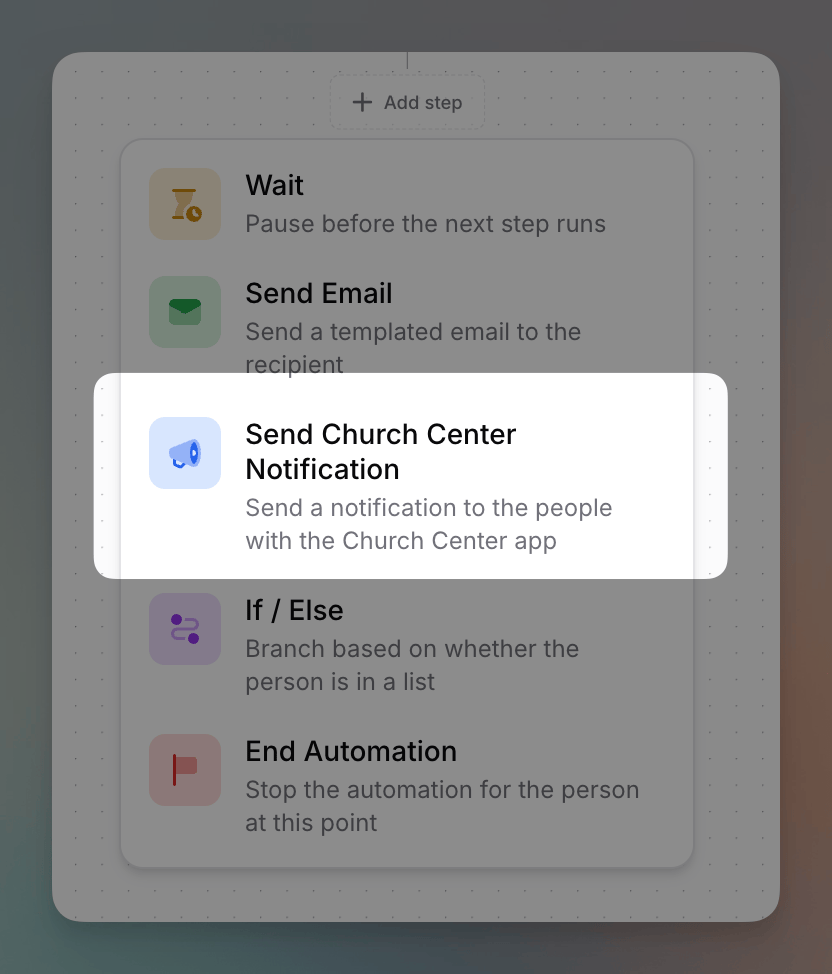
In Planning Center, this is called a Church Center Message (previously
Church Center Announcements). Flowforth calls it a Church Center
Notification — it’s the same thing.
Setting It Up
Fill in:- Title — the headline of the notification (up to 100 characters)
- Body — what you’d like to notify people about
- Auto-dismiss after — how long the notification stays before it’s automatically marked as read: 1 day, 3 days, 1 week, 2 weeks, or 1 month
- Link (optional) — a link to open from the notification. When someone views the notification in Church Center, this appears as a button they can tap.
- Link text (optional) — the label shown on the button. This is only available once you’ve added a link.
Adding this step requires the Church Center Notifications permission, or you must be an organization owner.
Your organization needs a connected Planning Center account to send Church Center notifications. You can also send a Church Center notification when sending an individual email — see Church Center Notifications.